






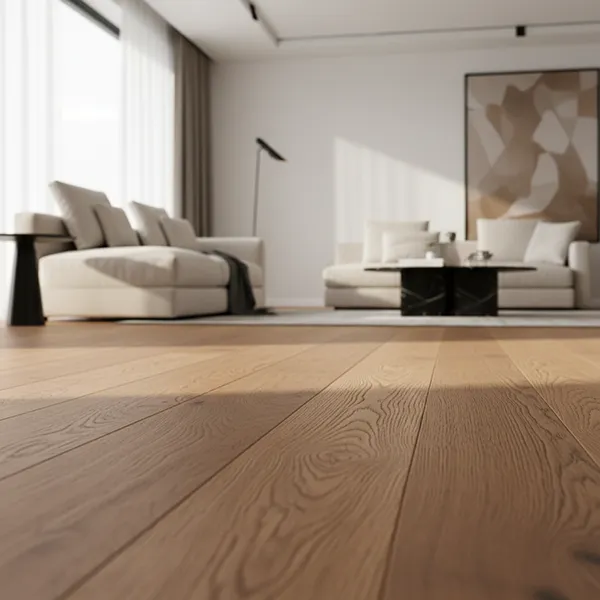
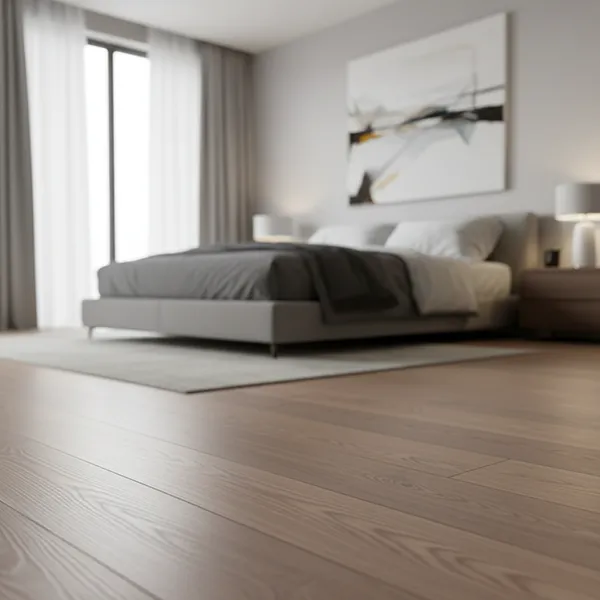
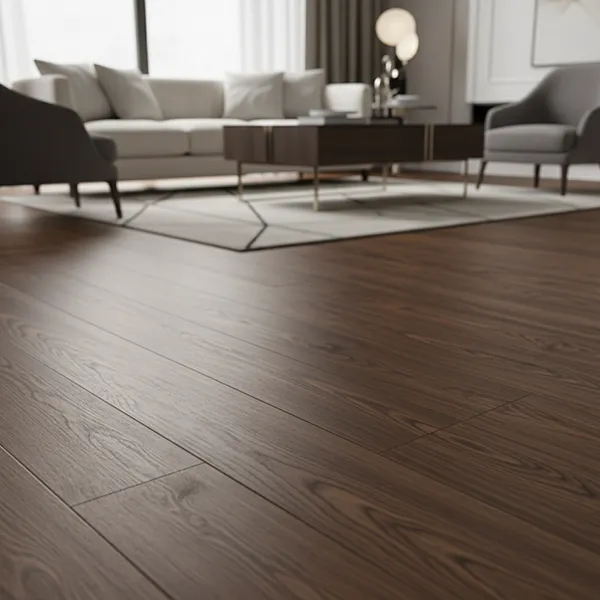
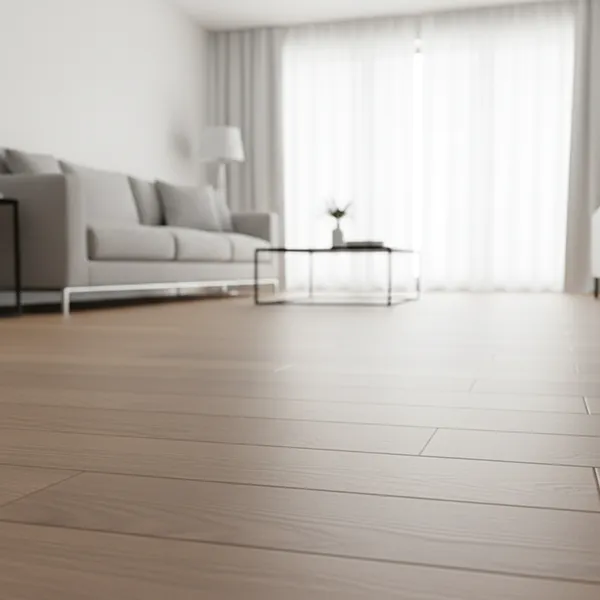









Best 3d Wall And Floor Tile Visualizer In Egypt | Tiles Display

See your tiles in real spaces before spending money. Use the TilesDisplay 3D tile visualizer to compare designs and avoid costly mistakes.

Best Tile Visualizer In Egypt
Tiles Display - 3D Tile Visualizer

Best Tile Visualizer In Egypt

Why Tile Choices Often Go Wrong in Egyptian Homes

In Egypt, most people choose tiles directly from shops or catalogs.

But what you see there is not what you get at home.

Common problems include:

  • Tiles looking brighter or darker under strong sunlight
  • Colors not matching between floors and walls
  • Designs making rooms feel smaller or crowded

This is especially common in apartments, where space and lighting play a big role.

The result? Money is spent, but the final look doesn’t feel right.

Visualise Your Tiles Before You Buy, Not After Installation

A small tile sample doesn’t show the full picture.

It can’t tell you:

  • How tiles will look across an entire room
  • How they will reflect natural light
  • How they will match with other elements in your space

With the TilesDisplay 3D tile visualizer, you can:

  • Apply tiles directly to your room
  • Try different styles instantly
  • Compare multiple options side by side

This helps you make the right decision before installation begins.

Use the TilesDisplay 3D Tile Visualizer in Minutes

You don’t need design experience to use it.

The TilesDisplay tile visualizer is simple and practical:

  • Upload your room photo or choose a sample space
  • Apply tiles to floors and walls instantly
  • Switch between colors, textures, and finishes
  • See changes in real time

This tile layout visualizer lets you test ideas quickly and clearly.

Visualise Tiles for Floors, Walls & Kitchens

A tile visualizer becomes most useful when you can apply it to the spaces you use every day.

Floor Tile Visualiser

In many Egyptian homes, tiles cover the entire floor.

With a floor tile visualiser, you can:

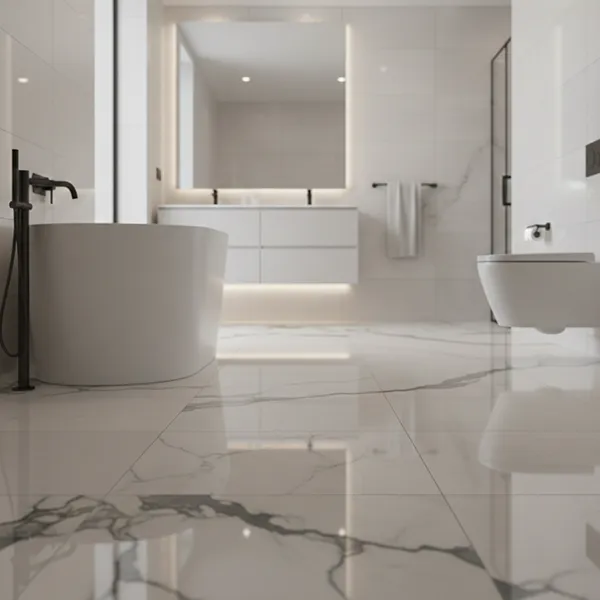
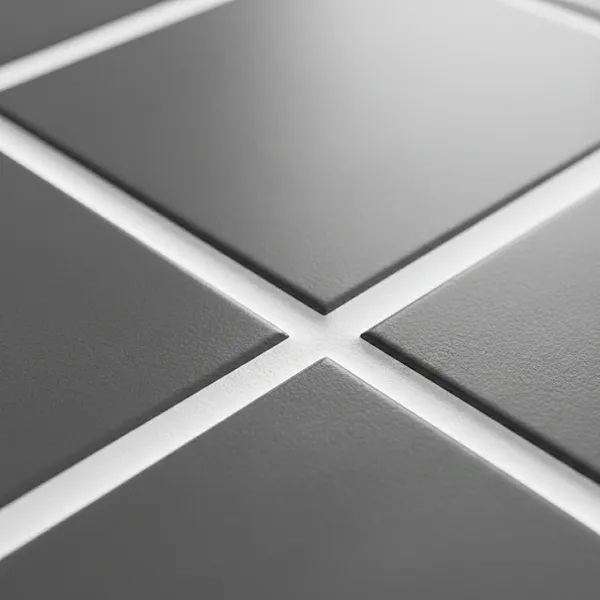
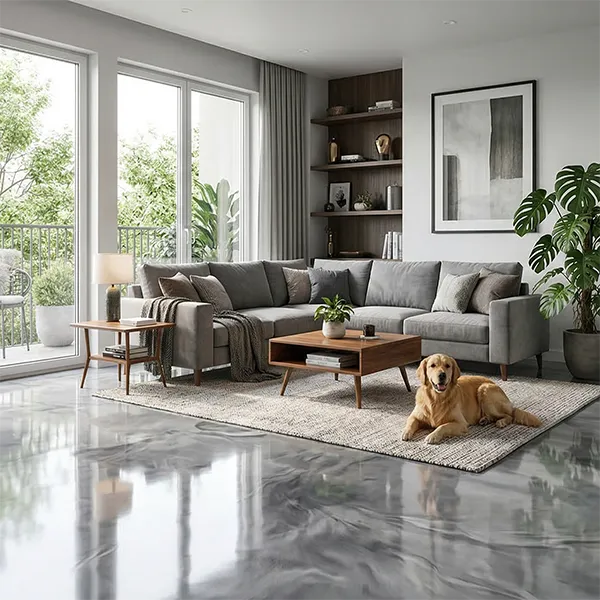
  • See how tiles look across large areas
  • Choose sizes that fit your space
  • Avoid designs that make rooms feel smaller

Wall Tile Visualizer

Wall tiles are common in kitchens and bathrooms.

Using a wall tile visualizer, you can:

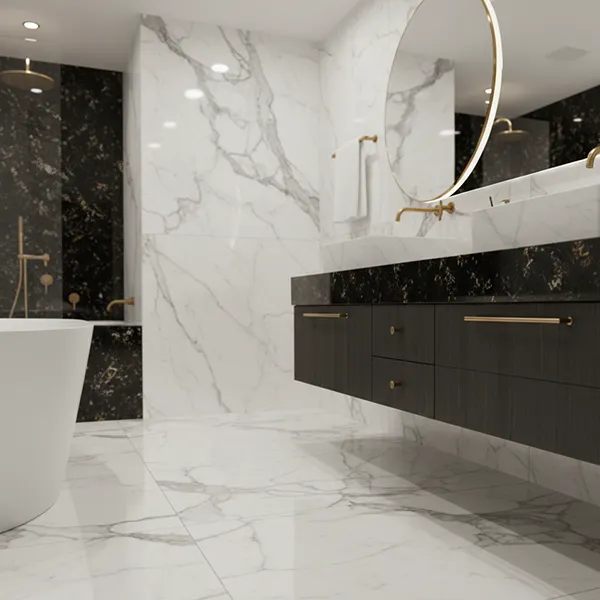
  • Match wall tiles with flooring
  • Test different finishes
  • Create a clean and consistent look

Kitchen & Backsplash Design

Kitchens are one of the most important areas in the home.

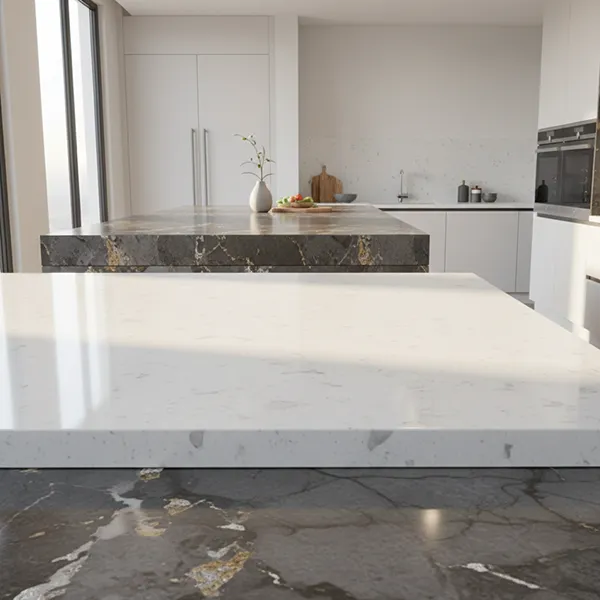
With a backsplash visualizer, you can:

  • Try different wall tile combinations
  • Match tiles with cabinets and surfaces
  • Avoid clashing colors or patterns

Full Room Visualization

Combine wall and floor tiles using the TilesDisplay tile visualizer to see how everything works together.

This helps you avoid mismatched designs across your space.

Test Tile Layouts Before You Finalize Your Choice

Tile layout affects how your space feels.

With a tile layout visualizer, you can:

  • Try different tile directions and patterns
  • Adjust spacing and alignment
  • Compare layout options instantly

In smaller spaces, the right layout can make a room feel bigger and more balanced.

Seeing this before installation helps you avoid costly changes later.

Make Smart Tile Decisions with TilesDisplay

Most people use a tile visualizer because they want to avoid mistakes.

With TilesDisplay, you get:

  • A clear view of your final design
  • Faster and more confident decisions
  • Better results without trial and error

This 3D tile visualizer helps you choose tiles based on what you can actually see not guess.

Start Visualising Your Tiles with TilesDisplay

Tiles are a long-term investment. Once installed, changing them is difficult and expensive.

With the TilesDisplay tile visualizer, you can explore options, test layouts, and finalize your choices with confidence.

Start visualising your space today and make the right decision before you commit.