


















Elevate Your Interiors
with Trendy Tiles Display
Tiles That Speak the Language of Design.
See how tiles will look in your space before you choose. With TilesDisplay tile visualizer, explore layouts and create a balanced interior.

In many French homes, design is subtle, balanced, and carefully considered.
That’s exactly why tile selection becomes difficult.
Small differences in tone, texture, or layout can change the entire feel of a space. What looks right in isolation may not work once everything is combined.
Common issues include:
Often, everything looks good separately—but not together.
Tile samples only show a fraction of the final result.
They don’t reveal:
With the TilesDisplay 3D tile visualizer, you can move beyond that limitation.
This gives you clarity before making a final decision.
You don’t need technical skills or design experience.
The TilesDisplay tile visualizer is designed to be simple and efficient:
This tile layout visualizer allows you to explore different ideas without complexity.
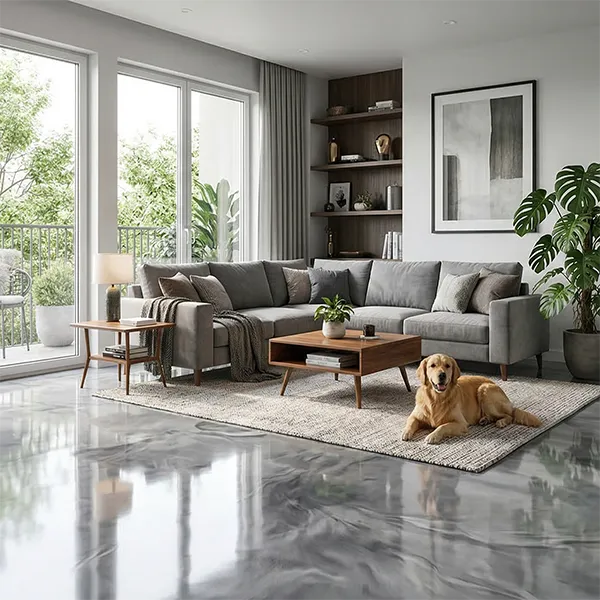
A tile visualizer becomes truly useful when you can apply it to every part of your home.
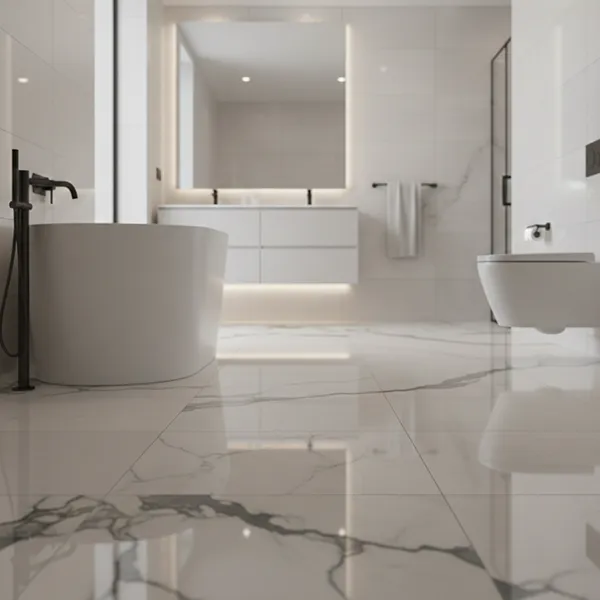
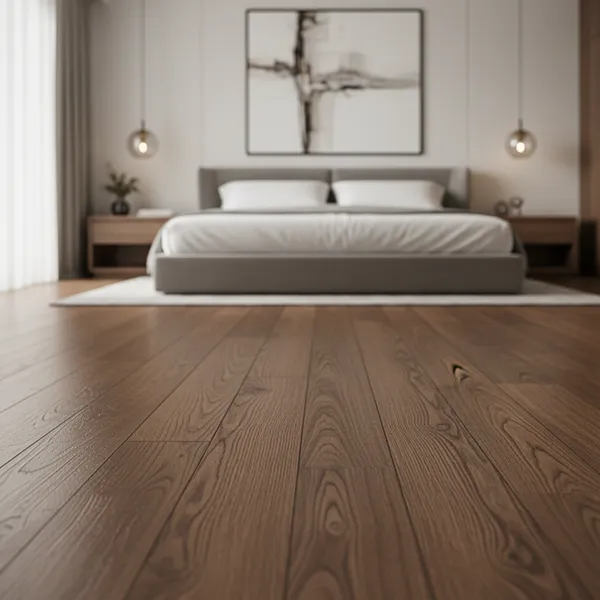
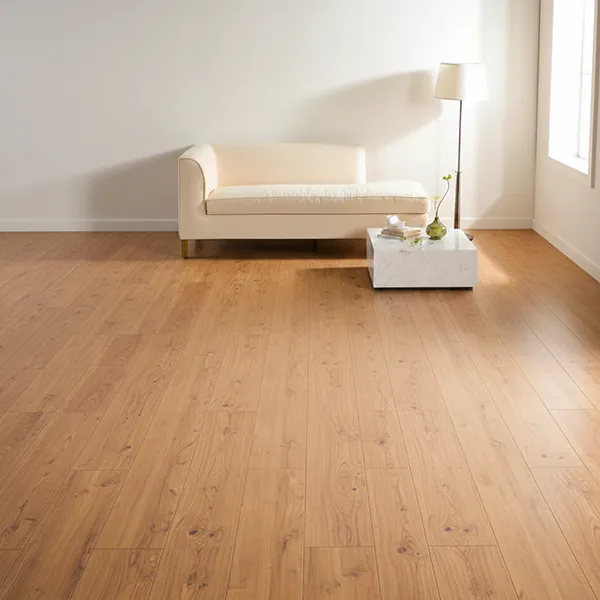
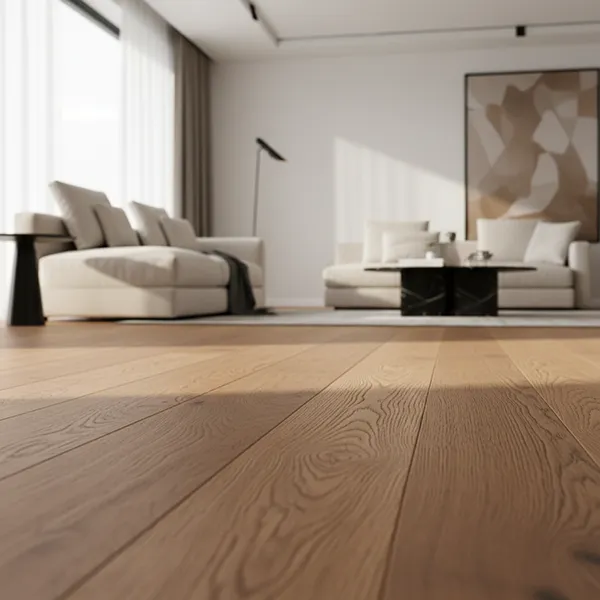
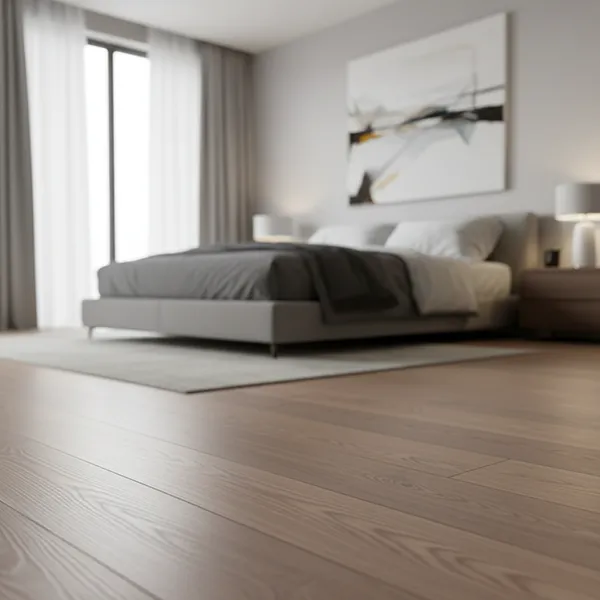
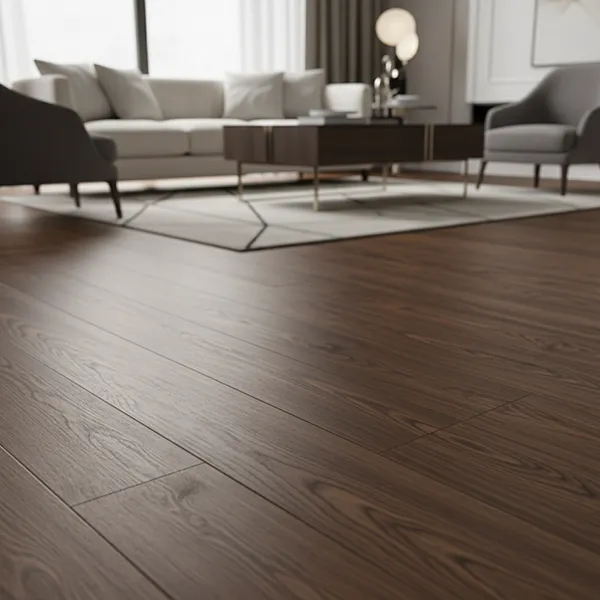
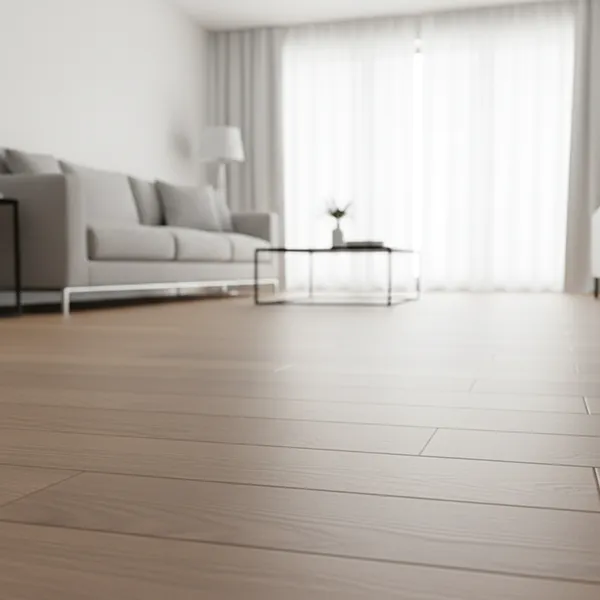
Flooring sets the tone for the entire space.
With a floor tile visualiser, you can:
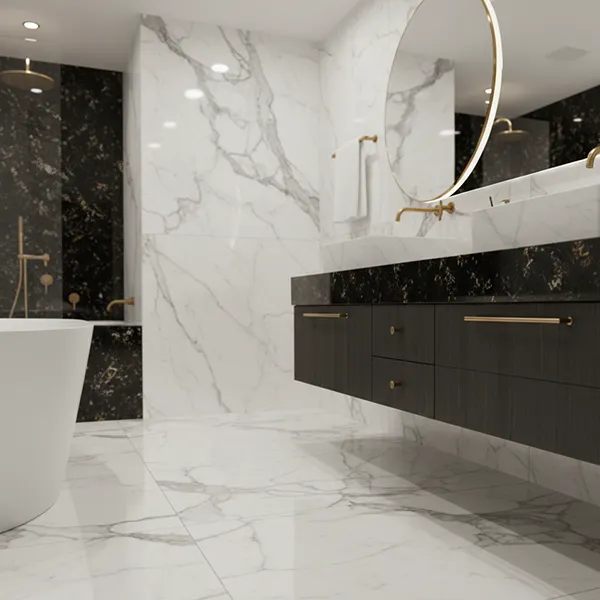
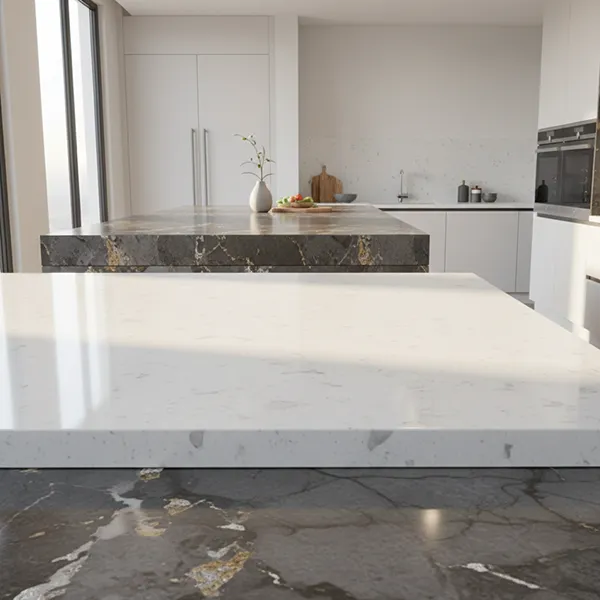
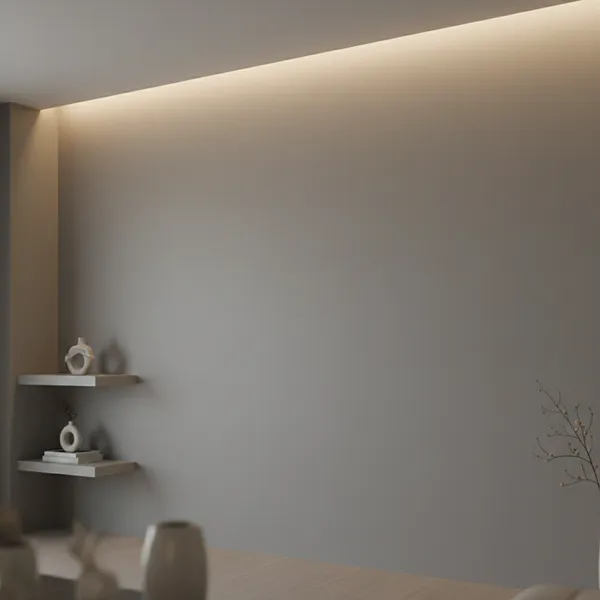
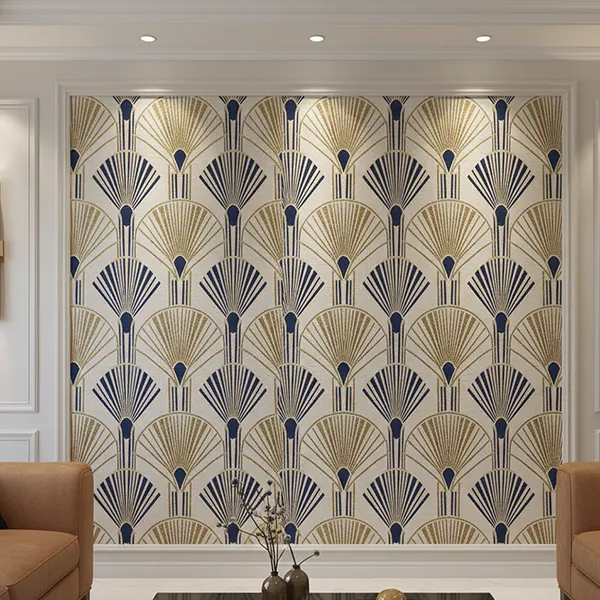
Wall tiles are often used in kitchens, bathrooms, and feature areas.
Using a wall tile visualiser, you can:
Combine wall and floor tiles using the TilesDisplay tile visualizer to see how everything works together.
This helps maintain harmony across the entire space.
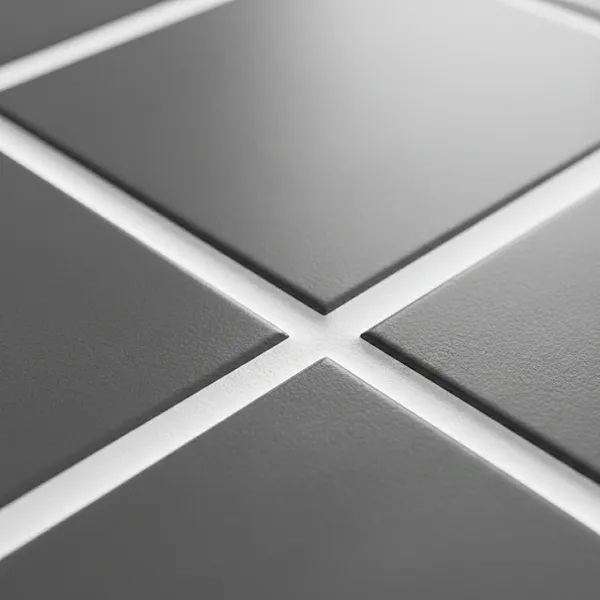
In French interiors, layout plays a key role in achieving a clean and balanced aesthetic.
With a tile layout visualizer, you can:
Even subtle layout changes can make a noticeable difference.
Seeing this before installation helps avoid unnecessary adjustments later.
Most people use a tile visualizer because they want clarity before committing.
With TilesDisplay, you gain:
This 3D tile visualizer supports a more thoughtful approach—where choices are based on what you can actually see.
Tiles are a long-term part of your home. Choosing them carefully matters.
With the TilesDisplay tile visualizer, you can explore options, test layouts, and finalise your design with confidence.
Start visualising your space today—and make decisions you won’t need to rethink later.