



















Elevate Your Interiors
with Trendy Tiles Display
Tiles That Speak the Language of Design.
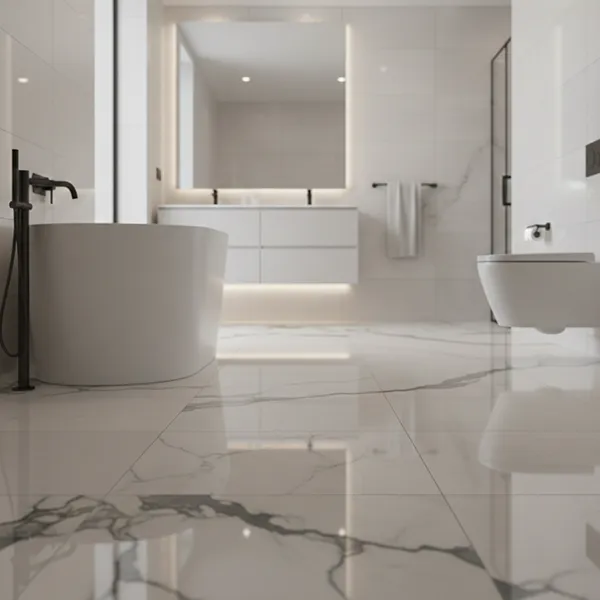
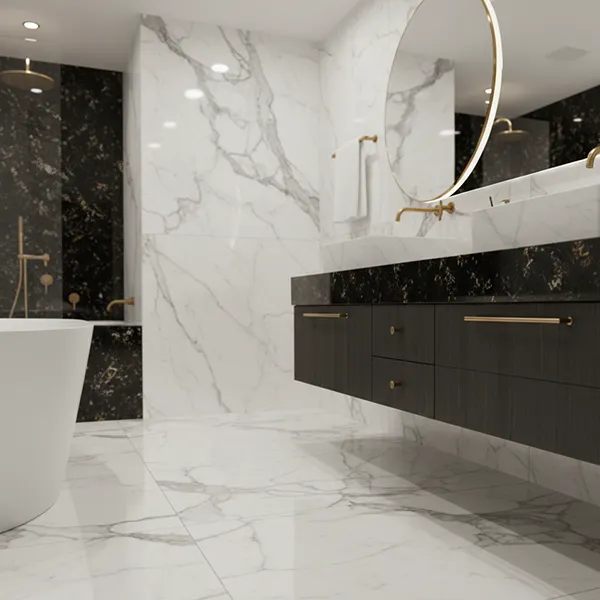
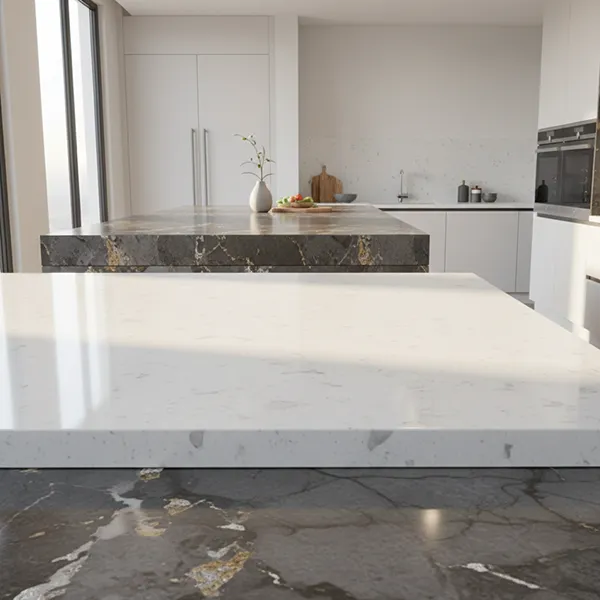
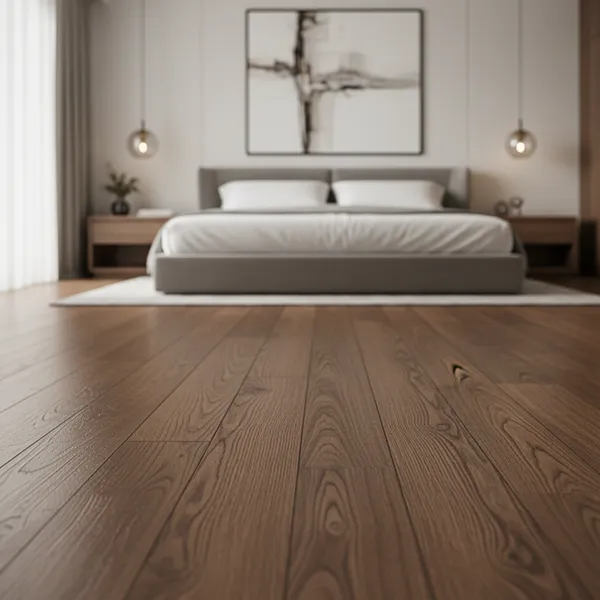
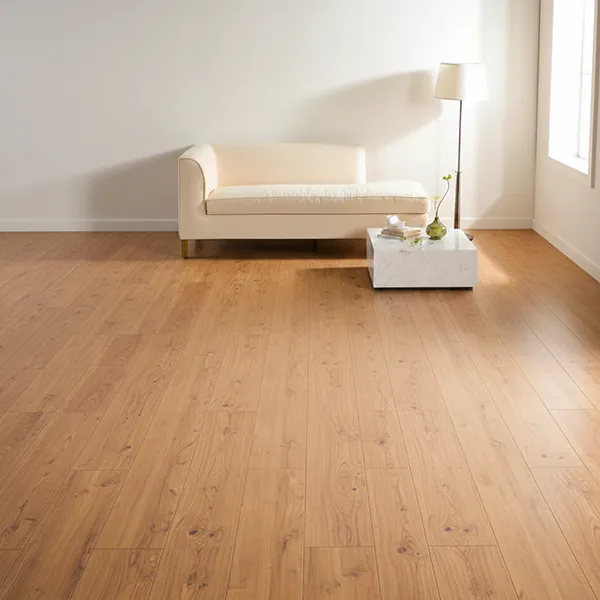
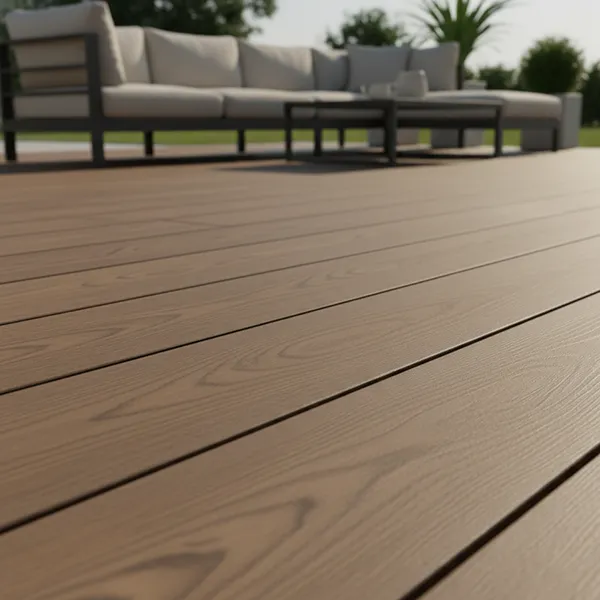
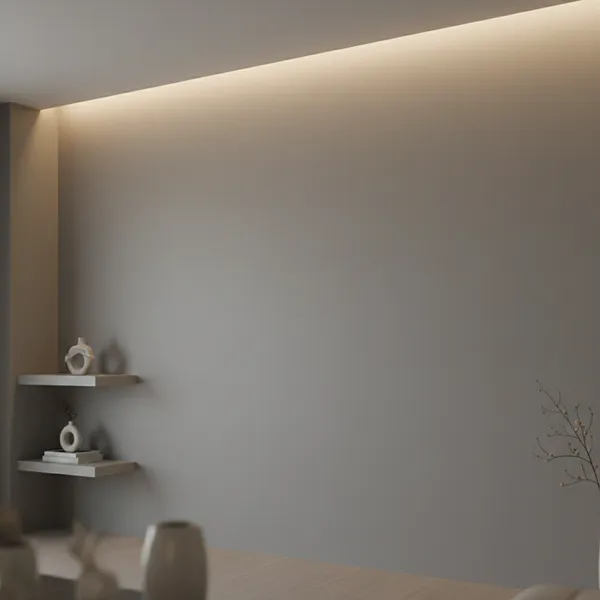
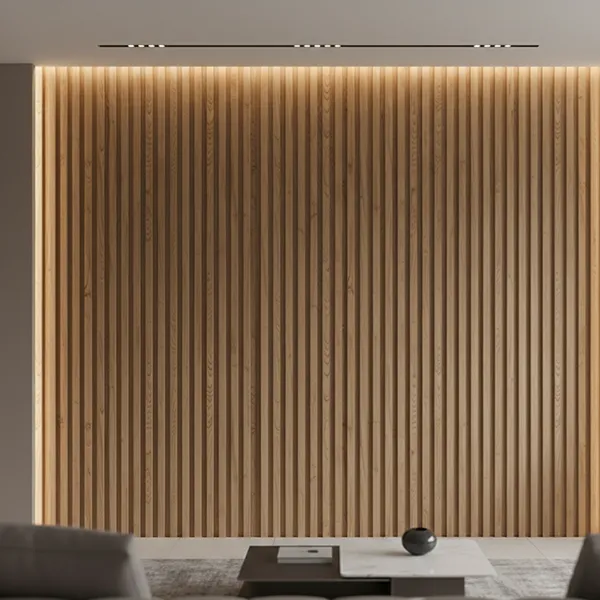
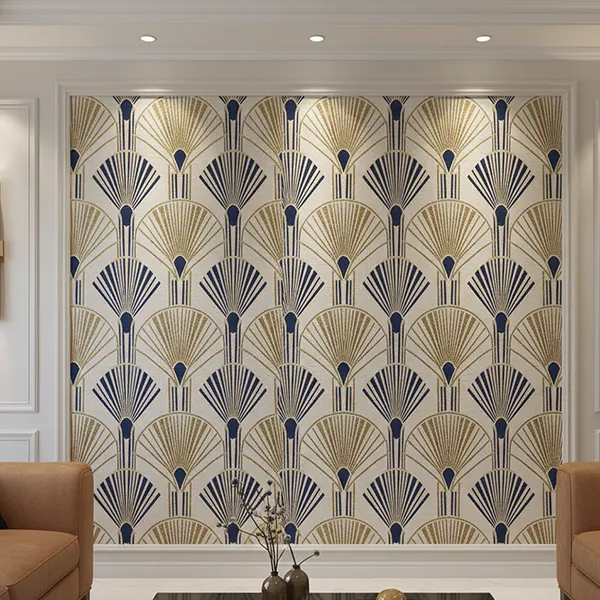
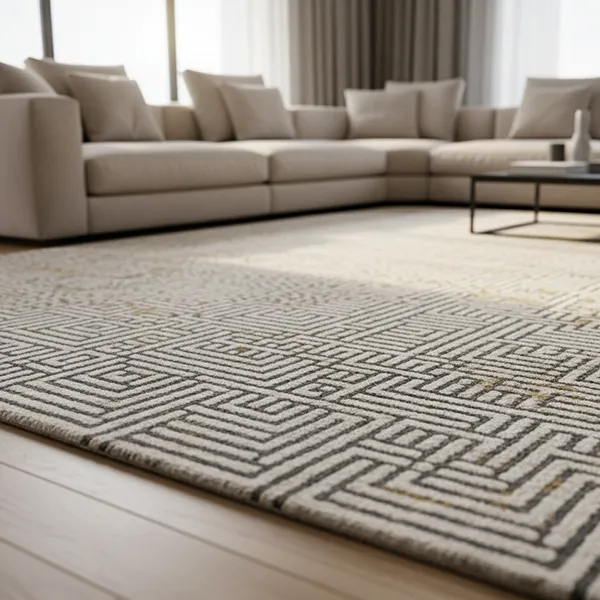
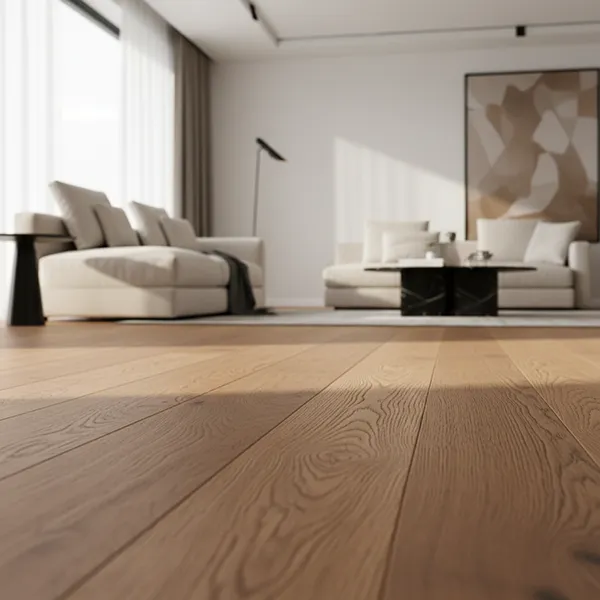
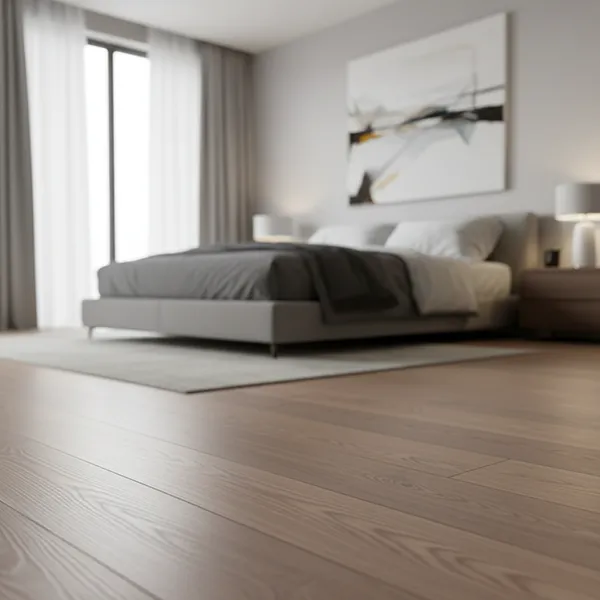
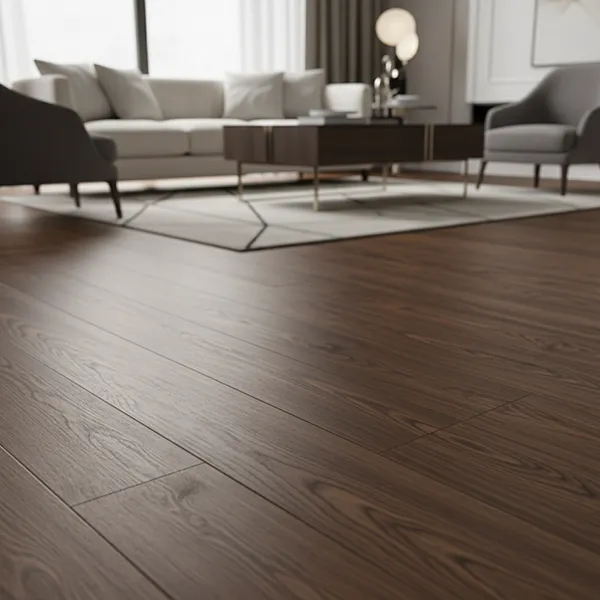
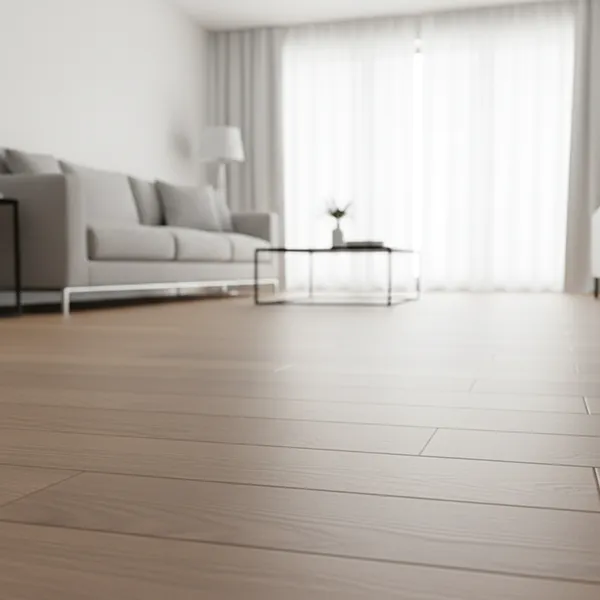
With the TilesDisplay tile visualizer, you can preview tiles using a detailed 3D tile visualizer and understand how layout, spacing, and surface finish will appear in your space before making a final decision.

In modern interiors across Qatar, details define the final result.
Even when you select the right tile design, the outcome can still feel incomplete if layout and finish are not properly considered.
Common issues include:
In many homes and apartments, lighting especially artificial lighting combined with natural light can change how tiles appear throughout the day.
A tile visualizer helps you understand these details early, so your final result feels clean and intentional.
Choosing tiles is not just about selecting a color or pattern. It’s about refining how each element fits together in your space.
With a tile visualizer tool and an intuitive tile visualiser, you can:
Instead of relying on imagination, you get a clear and controlled view of how everything works together.
This level of control is especially important when aiming for a refined and consistent interior.
Flat images and samples do not show how tiles behave across a full surface.
With a 3D tile visualizer, you can explore:
The TilesDisplay 3D tile visualizer gives you a realistic preview so you can:
This allows you to focus not only on the tile but also on the complete visual outcome.
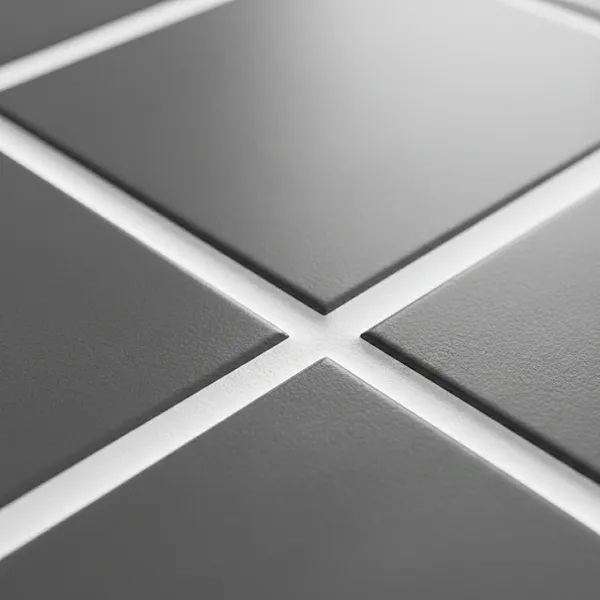
Layout plays a key role in achieving a polished interior.
With a tile layout visualizer, you can:
In spaces where symmetry and balance matter, even small layout adjustments can make a noticeable difference.
A well-planned layout ensures that your space feels structured, not random.
Modern planning should be simple, flexible, and accessible.
The TilesDisplay tile visualizer app allows you to:
A reliable tile visualizer app ensures that your planning process remains smooth while still allowing detailed adjustments.
You can test ideas freely without losing accuracy.
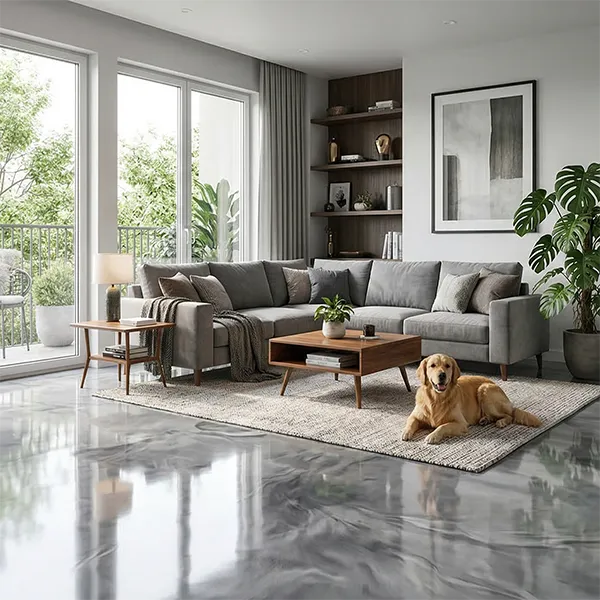
A tile visualizer becomes most effective when you can see your entire space, not just one surface.
With TilesDisplay, you can:
Whether you are designing a single room or planning a full interior, this approach helps ensure everything works together.
The result is a space that feels connected and well-balanced.
In many projects, tiles are selected separately for each area floors, walls, kitchens, and bathrooms.
This often leads to:
Using a tile visualizer allows you to:
This is especially useful when working with multiple materials and finishes.
Tile selection is a long-term decision, and once installed, changes can be costly and time-consuming.
With a tile visualizer and a reliable tile visualiser, you can:
Using a tile visualizer tool ensures that your decision is based on a complete understanding not guesswork.
Tiles are a key part of your interior, and getting them right matters.
With the TilesDisplay tile visualizer, you can explore layouts, test finishes, and refine your design before installation begins.
Start visualising your tiles today and create a space that feels precise, balanced, and complete from the very beginning.
