

























Elevate Your Interiors
with Trendy Tiles Display
Tiles That Speak the Language of Design.
Visualize vinyl plank flooring, vinyl tiles, and sheet flooring in your space using a room visualizer for accurate flooring decisions.
Vinyl flooring has become a preferred choice for modern interiors due to its durability, water resistance, and versatile design options. It performs well in high-traffic areas such as kitchens, bathrooms, and hallways, making it suitable for both residential and commercial spaces. Available in multiple formats including vinyl plank flooring (LVP), vinyl tile flooring (LVT), and sheet vinyl, it offers flexibility in design and installation.
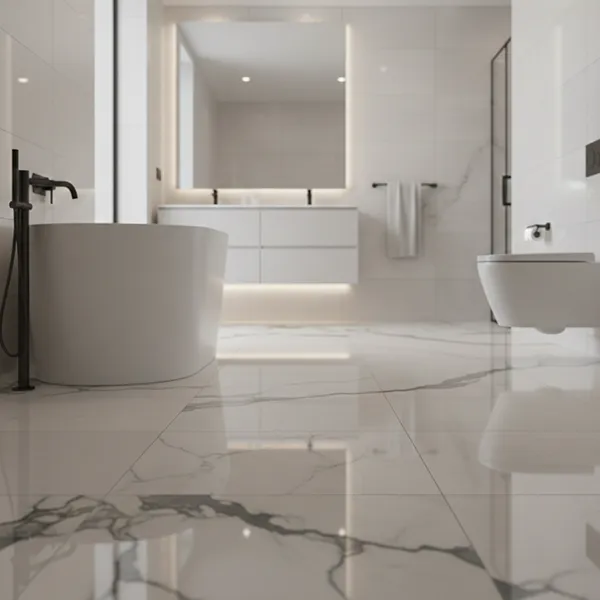
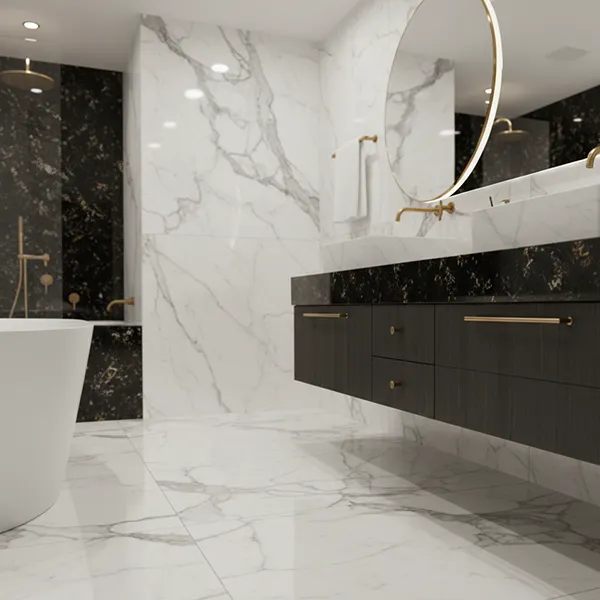
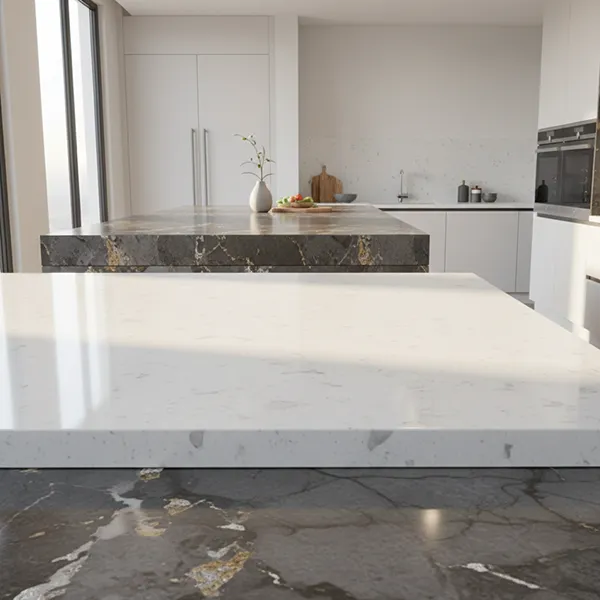
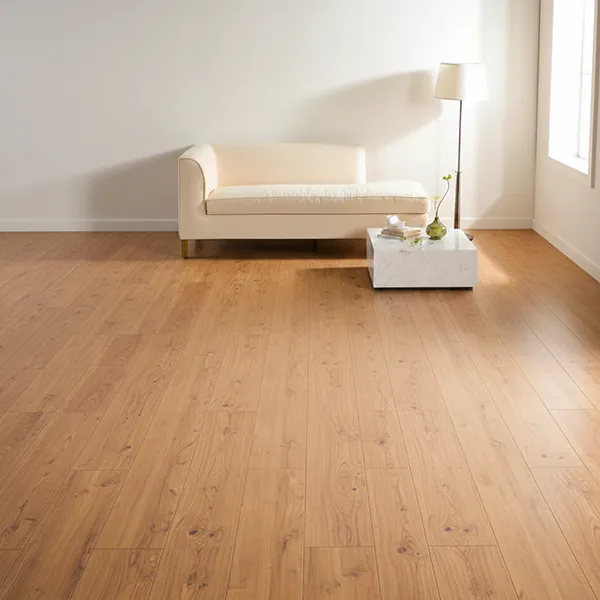
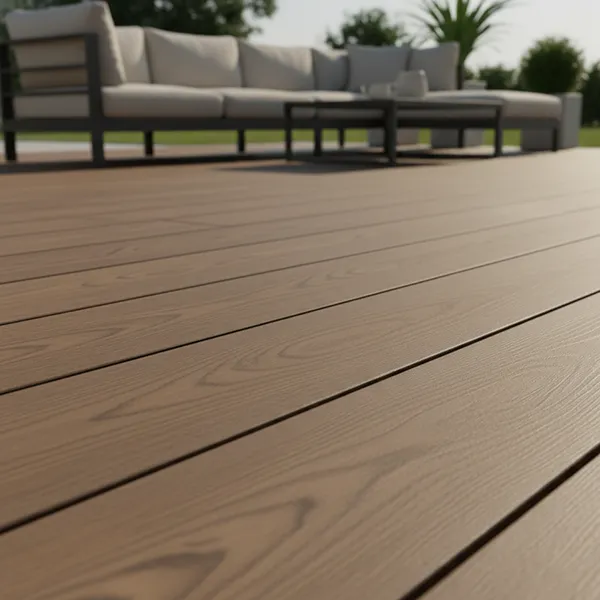
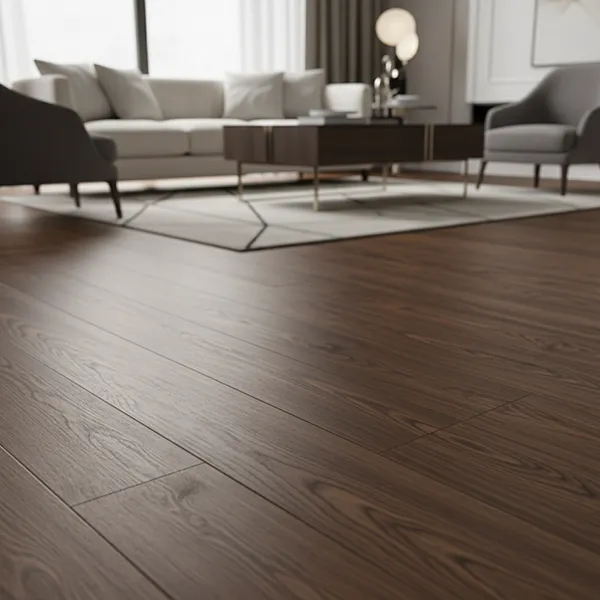
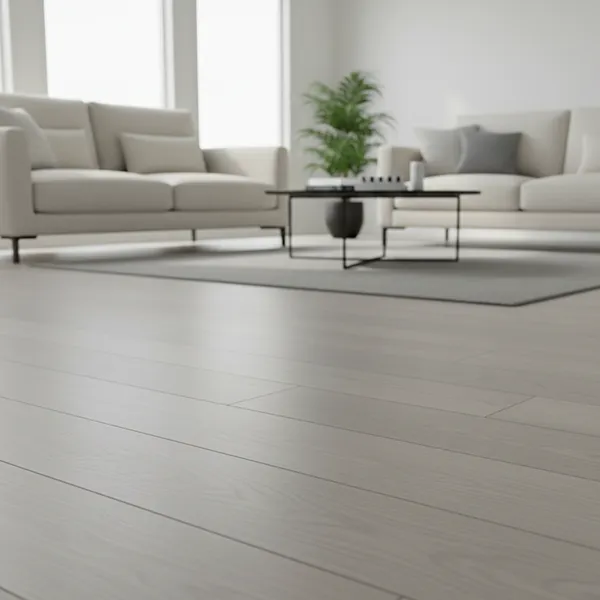
Vinyl flooring designs can replicate natural materials such as wood, stone, and tiles while remaining cost-effective and easy to maintain. A vinyl flooring visualizer allows users to preview these options in their own space before installation. By visualizing vinyl flooring in real environments, users can better understand how different styles, textures, and finishes will look, helping them make more confident and informed decisions.
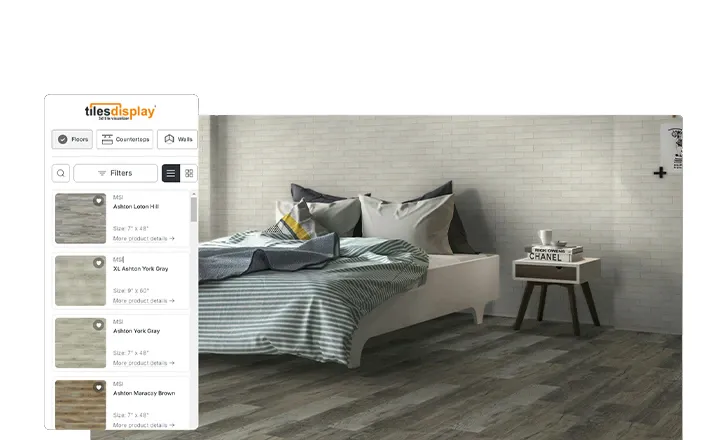
The vinyl flooring visualizer enables users to explore a wide range of vinyl flooring styles, textures, and applications. From wood-look vinyl planks to stone and tile-effect finishes, users can experiment with multiple options in real time. Vinyl flooring is suitable for various spaces including kitchens, bathrooms, living rooms, offices, and commercial interiors.
Users can evaluate vinyl plank flooring (LVP), vinyl tile flooring (LVT), and sheet vinyl to identify the most suitable option based on design and functionality. This flexibility allows users to create flooring solutions that match both aesthetic preferences and practical requirements. By testing different combinations, users can ensure a balanced and well-designed interior.
A vinyl flooring visualizer allows users to preview flooring designs using both 2D and 3D room visualization. By uploading a room image or selecting a preset layout, users can apply vinyl flooring and explore how it fits within their space. This helps users evaluate how vinyl plank flooring, vinyl tiles, and sheet vinyl interact with lighting, furniture, and wall colors.
The visualizer enables users to compare multiple vinyl flooring options side by side, making it easier to identify the best fit for their space. Whether selecting wood-look vinyl planks or stone-effect vinyl tiles, users can experiment with different styles and layouts. When combined with a wall paint visualizer, users can create a cohesive interior design. This improves planning accuracy and ensures better results before installation.
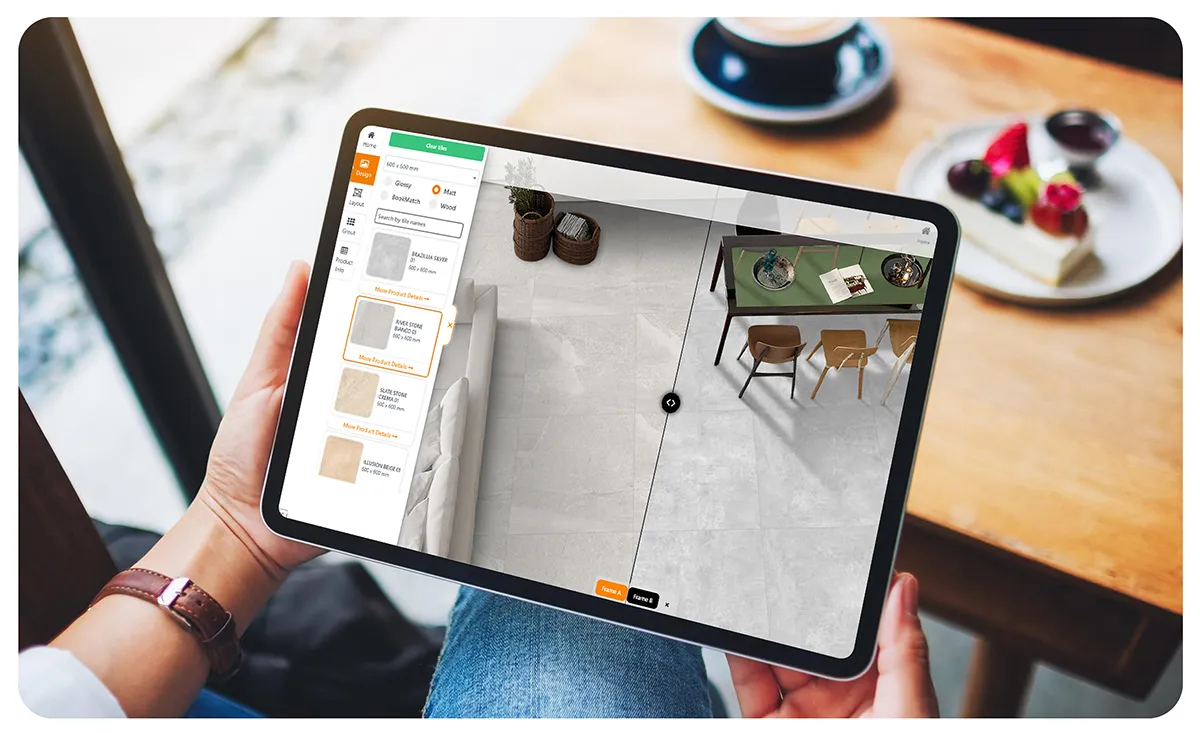
The vinyl flooring visualizer makes it easy to compare different vinyl flooring options and finalize the best choice. Users can evaluate multiple styles, textures, and finishes side by side to understand how each option will look in their space. This comparison helps avoid design mismatches and ensures consistency across interiors.
By previewing vinyl flooring in real-time, users can select the most suitable option based on durability, appearance, and usage. Whether designing a residential space or a commercial environment, comparing vinyl flooring options improves decision-making and leads to better overall results.
