















Elevate Your Interiors
with Trendy Tiles Display
Tiles That Speak the Language of Design.
Stay updated with the latest TilesDisplay features, improvements, and tools designed to enhance your visualization experience.
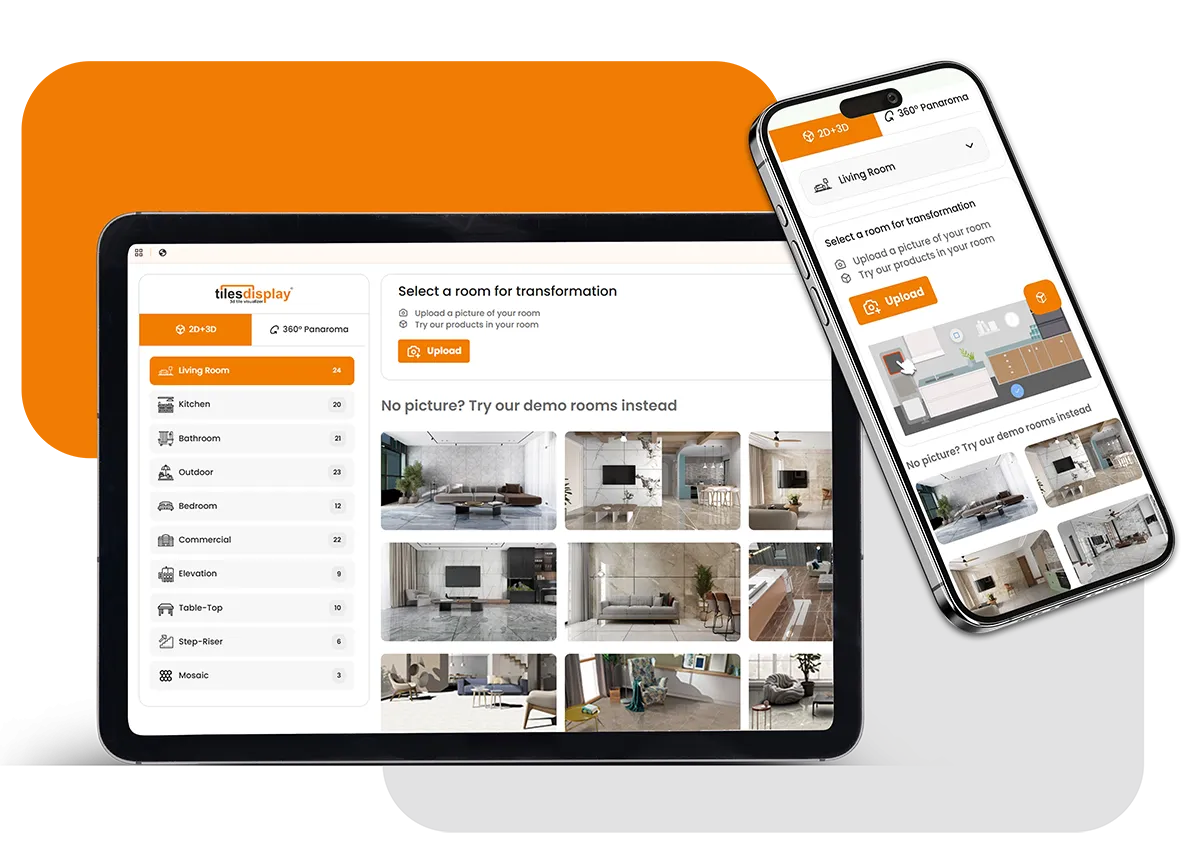
Give users a more personalized visualization experience by allowing them to upload their own room images. With TilesDisplay, manufacturers, distributors, retailers, importers, and exporters can enable customers to see how tiles, flooring, and surfaces look in real spaces. This makes product selection faster, more accurate, and more engaging.
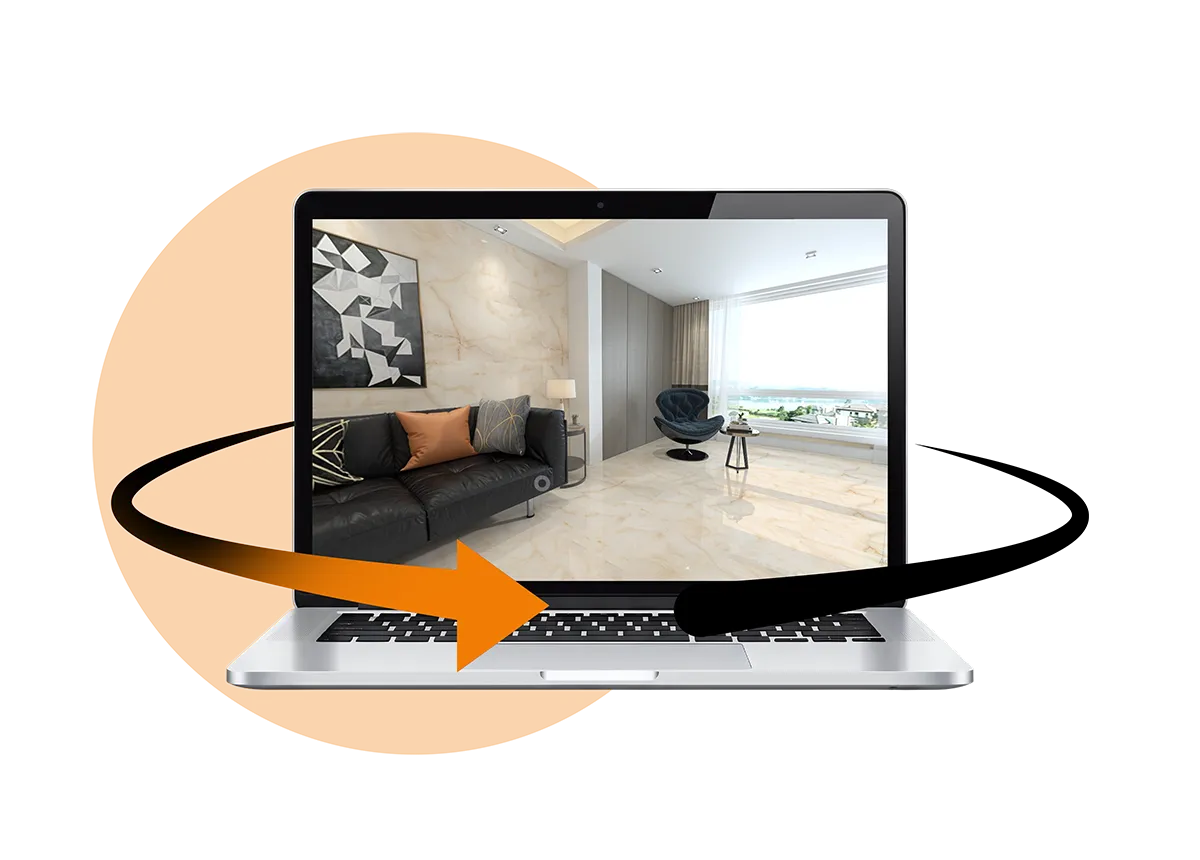
TilesDisplay’s 360° Panorama View transforms static previews into an interactive experience. Users can rotate, zoom, and navigate through spaces to explore how products look from every angle. This feature provides a clearer understanding of textures, colors, and placement, helping users evaluate designs with greater confidence.
With the Upload Your Room feature, users can visualize products directly in their own environment. By simply uploading an image, they can preview tiles, slabs, and surfaces in real settings. This personalized approach reduces uncertainty and helps customers make faster and more confident decisions.
Experience fully immersive design visualization with the 360° Panorama View. Users can explore spaces dynamically, viewing products from multiple perspectives. From flooring and tiles to paints and wall coverings, this feature creates a realistic and interactive product experience.
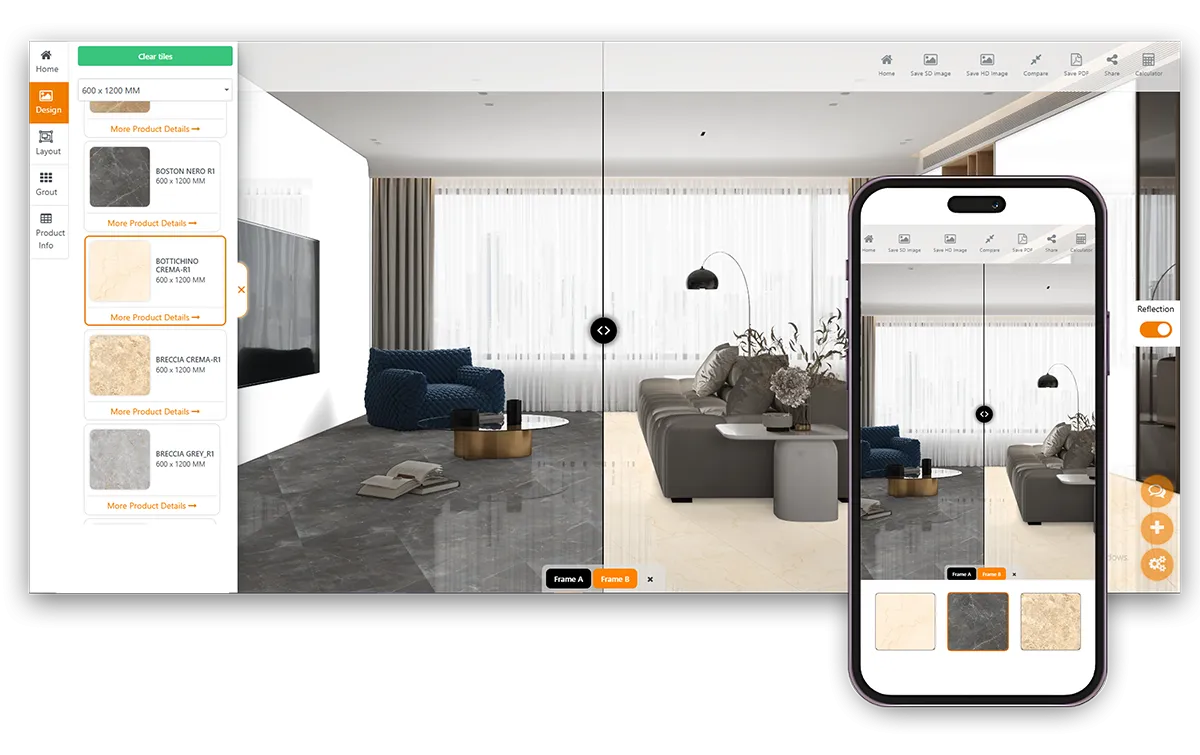
The Compare Feature allows users to evaluate multiple products side by side within the same space. Compare tiles, flooring, wall paints, rugs, and coverings easily by analyzing colors, textures, and finishes in one view. Users can shortlist, save, and share comparisons for better decision-making.
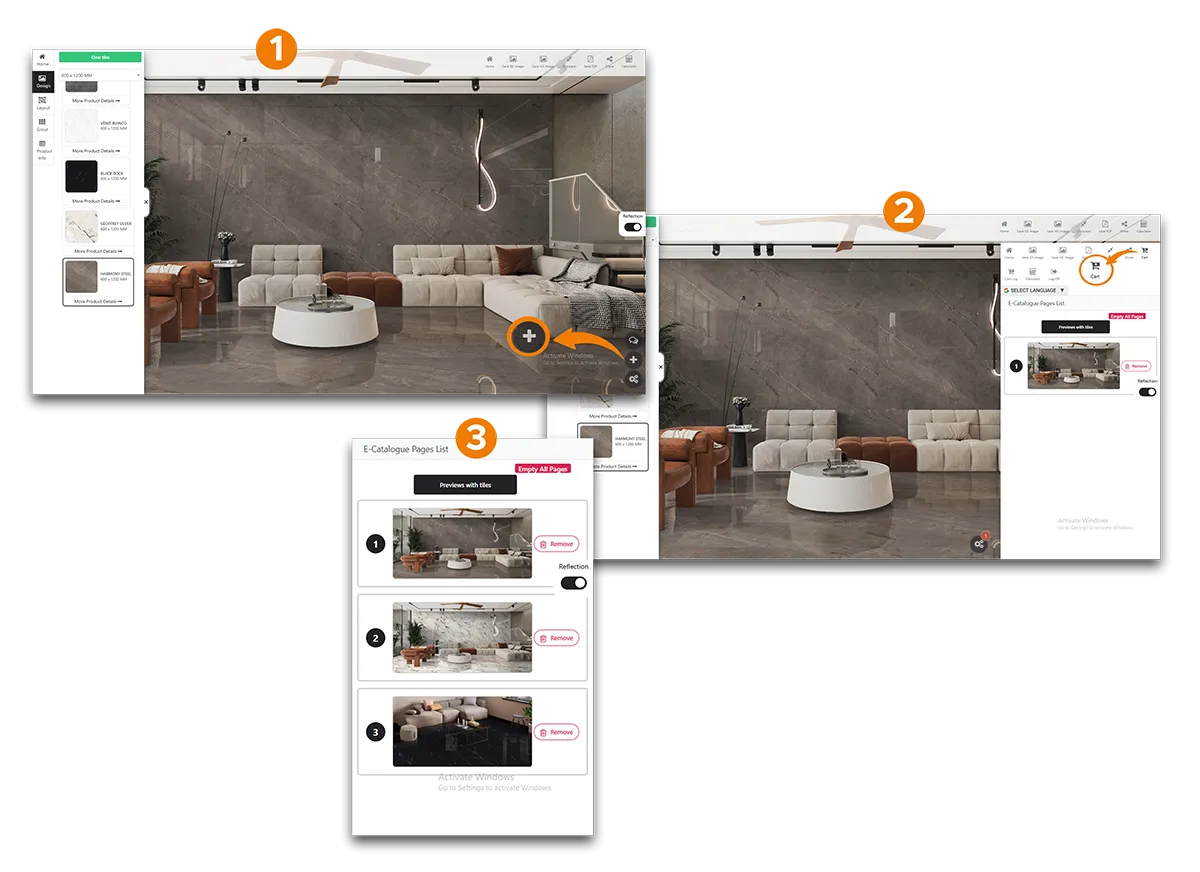
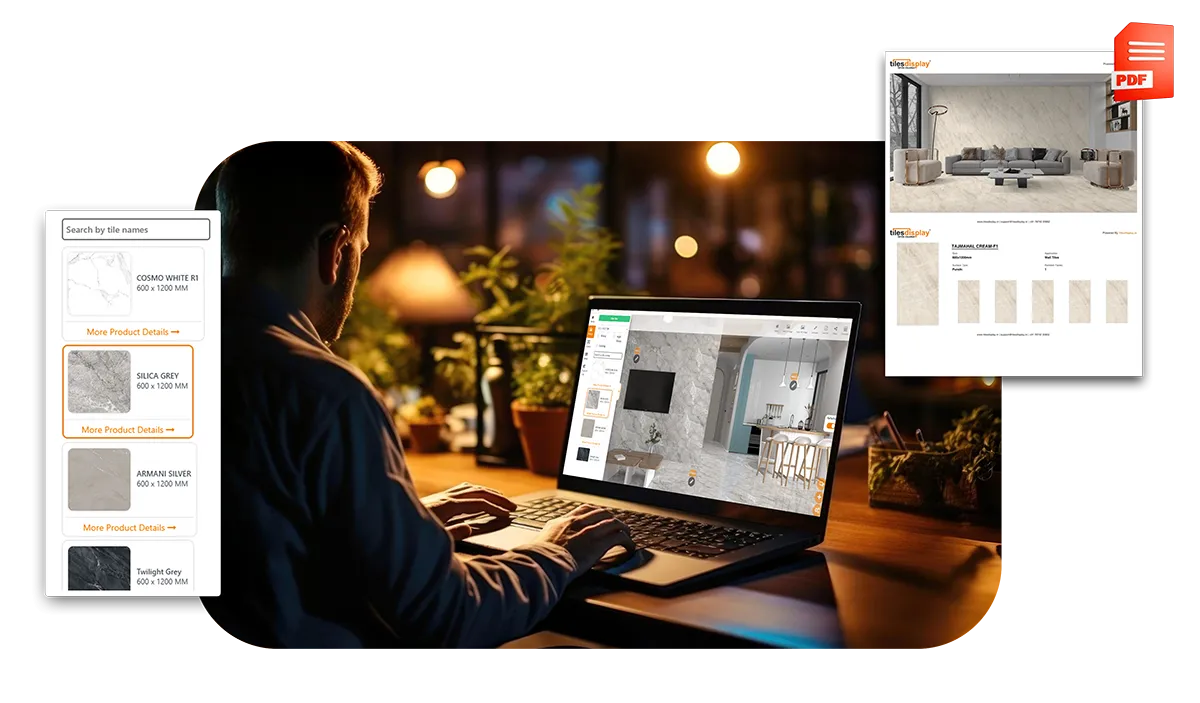
Generate professional digital catalogs quickly with TilesDisplay. Add products, specifications, and branding elements like logos and QR codes to create a complete presentation. This helps businesses showcase products more effectively and improve customer engagement.
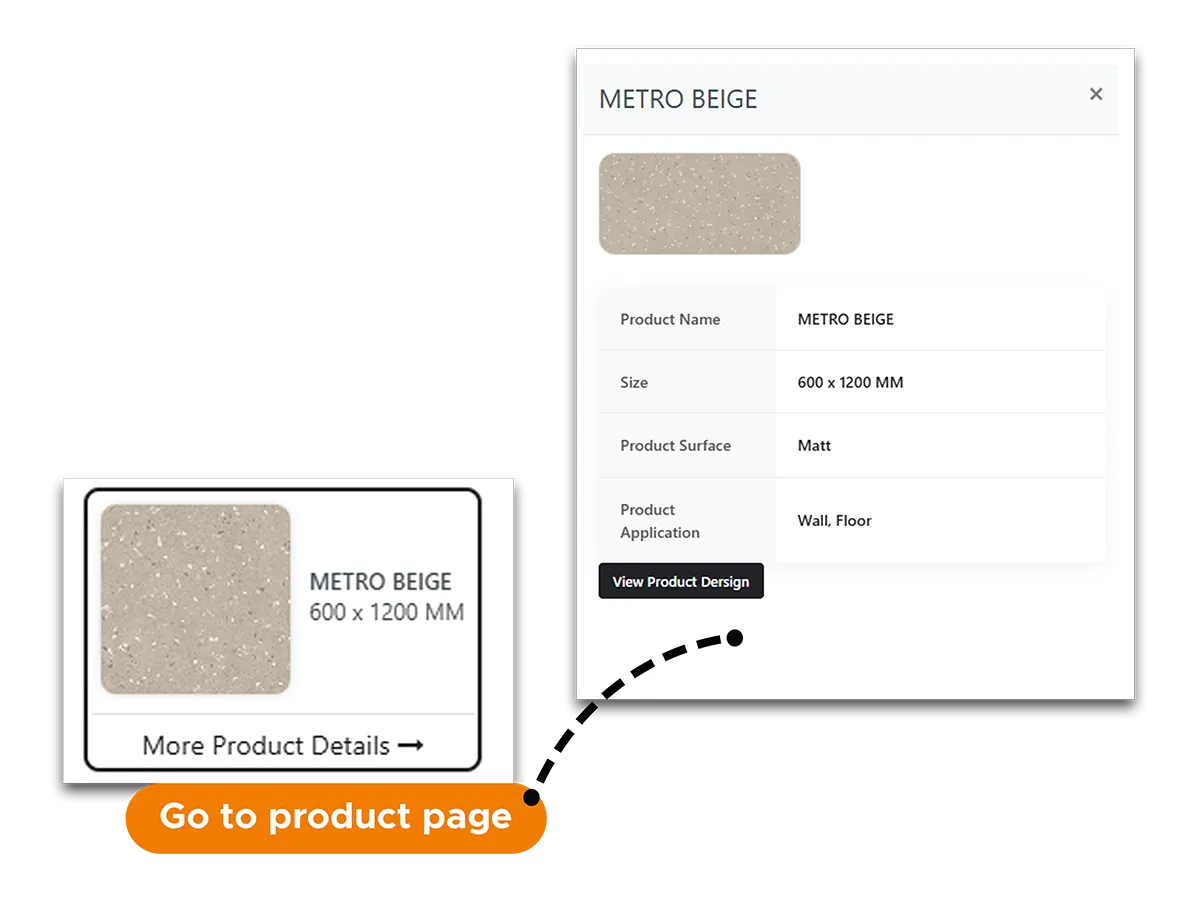
Each product in the TilesDisplay visualizer is linked with a unique URL, allowing users to access detailed product information instantly. This creates a seamless experience where customers can explore specifications and move directly from visualization to product discovery.
Enable customers to request product samples directly through your website or the TilesDisplay visualizer. This feature improves engagement by allowing users to experience products physically, helping them make confident purchasing decisions.