




















Elevate Your Interiors
with Trendy Tiles Display
Tiles That Speak the Language of Design.
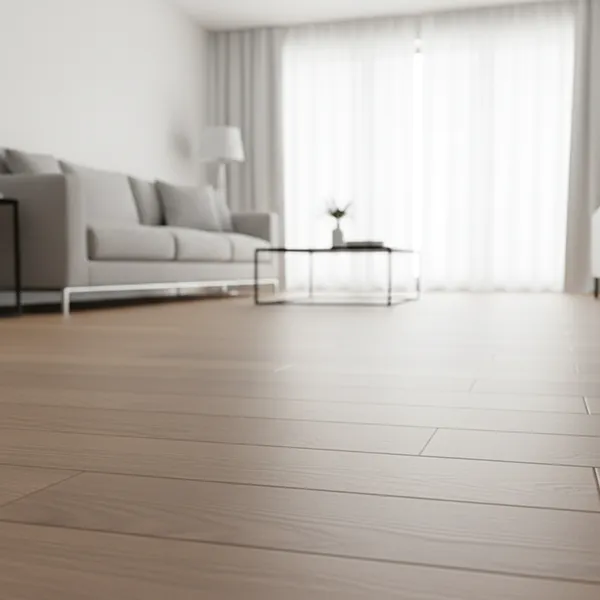
Understand how tiles will look in your space before you choose. The TilesDisplay tile visualizer helps you make clear and confident decisions.

In many homes, tiles are chosen based on showroom displays or small samples.
But real spaces behave differently.
Common uncertainties include:
These are not always obvious before installation.
That’s why using a tile visualizer helps you understand the full result in advance.
A tile visualizer tool allows you to move beyond assumptions.
Instead of imagining, you can:
With the TilesDisplay tile visualizer, the focus is on clarity so your decision feels right before installation begins.
Seeing tiles in your own space makes a real difference.
With the tile visualizer upload photo feature, you can:
Using a tile visualizer upload photo option gives you a more accurate understanding compared to showroom samples.
A tile visualizer becomes more useful when applied across your entire home.
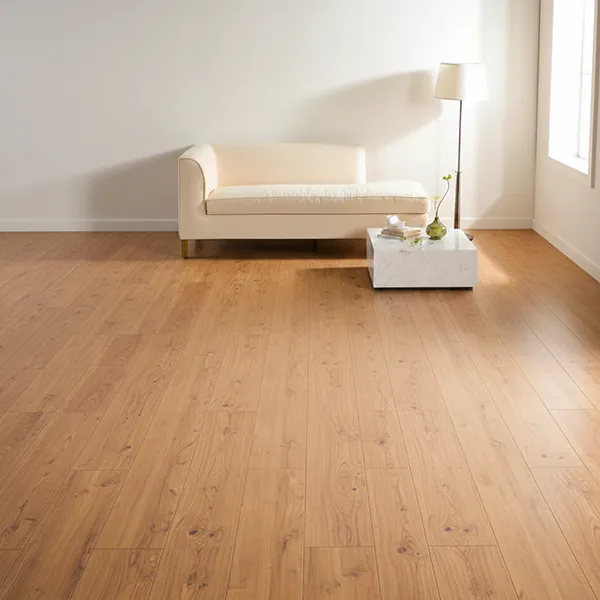
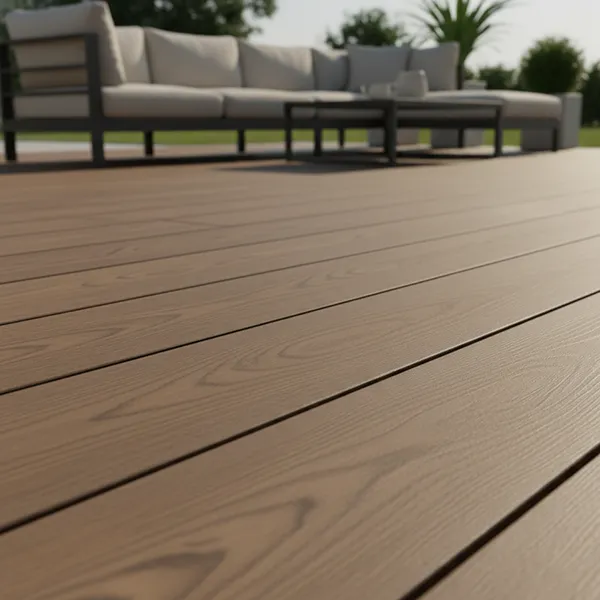
Floor tiles shape the overall feel of a space.
With a floor tile visualiser, you can:
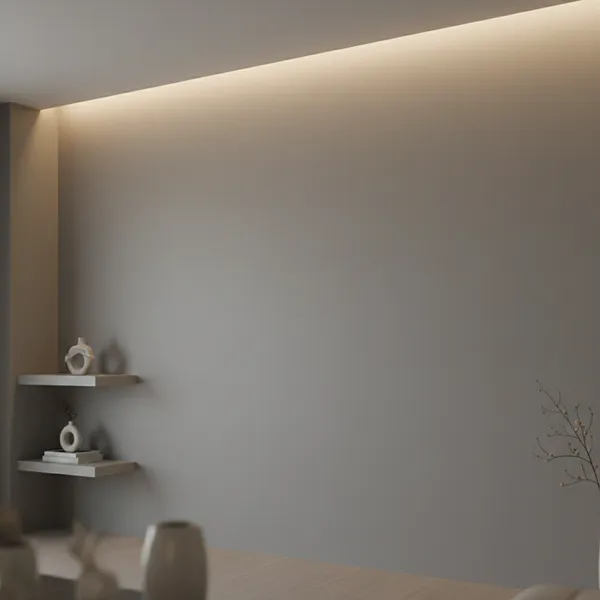
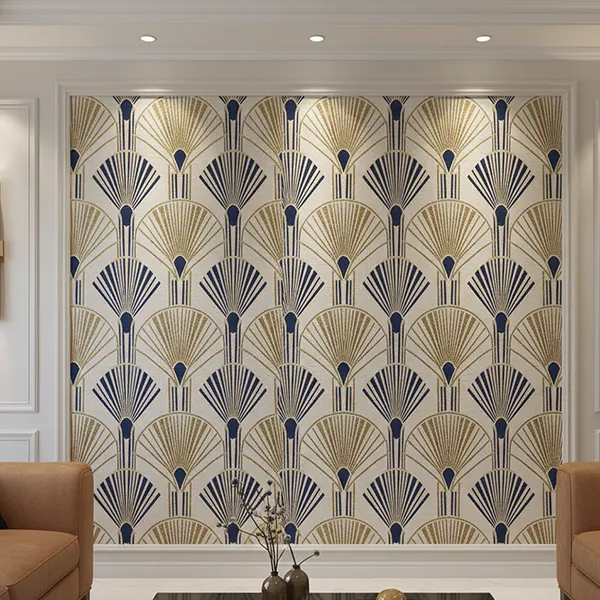
Wall tiles are often used in kitchens and bathrooms.
Using a wall tile visualiser, you can:
Using the TilesDisplay tile visualizer, you can combine floor and wall tiles to see how everything works together.
This helps maintain balance across your space, not just individual areas.
Layout plays a key role in how tiles feel once installed.
With a tile layout visualizer, you can:
Even small layout changes can improve how a room looks and feels.
Seeing this in advance helps you make a more confident decision.
Choosing tiles becomes easier when you can see the result clearly.
With TilesDisplay, you get:
This tile visualizer tool and 3D tile visualizer help you move forward without second guessing.
Tiles are a long-term part of your home. Once installed, changes can be difficult.
With the TilesDisplay tile visualizer, you can explore options, test layouts, and finalize your choice with clarity.
Start visualising your tiles today and choose with confidence before installation.