








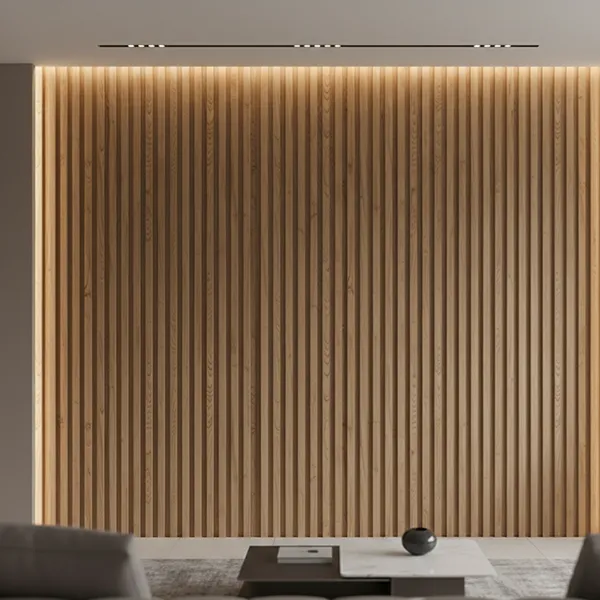
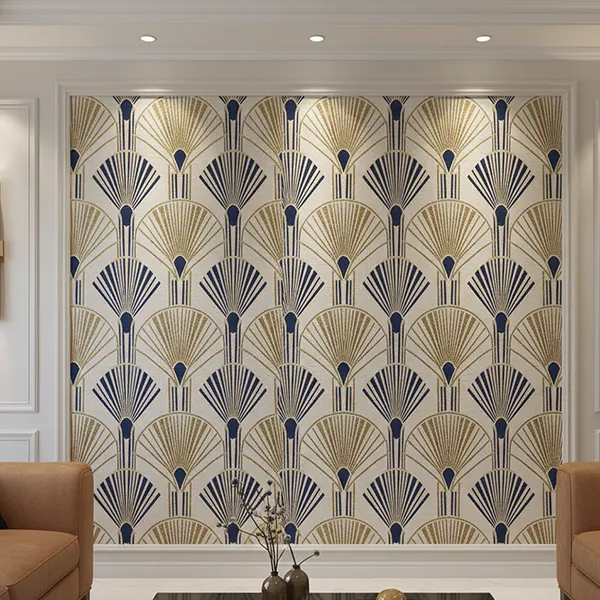
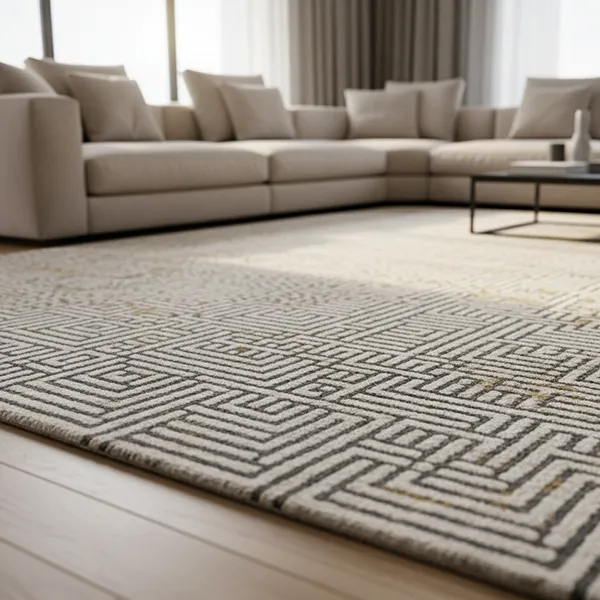
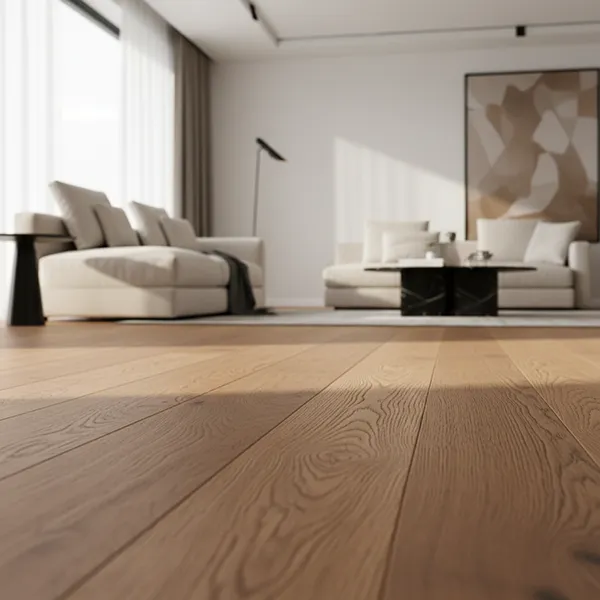










Elevate Your Interiors
with Trendy Tiles Display
Tiles That Speak the Language of Design.
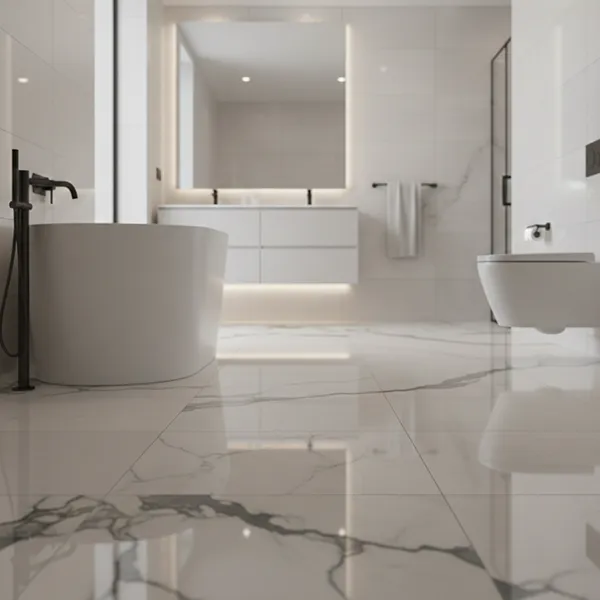
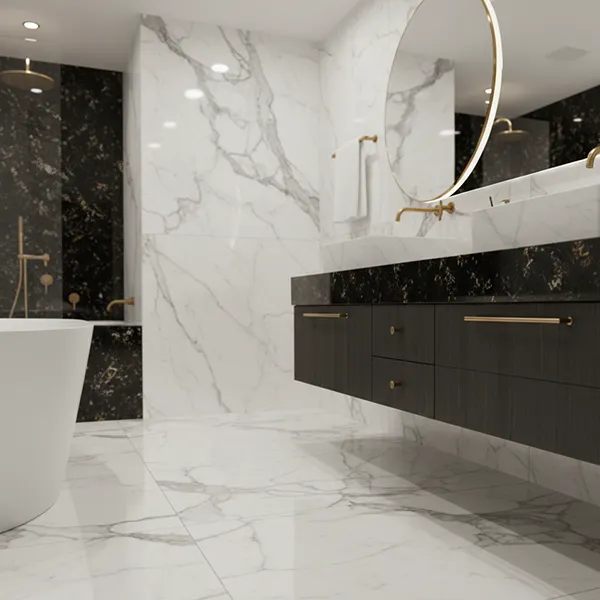
Visualize grout colors, styles, and finishes with your tiles in real time to achieve the perfect balance for floor and wall designs.
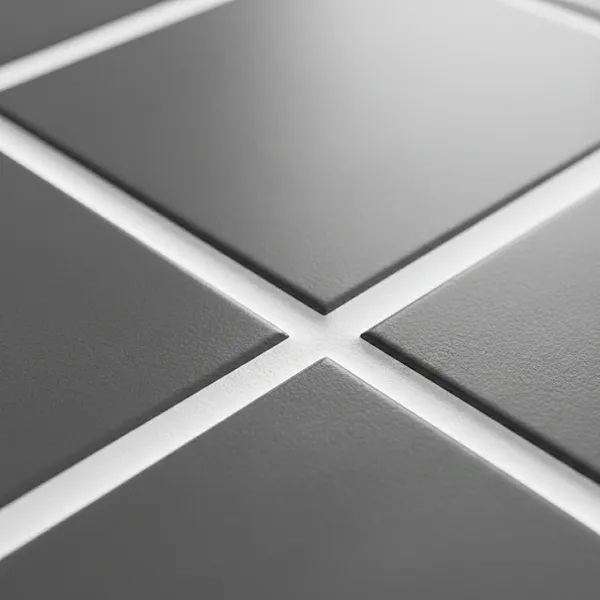
The grout is an essential part that determines the appearance of tiled spaces. The correct grout color may boost the patterns of tiles and emphasize their shapes and establish a clean and finished appearance whereas the incorrect selection may diminish the appearance of even high quality tiles. Regardless of the use of ceramic tiles, porcelain tiles, marble, mosaic, or natural stone, the choice of the grout will have a direct influence on the final design.
This can be made easy with the help of a grout visualizer which enables its users to view various grout color, style and finish within their own environment. Using TilesDisplay, individuals can view the interaction between grout and tiles, lighting, and layout in real-time. This will also aid in eliminating guesswork, and may be used to ensure that the grout options match design preferences and functional needs.
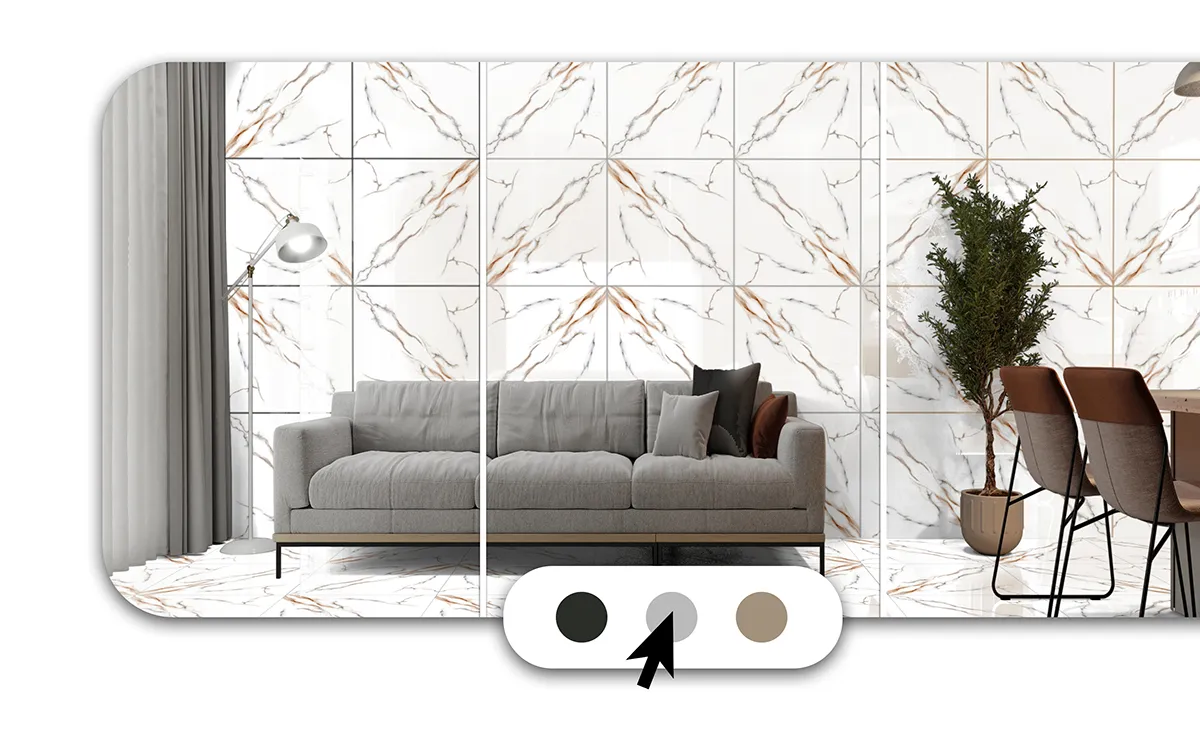
The grout visualizer enables users to explore a wide range of grout colors, styles, and thickness options. From subtle neutral tones to bold contrasting grout, users can experiment with different combinations in real time. Grout thickness also plays an important role in defining tile layout and spacing, making it essential to test different configurations before finalizing a design.
Users can evaluate how grout lines affect tile patterns, whether creating a seamless look or a more defined grid layout. This flexibility helps users select grout that enhances both the aesthetic and structural aspects of tiled surfaces. By testing multiple options, users can ensure that grout complements their tiles and overall design.
A grout visualizer allows users to upload a room image or select a sample space to preview grout options instantly. Users can experiment with light, dark, matching, or contrasting grout colors and understand how each option affects the overall look of floor and wall tiles. This helps in identifying whether grout should blend with tiles or create a defined pattern.
The tool works seamlessly with tile visualizer features, allowing users to combine grout with ceramic, porcelain, marble, and other tile materials. It also supports coordination with wall colors, helping users achieve a cohesive interior design. Users can compare grout styles, preview final outcomes, and save or share designs. This ensures better planning and more confident decision-making before installation.
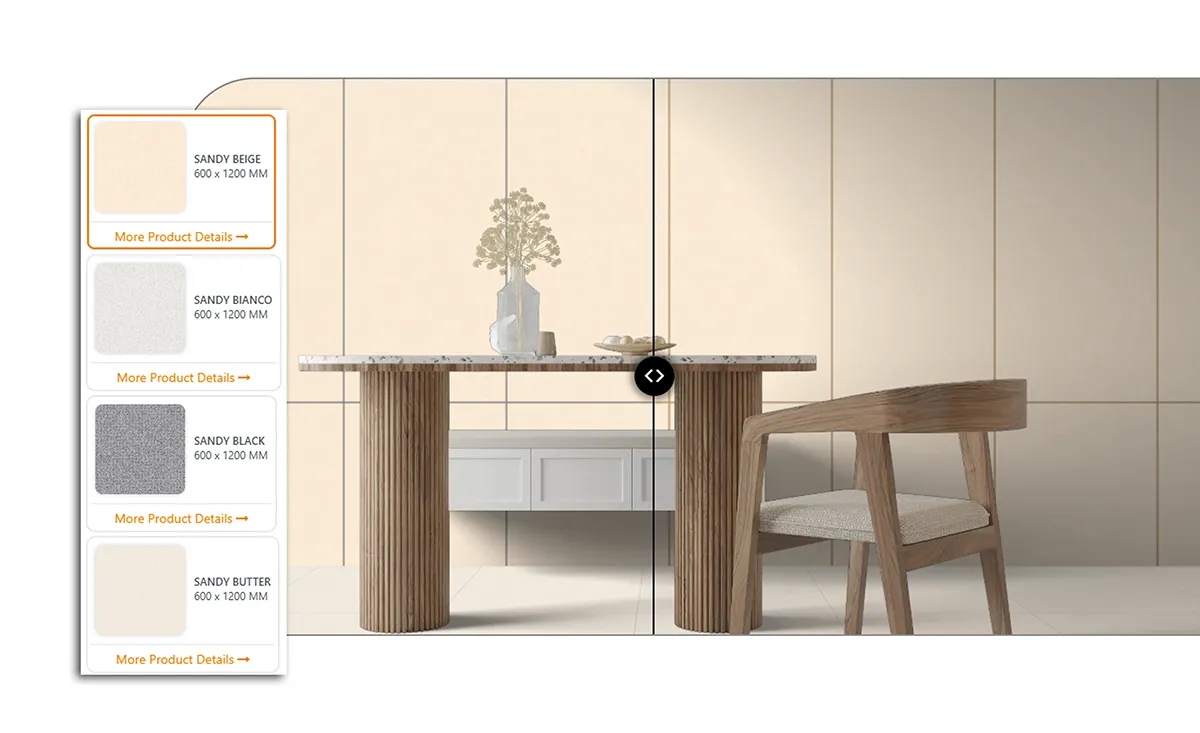
The grout visualizer makes it easy to compare multiple grout options and finalize the best choice. Users can evaluate different grout colors, finishes, and thicknesses side by side to understand how each option will look with their tiles. This comparison helps avoid design mismatches and ensures consistency across floors and walls.
By previewing grout in real-time, users can select the most suitable option based on design preferences and practical requirements. Whether for residential or commercial spaces, comparing grout options before installation improves decision-making and ensures a better final result.
