







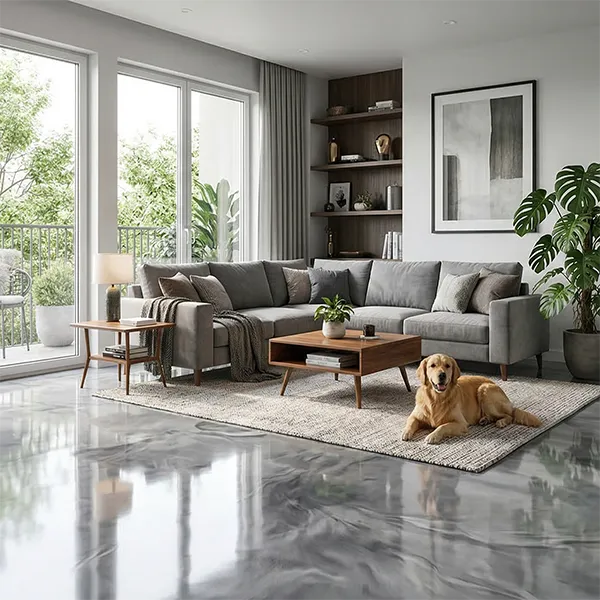










Tile Visualizer South Africa – Visualize Tile in Your Room Before Installation

See how tiles will look in your space before you choose. Use the TilesDisplay tile visualizer with a powerful 3D tile visualizer to test designs quickly and clearly.

Best Tile Visualizer In South Africa
Tiles Display - 3D Tile Visualizer

Best Tile Visualizer In South Africa

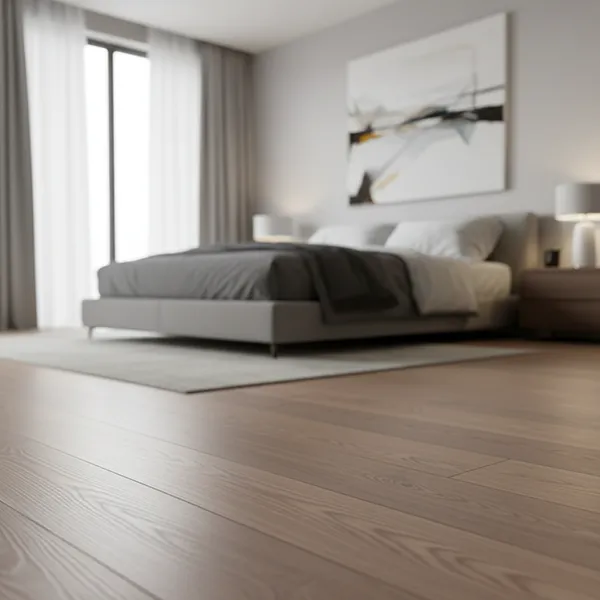
Visualize Tile in Your Room Instead of Guessing from Samples

Looking at tile samples in a store only shows a small part of the result.

It doesn’t show:

  • How tiles will look across your full room
  • How lighting affects color and finish
  • How tiles match with your space and layout

With a tile visualizer, you can:

  • Apply tiles directly to your room
  • Compare different styles instantly
  • See how each option actually looks

This is why many users search for ways to visualize tile in my room before making a final choice.

Plan Your Tile Choices Before You Start Renovation

Tile decisions are often made during renovation, but changes later can be costly.

Planning ahead helps you:

  • Avoid rework after installation
  • Choose tiles that match your space
  • Make faster and more confident decisions

Using a tile visualizer gives you a clear direction before work begins.

Use a 3D Tile Visualizer to See Complete Results

A 3D tile visualizer allows you to move beyond basic previews.

With the TilesDisplay 3D tile visualizer, you can:

  • See tiles across full rooms
  • Understand how different designs work together
  • Compare options with better clarity

This makes the tile visualizer a practical tool for real decision-making.

Visualize Tiles for Floors, Bathrooms, Kitchens & Outdoor Spaces

A tile visualizer becomes more useful when you can apply it across all areas of your home.

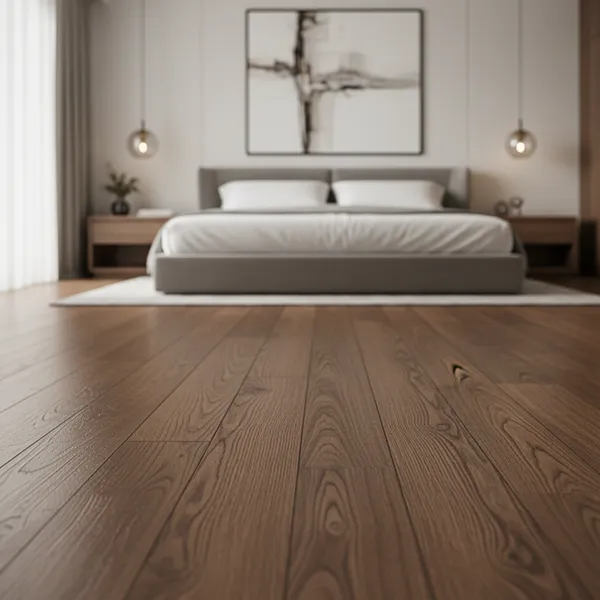
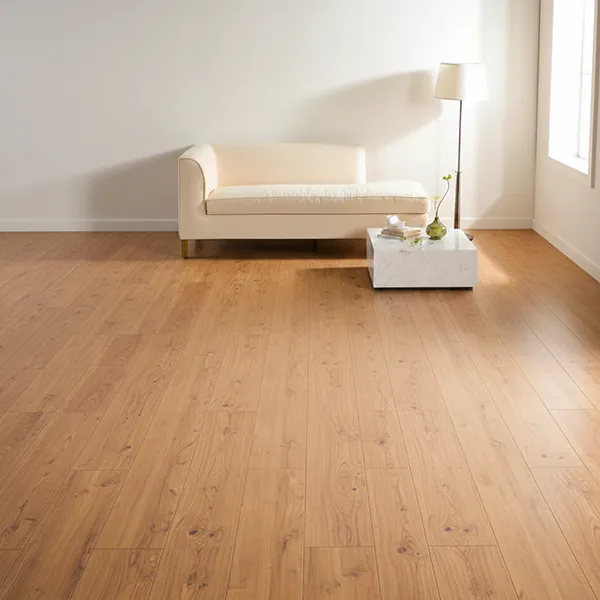
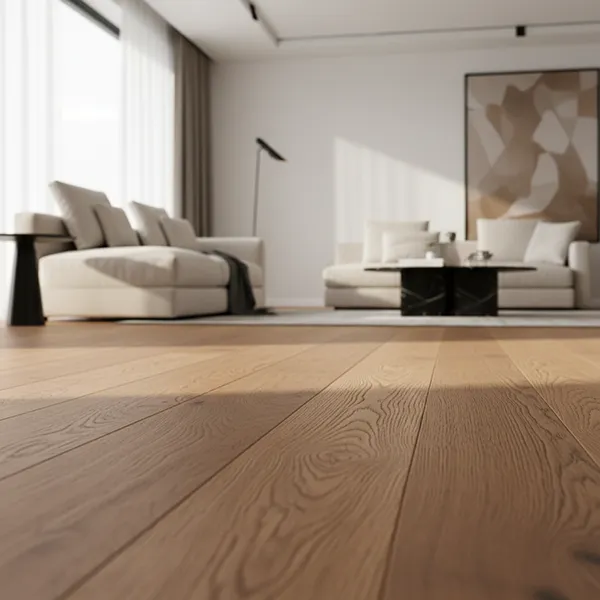
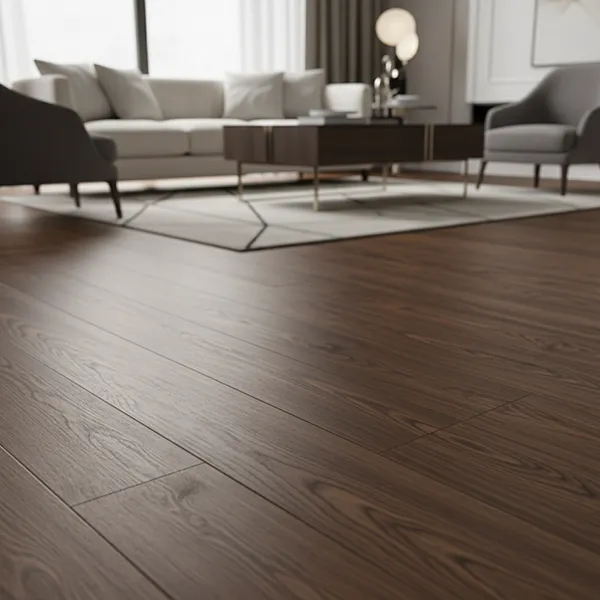
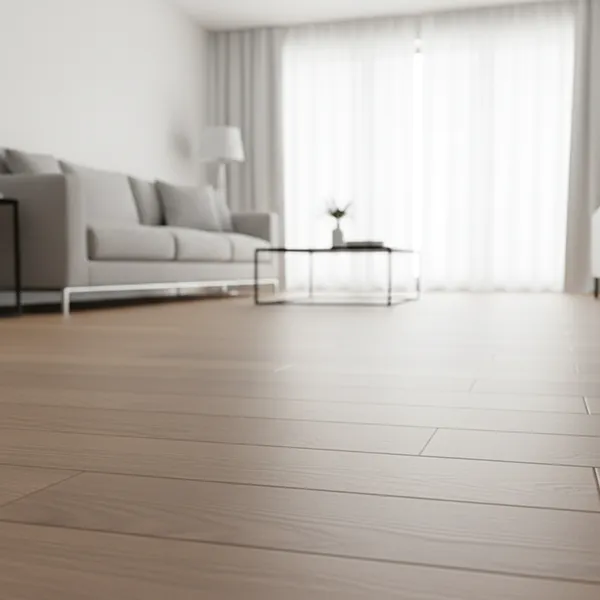
Tile Floor Visualizer

With a tile floor visualizer, you can:

  • See how tiles look across larger spaces
  • Choose styles that match open layouts
  • Avoid designs that feel too busy or too plain

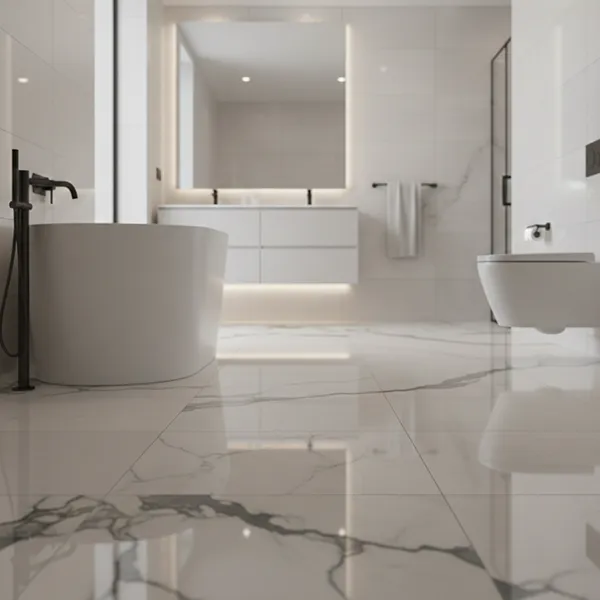
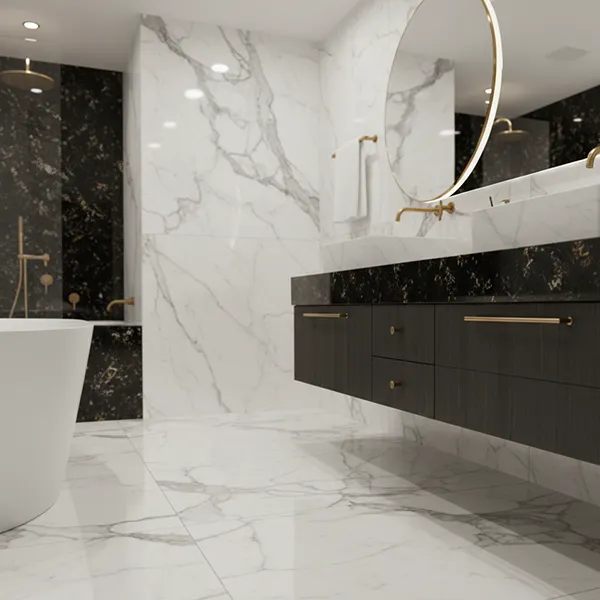
Bathroom Tile Visualizer

Bathrooms are one of the most important areas for tile selection.

Using a bathroom tile visualizer, you can:

  • Match wall and floor tiles properly
  • Test different finishes
  • Avoid combinations that don’t work together

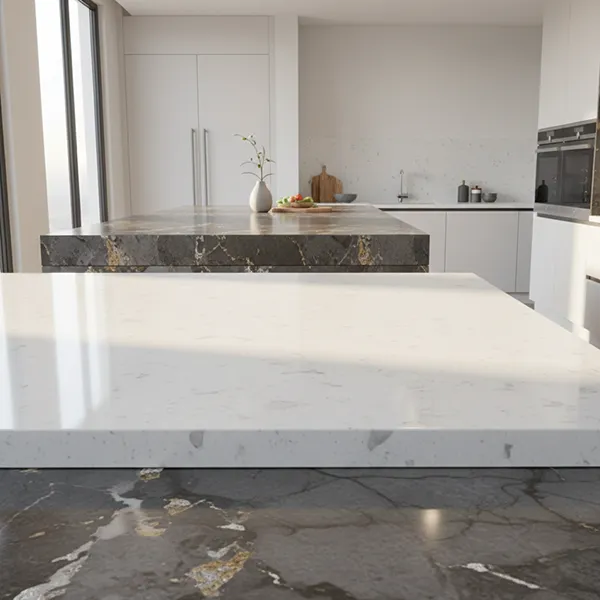
Kitchen & Backsplash Design

Kitchens require both style and function.

With a backsplash visualizer, you can:

  • Try different backsplash designs
  • Match tiles with cabinets and surfaces
  • Create a balanced look

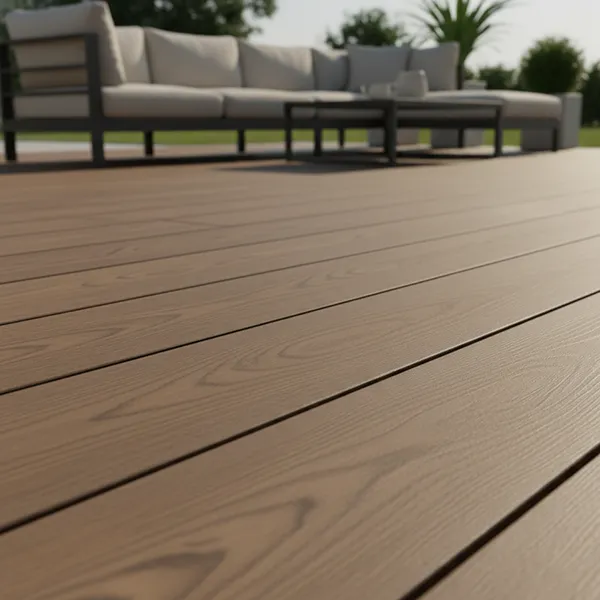
Outdoor & Patio Spaces

In South Africa, tiles are also widely used outdoors.

With a 3D tile visualizer, you can:

  • See how tiles look in natural light
  • Test designs for patios and outdoor areas
  • Match indoor and outdoor styles

Use a Tile Visualizer App to Test Designs Anytime

You don’t need complex tools to explore tile options.

The TilesDisplay tile visualizer app allows you to:

  • Test designs quickly
  • Switch between styles easily
  • View results instantly

A floor tile visualizer app also helps you focus specifically on flooring layouts and choices.

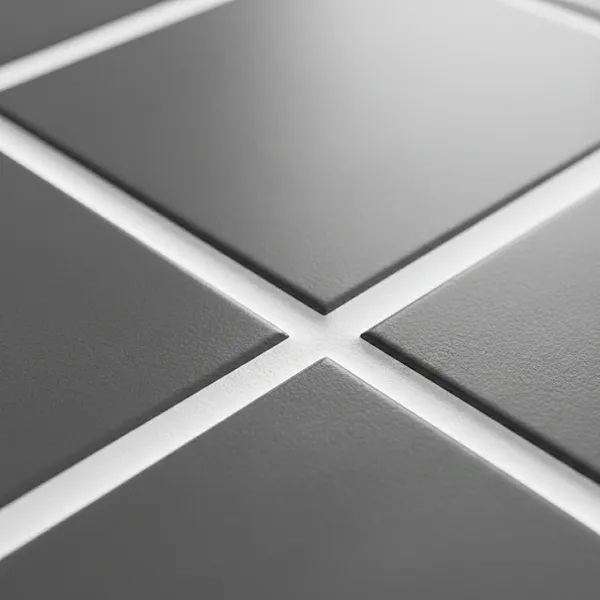
Adjust Tile Layouts to Match Your Space

Tile layout affects the final appearance of your room.

With a tile layout visualizer, you can:

  • Adjust tile direction and placement
  • Test spacing and alignment
  • Compare layout options clearly

Even small changes can make a big difference in the final result.

Make Confident Tile Decisions Before Installation

Choosing tiles without testing often leads to uncertainty.

With a tile visualizer, you can:

  • See realistic results before installation
  • Avoid costly mistakes
  • Choose tiles that fit your space properly

You’re making decisions based on what you can see not guess.

Start Visualizing Your Tiles with TilesDisplay

Tiles are a long-term part of your home. Once installed, changing them can be difficult.

With the TilesDisplay tile visualizer, you can explore ideas, test layouts, and finalize your choices with clarity.

Start visualizing your tiles today and make sure your space looks right before installation.