


















Tile Visualizer Iraq – Visualise Floor & Wall Tiles Before Installation

See how tiles will look in your home before you decide. Use the TilesDisplay tile visualizer tool to compare options and avoid mistakes.

Best Tile Visualizer In Iraq
Tiles Display - 3D Tile Visualizer

Best Tile Visualizer In Iraq

Choosing Tiles Without Seeing the Full Result Leads to Mistakes

In many cases, tiles are selected based on showroom samples or images.

But the real result can be very different.

Common problems include:

  • Tiles looking darker or lighter once installed
  • Wrong tile size affecting how the room feels
  • Floor and wall tiles not matching properly

These mistakes cost time and money to fix.

A tile visualizer helps you avoid these issues before installation.
 

Use a tile visualiser tool to See the result before you buy.

A tile visualizer tool gives you a clear preview of your final space.

Instead of relying on imagination, you can:

  • See tiles across your entire room
  • Compare different styles and colors
  • Choose what works best for your space

With the TilesDisplay tile visualizer, you make decisions based on what you see, not guess.

Use the TilesDisplay 3D Tile Visualizer Easily

The TilesDisplay 3D tile visualizer is designed to be simple and fast.

  • Upload your room or choose a sample
  • Apply tiles instantly to floors and walls
  • Switch between different styles and finishes
  • See changes in real time

This tile visualizer makes it easy to test options and understand the result clearly.

Visualise Tiles for Floors, Walls & Complete Rooms

A tile visualizer becomes most useful when applied to real spaces in your home.

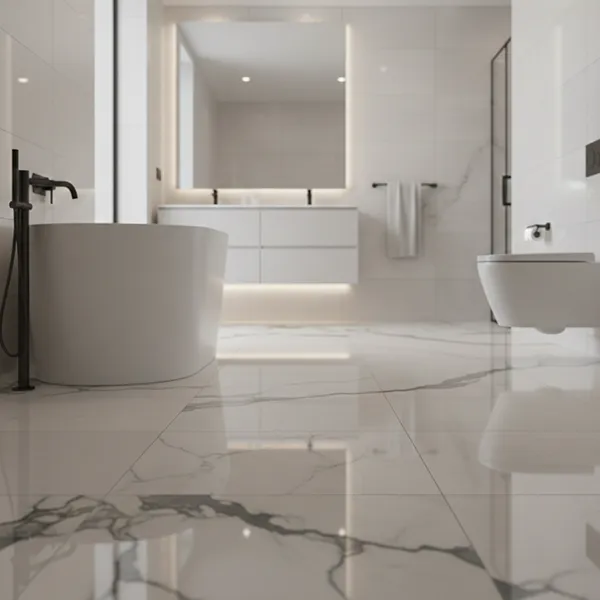
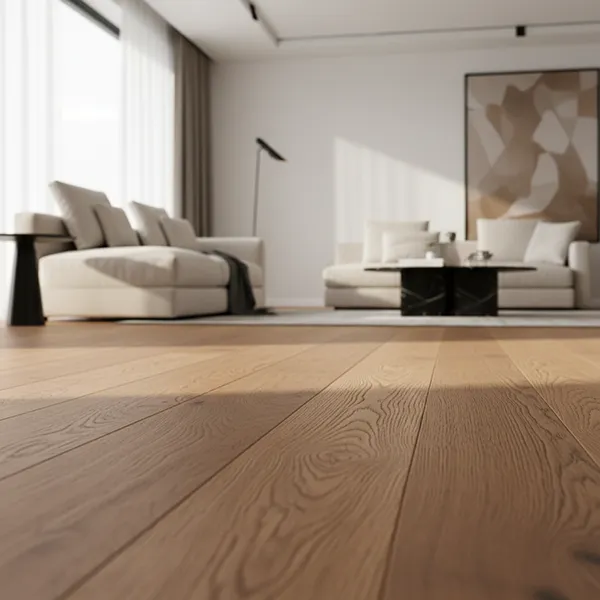
Floor Tile Visualizer

Tiles are commonly used across entire floors.

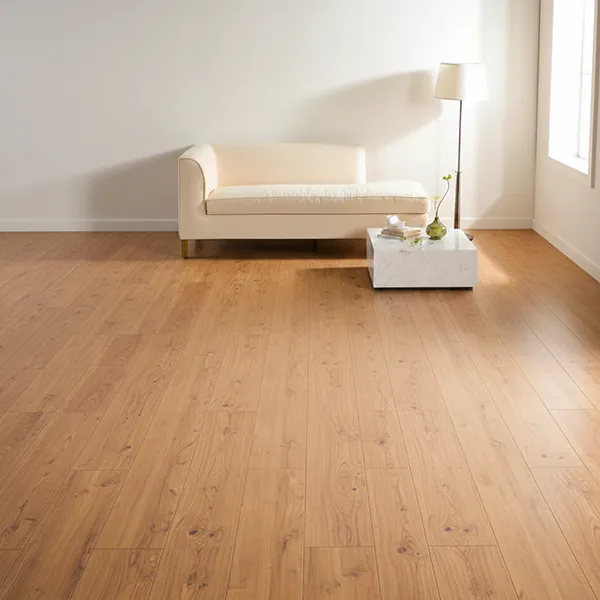
With a floor tile visualizer, you can:

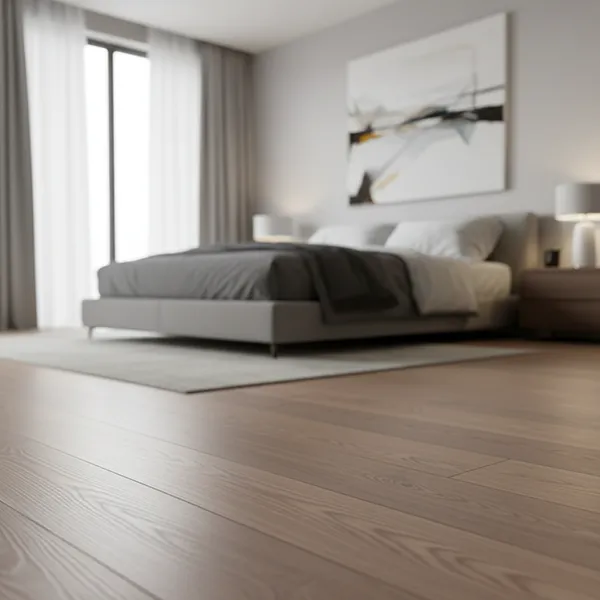
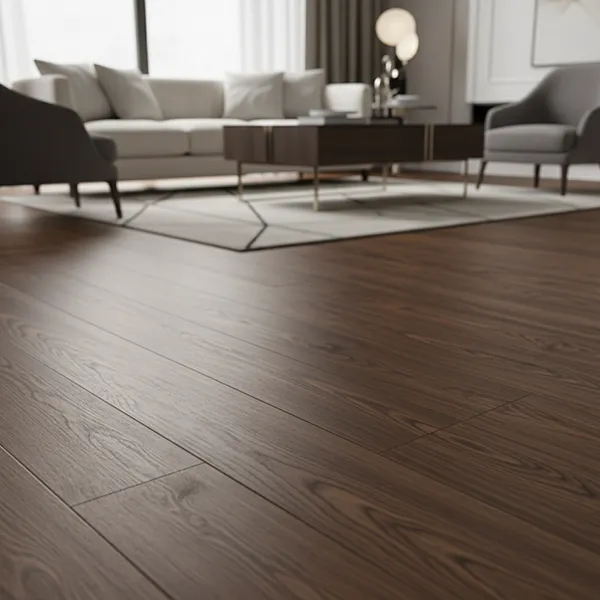
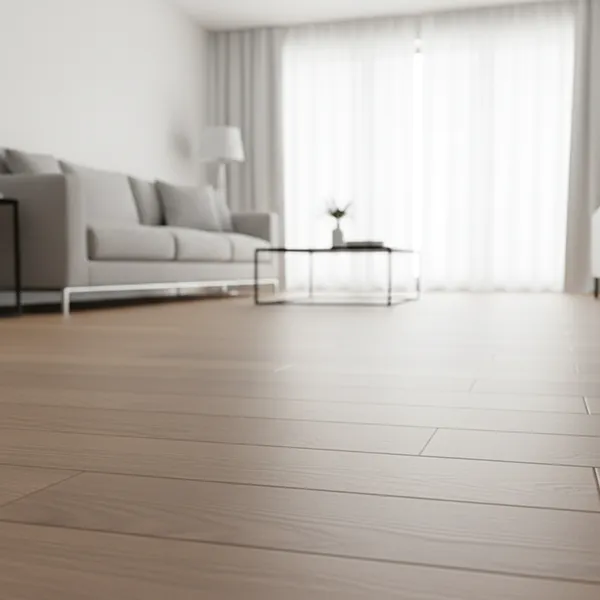
  • See how tiles look across large areas
  • Choose sizes that fit your space
  • Avoid designs that make rooms feel smaller

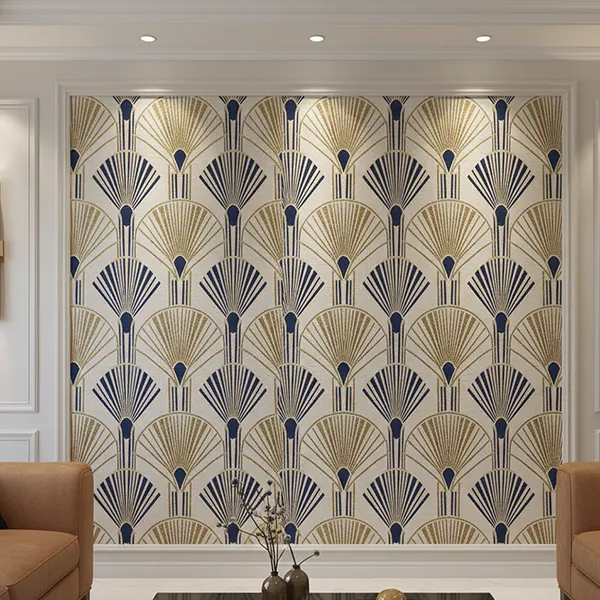
Wall Tile Visualizer

Wall tiles are widely used in kitchens and bathrooms.

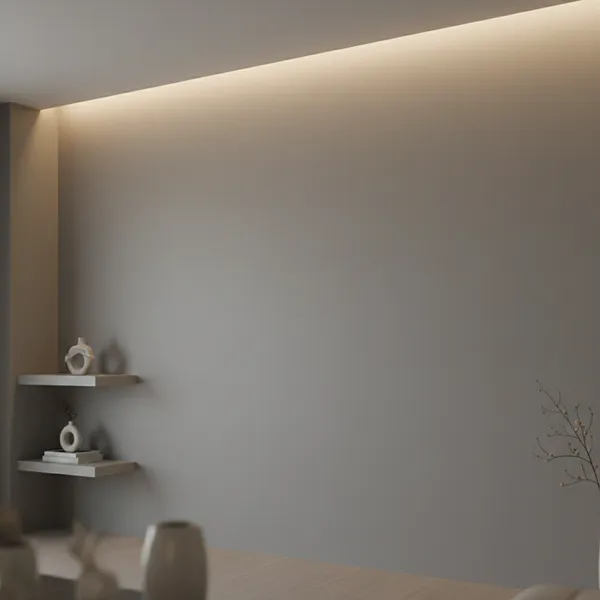
Using a wall tile visualizer, you can:

  • Match wall tiles with flooring
  • Test different finishes
  • Create a clean and consistent look

Full Room Visualization

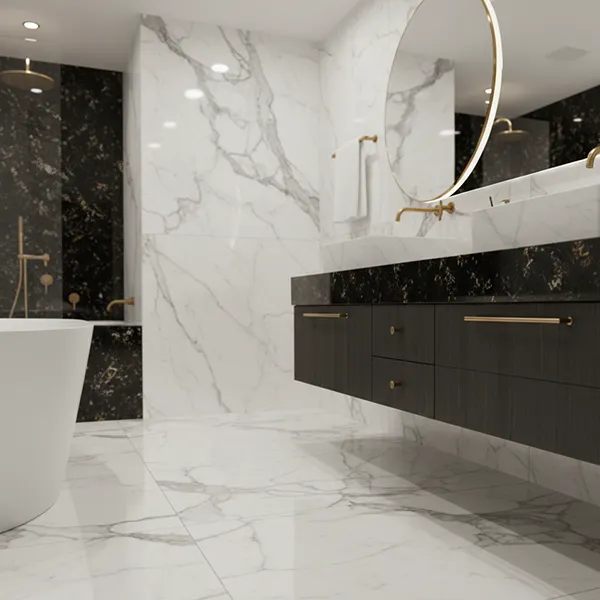
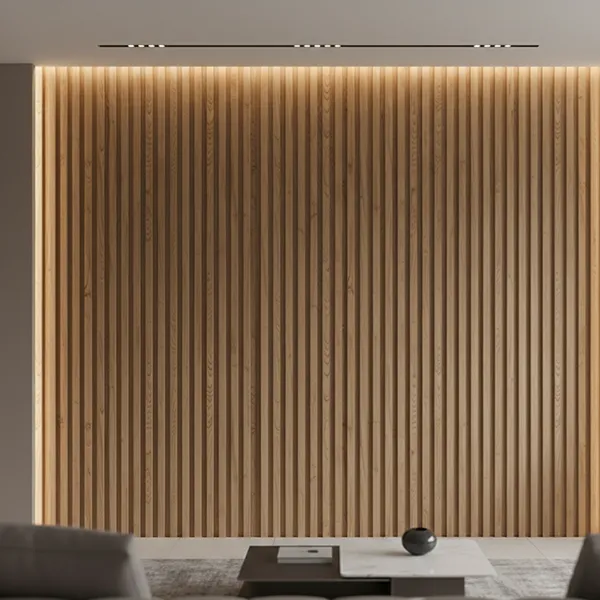
Combine wall and floor tiles using the TilesDisplay tile visualizer to see the complete result.

This helps you avoid mismatched designs.

Adjust Tile Layouts Before Finalizing Your Choice

Tile layout affects how your space looks and feels.

With a tile layout visualizer, you can:

  • Adjust tile direction and alignment
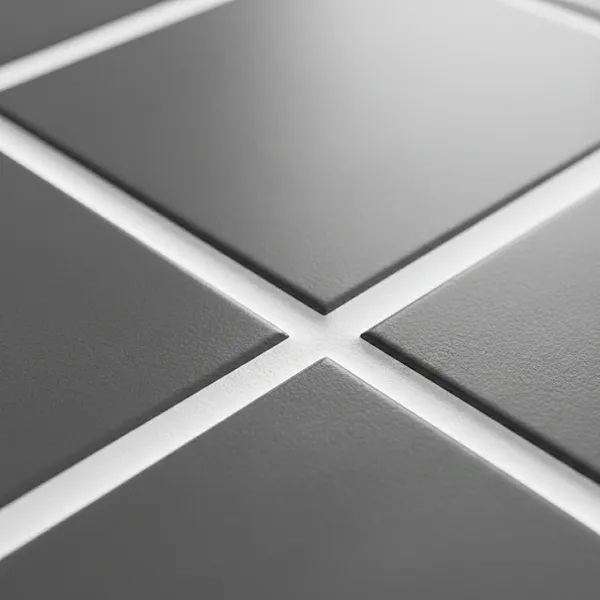
  • Test spacing between tiles
  • Compare layout options easily

Even small changes can improve the final result.

It’s better to see this before installation.

Make Better Tile Decisions Without Risk

Using a tile visualizer helps you make better decisions from the start.

With TilesDisplay, you can:

  • Avoid costly mistakes
  • Save time and effort
  • Choose tiles with confidence

This tile visualizer tool gives you a clear view of your space before you commit.

Start Visualising Your Tiles with TilesDisplay

Tiles are a long-term investment. Once installed, changing them can be expensive.

With the TilesDisplay tile visualizer, you can explore options, test layouts, and finalize your choices with clarity.

Start visualising your tiles today and make the right decision before installation.