


















Elevate Your Interiors
with Trendy Tiles Display
Tiles That Speak the Language of Design.
7th May, 2026
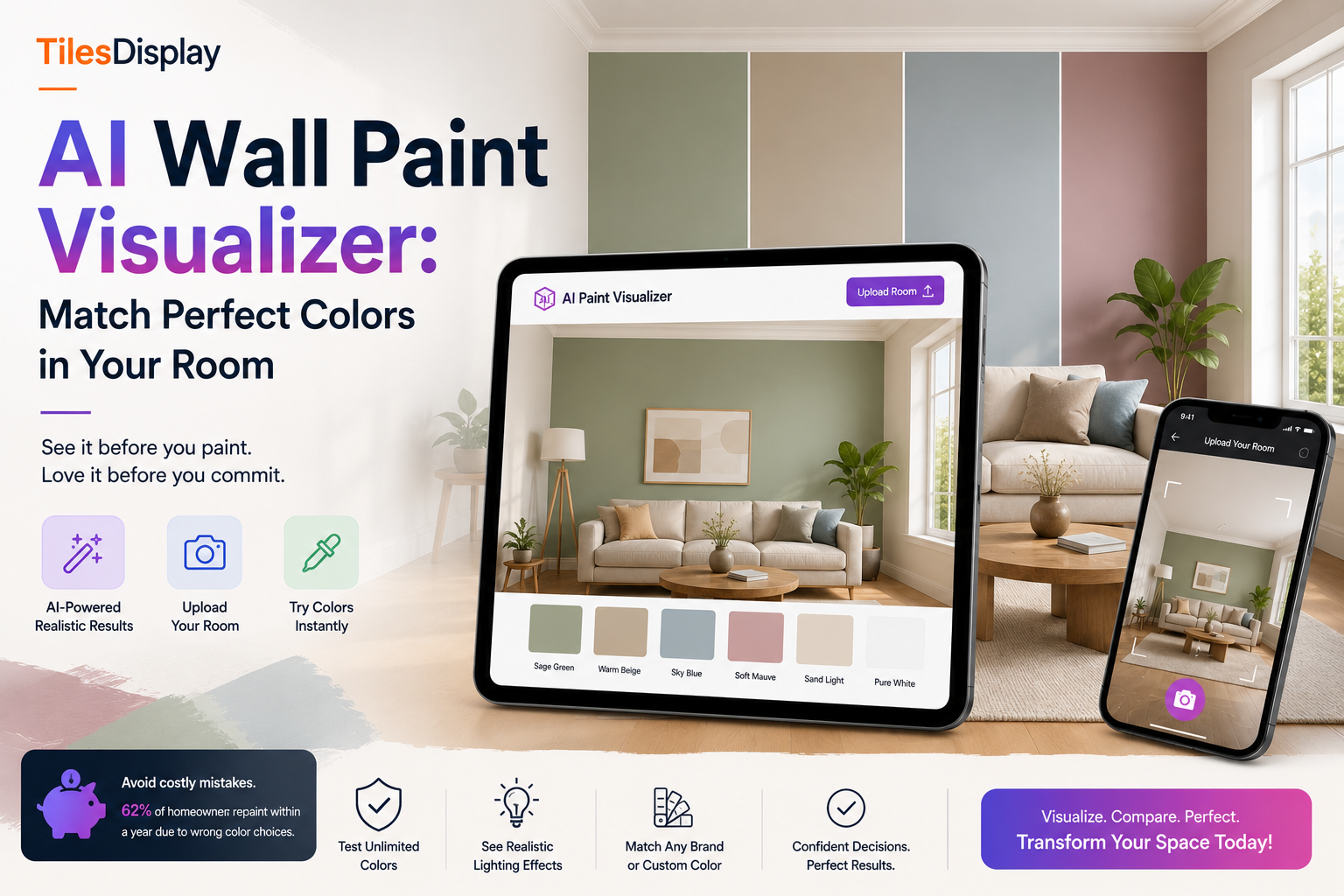
Choosing a paint color is one of the most common and most expensive renovation mistakes homeowners make. You pick a shade from a sample strip under store fluorescent lighting, bring it home, paint a swatch on the wall, and realize it looks completely different. The color is too cool, too dark, or completely clashes with the floor. Then you repaint, adding cost, time, and frustration to a project that should have been simple. AI wall paint visualizer technology exists specifically to solve this problem, and in 2026 it has become the standard starting point for any serious painting project.
This guide covers everything you need to know about using an AI paint visualizer to match perfect colors in your room before spending a single rupee or dollar on paint. You will understand how the technology works, what makes it genuinely useful compared to physical swatches, how to use TilesDisplay's wall color visualizer step by step, and how to avoid the color mistakes that most people make even after testing samples.
Key stat: The cost of choosing the wrong paint color
According to home renovation surveys, 62% of homeowners repaint at least one room within a year of completing a renovation. The average cost of repainting a single room is $400 to $900. Using an AI paint color visualizer before buying paint eliminates this cost for most users.
A wall paint visualizer is a digital tool that lets you apply paint colors to a photo of your actual room and see a realistic preview before you buy or apply any paint. Instead of guessing from a 2-inch sample strip, you upload a photo of your living room, bedroom, kitchen, or any space, choose a color, and see it rendered on your walls in seconds.
What separates an AI paint visualizer from older generation tools is the intelligence behind the rendering. Legacy tools required you to manually trace walls with selection tools, which was time-consuming and produced flat, unrealistic results. Modern AI-powered tools automatically detect walls, ceilings, corners, and surfaces in your photo. They account for existing shadows, lighting conditions, and the texture of your walls to render the new color the way it would actually look in your space under your specific light source.
The result is a room paint visualizer that does not just paste a color on top of your photo. It simulates how that color interacts with the furniture, flooring, window light, and overall architecture of your room. This is the difference between a useful tool and a gimmick, and it is why AI-powered visualization has replaced sample pots as the recommended first step for any painting project in 2026.
Understanding the technology behind an AI paint color visualizer helps you get better results when using it. The process has three core stages.
When you upload a room photo to a paint visualizer app, the AI analyzes the image at the pixel level. It identifies distinct surfaces by detecting edges, color gradients, depth cues, and material textures. Walls are separated from floors, ceilings, furniture, and fixtures. In rooms with complex geometry, such as angled ceilings, alcoves, or columns, the AI maps each surface independently so colors can be applied accurately to each zone.
This is where an AI tool outperforms manual selection tools entirely. The AI wall paint visualizer does not apply a flat color wash to the detected area. It reads the existing light map of the room, which includes the direction of natural light from windows, shadow zones, areas of reflected light, and ambient light from fixtures. The color is then rendered into this light map so it behaves the way real paint would. A warm sage green looks different on a north-facing wall with indirect light compared to a south-facing wall that receives direct afternoon sun, and a quality room paint visualizer shows this difference accurately.
Most AI paint color visualizer tools include a library of real paint colors from major brands, complete with brand names and color codes. When you pick a shade, you can find its exact equivalent at a paint store. Some tools also include a paint color match app function that lets you photograph an object, a piece of fabric, or any surface and find the closest matching paint shade. This is particularly useful for matching paint to flooring, tiles, or furniture you already have in the room.
TilesDisplay advantage: Brand-neutral color visualization
Unlike Sherwin-Williams ColorSnap or Behr Project Color, which only show their own paint ranges, TilesDisplay's paint visualizer is brand-neutral. You can test any color from any brand, or enter a custom hex code, giving you complete freedom to choose the right color without being locked into one manufacturer's palette.
Physical paint swatches and sample pots are still a useful final confirmation step, but they consistently mislead homeowners during the color selection phase. Understanding why explains exactly why a wall color visualizer produces better decisions.
Store lighting is not your home lighting. Fluorescent retail lighting has a different color temperature than the natural daylight or warm LED lighting in most homes. A color that looks right in a hardware store can look significantly different on your wall. An AI paint visualizer renders colors in the lighting conditions captured in your own room photo, which is far more accurate.
Sample size creates false impressions. A 3-inch swatch from a paint strip and a 3-foot painted section on your wall are perceived completely differently by the human eye. Large surfaces with saturated colors appear more intense than small samples suggest, and light colors appear lighter at scale. The room paint visualizer shows the color at full room scale, eliminating this illusion.
Samples ignore surrounding context. How a paint color looks is always influenced by the colors of everything around it. Your floor, your furniture, the color of adjacent walls, and even the view through your windows affect how a wall color reads. A paint visualizer app that uses your actual room photo captures all of this context automatically.
Samples waste money and time. Buying multiple sample pots to test options typically costs $15 to $25 per pot. Testing four options costs $60 to $100 before you have even chosen a color. The AI paint color visualizer lets you test unlimited colors for free, often within the same 10-minute session.
TilesDisplay's wall paint visualizer is designed to be usable without any design skills or technical knowledge. The entire process from photo upload to a shareable preview takes under five minutes for a single room.
Exclusive feature: Paint plus tile in one visualization
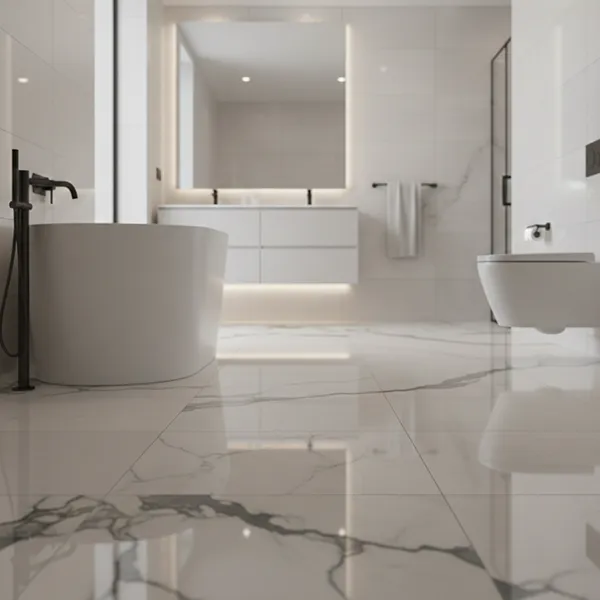
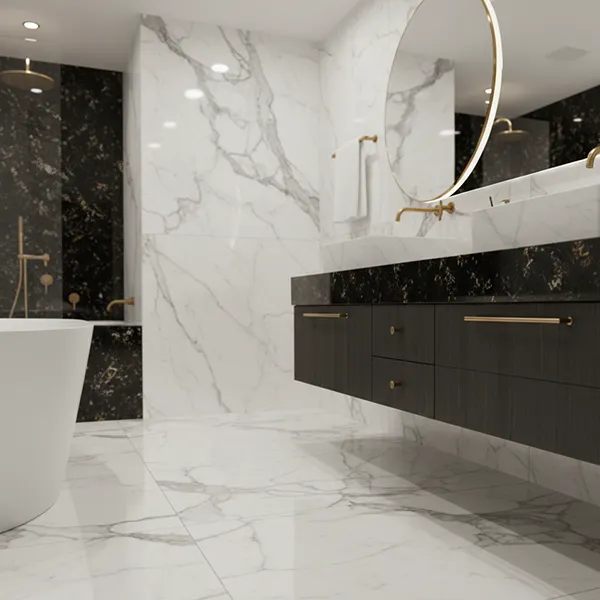
TilesDisplay is the only platform that combines a wall paint color visualizer with a full floor and wall tile visualizer in one tool. You can see a terracotta paint color on the walls alongside a large-format porcelain floor tile and a marble feature wall in the same room preview. This eliminates the most common renovation mistake of choosing paint and flooring without checking how they look together.
The 2026 interior paint palette has moved clearly away from the cool grays and stark whites that dominated the previous decade. Understanding the current direction helps you narrow your color choices before testing them in the AI wall paint visualizer.
Sherwin-Williams named their 2026 Color Collection of the Year around warm, earthy tones. Creamy off-whites, warm taupes, sandy beiges, and muted clay shades are replacing the cool gray palettes that felt standard in 2020 to 2024. These warm neutrals work in virtually any room and pair well with natural wood, brass fixtures, and earth-tone tiles. Use the room paint visualizer to test shades like Alabaster, Universal Khaki, and warm putty tones against your existing floor and furniture.
Benjamin Moore's 2026 Color of the Year anchors a palette of deep, grounded shades that include muted sage, forest green, and teal with gray undertones. These work powerfully as accent walls in living rooms and bedrooms, and as full room colors in bathrooms. The AI paint visualizer is particularly useful for testing deep colors because dark shades behave very differently at scale than on a sample strip. A charcoal green that looks oppressive on a small chip can feel luxurious and grounded across a full wall.
Behr's 2026 Color of the Year is Hidden Gem, a smoky jade, while the broader trend confirms strong growth in terracotta, warm amber, and dusty rose tones. These are the most difficult colors to judge from samples because their warmth depends heavily on how they interact with natural light in your specific room. Testing them in the virtual paint room before buying is genuinely important for these shades.
One of the fastest-growing paint techniques in 2026 is color drenching, where walls, ceiling, trim, and sometimes doors are all painted in the same color. The effect creates an immersive, luxurious space that feels both bold and cohesive. The AI wall paint visualizer is the ideal tool for testing this technique, because seeing all surfaces in one color before committing is essential to understanding whether the result will feel like a sophisticated design choice or an overwhelming mistake.
The most overlooked step in any renovation plan is checking paint color against flooring and tile choices before committing to either. Most homeowners choose paint and tiles in separate shopping sessions without ever seeing them together in context. This leads to the single most common complaint in renovation: the floor and wall colors clash once everything is installed.
TilesDisplay's combined paint color visualizer and tile visualizer solves this completely. You can load your room photo, apply a paint color to the walls, and simultaneously apply tile options to the floor and feature walls. Adjust either element and see how the relationship between them changes in real time.
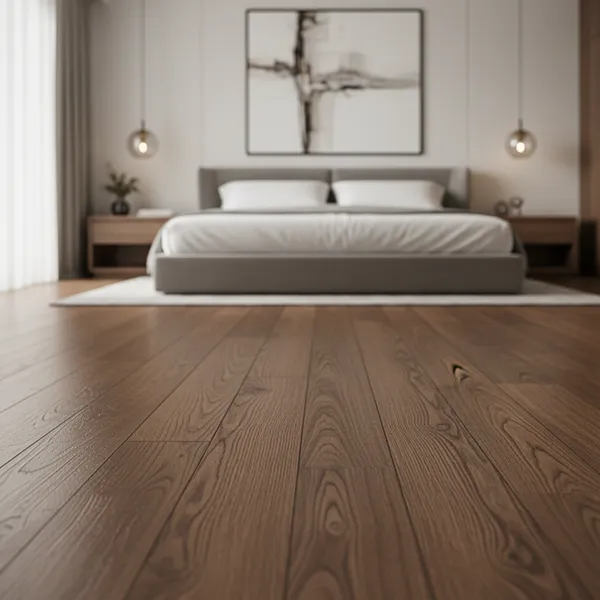
This is particularly important for decisions like pairing warm terracotta wall paint with large-format porcelain floor tiles, or testing whether a deep navy wall works with the natural stone flooring you have already ordered. The match paint color online function lets you extract the dominant color from a tile photo and find the closest wall paint shade to complement it, giving you a coordinated palette built from your actual materials.
Designer-level insight: The 60-30-10 color rule
Interior designers use the 60-30-10 rule for balanced rooms. 60% of the color comes from walls (paint), 30% from large surfaces like flooring and upholstery, and 10% from accents like tiles, cushions, and decorative objects. TilesDisplay's combined visualizer lets you apply this rule precisely to your own room before you buy anything.
Even experienced renovators make predictable paint color mistakes. Here is how using the AI wall paint visualizer prevents the most common ones.
Ignoring undertones. Every paint color has an undertone, a subtle secondary hue that becomes visible once the paint is on the wall. A gray with blue undertones looks cool and clinical. The same gray with green undertones can look muddy in artificial light. The wall color visualizer shows undertones clearly at full scale in your specific room, while a paint chip rarely does.
Choosing too light or too dark. A common mistake is choosing a color that looks beautiful on a chip but reads entirely differently at room scale. Dark colors appear much more intense at full wall scale. Light colors appear even lighter and can feel washed out. The AI paint visualizer eliminates this scale distortion entirely.
Testing in isolation. People test paint colors without thinking about what they look next to: the flooring, the fixed cabinetry, the furniture, the tiles. The room paint visualizer with photo upload forces context into the decision, which produces better results every time.
Not testing in different light conditions. Colors shift dramatically between natural daylight, warm evening light, and cool artificial light. TilesDisplay's visualizer lets you test how a color looks across different lighting scenarios so there are no surprises when the sun goes down.
While the AI paint color visualizer is useful for any homeowner planning a painting project, it delivers the highest value to specific groups.
Homeowners doing renovation without a designer. Without a trained eye, choosing paint colors that work with flooring, tiles, and furniture is genuinely hard. The virtual paint my room tool closes this gap by giving any homeowner a preview that was previously only accessible to professional designers.
Interior designers and architects. Professionals use the interior paint visualizer to generate multiple color concepts for client presentations quickly. Instead of printed mood boards, designers share digital room previews that show exactly how the proposed palette will look in the client's actual space, speeding up approvals and reducing revision rounds.
Paint retailers and manufacturers. A paint visualizer app embedded on a retail website converts browsing customers into buyers. When shoppers can see how a specific paint from your catalog looks in their room, they are more confident and more likely to complete the purchase. Studies on visualization in retail consistently show 30% or higher conversion rate improvements for businesses that offer room preview tools.
Real estate agents and property developers. Virtually repainting a property before listing or presenting it to buyers is a fast and cost-effective way to show potential. Agents use the house paint visualizer to show multiple color options in listing photos, helping buyers envision the space without physical renovation.
Modern AI paint visualizer tools are highly accurate for decision-making purposes, rendering colors in the actual lighting conditions and context of your uploaded room photo. They are not a substitute for painting a physical sample on the wall as a final confirmation, but they are significantly more reliable than sample strips for shortlisting colors and eliminating poor choices.
Yes. Most wall paint visualizer platforms, including TilesDisplay, support exterior visualization. Upload a photo of your home's exterior and try paint colors online on the facade, trim, and doors just as you would for interior walls. This is particularly useful for testing dark exterior colors, which are very difficult to judge from samples.
The paint color visualizer upload photo function works for any room as long as the photo clearly shows the walls. Bathrooms, kitchens, bedrooms, living rooms, hallways, and exterior facades all work well. The AI handles rooms with complex geometry, including angled walls and alcoves, with good accuracy in most cases.
TilesDisplay offers a 14-day free trial that includes full access to the AI wall paint visualizer and the complete tile and flooring visualization suite. No credit card is required to start the trial. After the trial period, plans are available for homeowners, retailers, and manufacturers based on usage volume.
The most expensive paint mistake is the one you make after the paint is already on the wall. An AI wall paint visualizer eliminates this mistake by showing you exactly how any color will look in your actual room, with your actual lighting, against your actual flooring and furniture, before you open a single can of paint.
TilesDisplay's paint color visualizer goes further than any standard paint-only tool by combining wall color visualization with full tile and flooring preview in one platform. You can test wall paint, floor tiles, and wall tile combinations together in the same room preview, giving you a complete picture of your renovation before any work begins.
Stop guessing. Stop buying sample pots that give you unreliable results. Use the AI paint visualizer to try paint colors online in your actual room, match them to your tiles and flooring, and walk into any paint store with complete confidence in your choice. Start your 14-day free trial at TilesDisplay today.
Ready to match perfect paint colors in your room?
Start your free 14-day trial at tilesdisplay.in/paint-visualizer. No credit card required. Upload your room photo and preview any paint color from any brand in your actual space within minutes. Combine paint visualization with tile and flooring options for a complete room preview that no other tool offers.
