




























Elevate Your Interiors
with Trendy Tiles Display
Tiles That Speak the Language of Design.
12th Jun, 2026
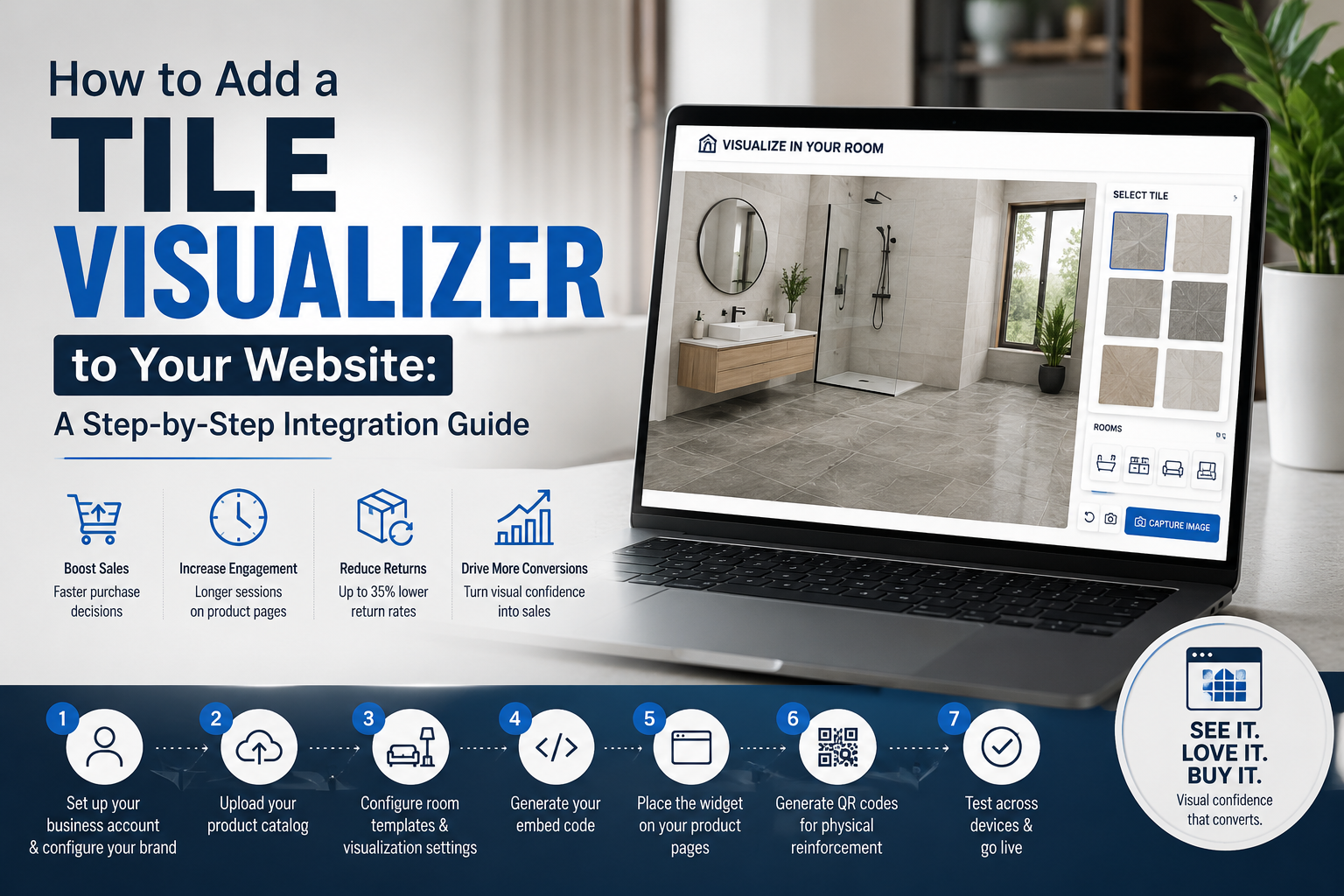
If you sell tiles online or use your website to drive customers into your showroom, your product pages are either converting visitors or losing them. The single highest-impact upgrade you can make to those pages in 2026 is adding a tile visualizer for website use.
Businesses that have done it consistently report faster purchase decisions, significantly higher engagement, and measurable reductions in returns. In this guide, you will find every step needed to go from zero to a fully functional tile visualizer on your website, from choosing the right tile visualization software to embedding the code and going live.
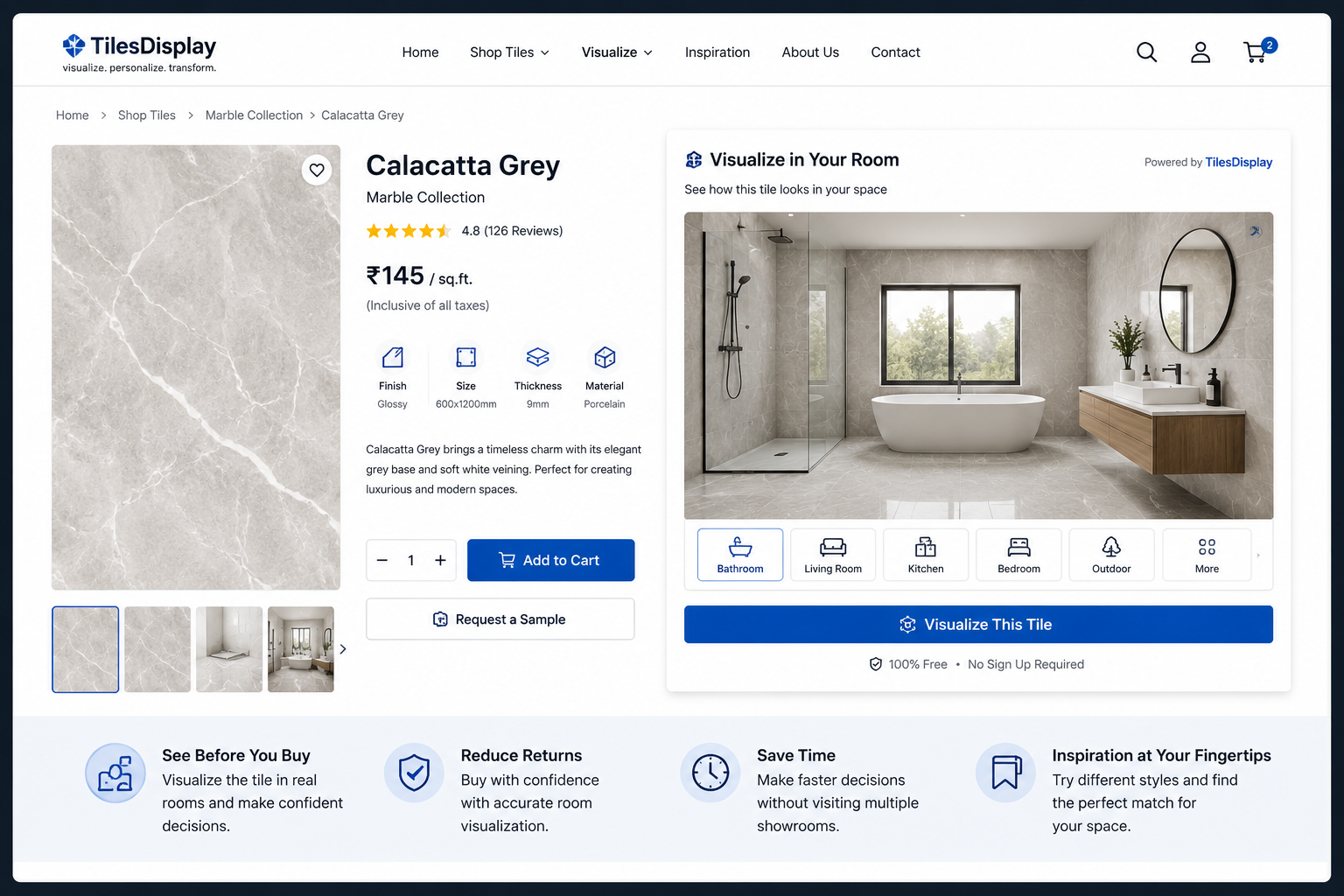
Product pages that rely on static tile photography ask visitors to make a significant financial commitment based on a best guess about how the tile will look in their room. Most visitors do not guess. They leave.
A tile visualizer for website integration intercepts buyers at the highest-intent moment in their journey, when they are already looking at a specific tile and considering a purchase. At that moment, a 'see it in your room' button answers the one question stopping them: what will this actually look like in my space?
Key Insight: A tile visualizer for website placement converts a passive browsing session into an active, invested decision-making experience and that shift drives sales.
Before you begin the tile visualizer integration process, have these three things ready.
The tile visualization software needs your product images to function. Before integration, prepare a catalog with high-resolution images of your tile designs, product names, dimensions, and finish types. Most platforms accept standard image formats (PNG, JPG) and structured product data via CSV or direct API connection. The better your catalog, the richer the customer visualization tool experience will be.
Adding a tile visualizer for website use requires placing a short code snippet in your product page template. On most platforms – Shopify, WooCommerce, Magento, custom HTML this is a straightforward copy-paste operation. You or a basic web administrator can handle it without a developer.
Free consumer tile preview tools are not designed for catalog management, branded customization, or B2B integration. You need a business-grade best tile visualizer platform one that offers website integration, catalog management, and white-label customization as core features. TilesDisplay is purpose-built for this use case.
TilesDisplay plans and pricing → tilesdisplay.in/packages
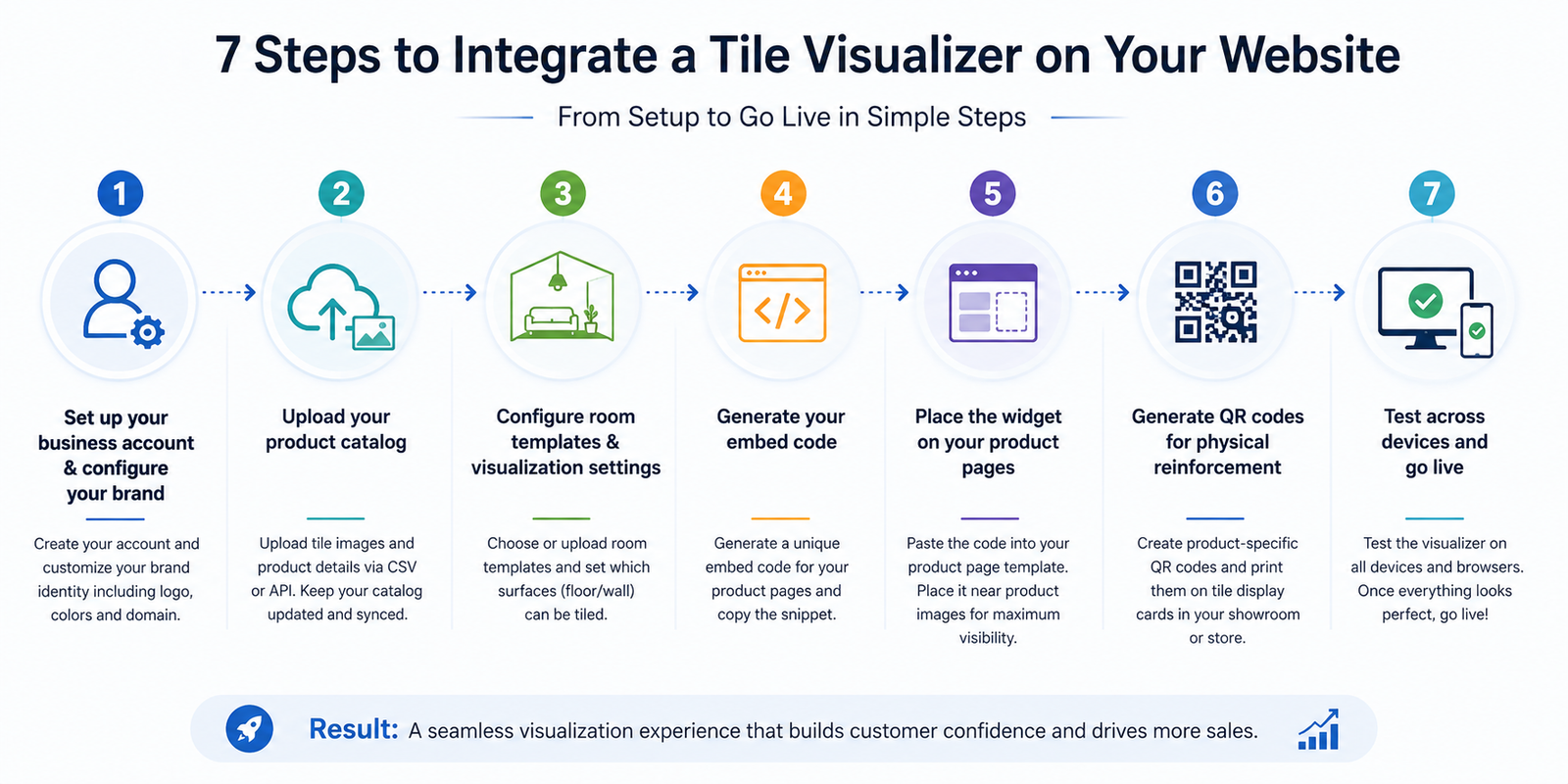
Create a business account on your chosen tile visualization software platform. During setup, configure your brand identity, company name, logo, color scheme, and website domain. TilesDisplay allows full white-label customization so the tile visualizer for website use appears as a native feature of your site, not a third-party tool.
Upload your tile images and product data to the platform's catalog management system. TilesDisplay supports bulk upload via CSV and direct API sync with your existing product database, meaning new products you add to your website automatically appear in the tile visualizer without manual updates. Each product entry becomes a selectable tile in the virtual showroom software.
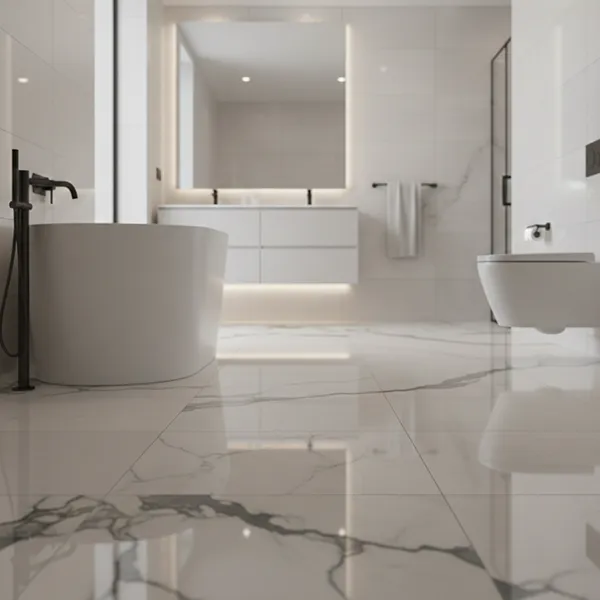
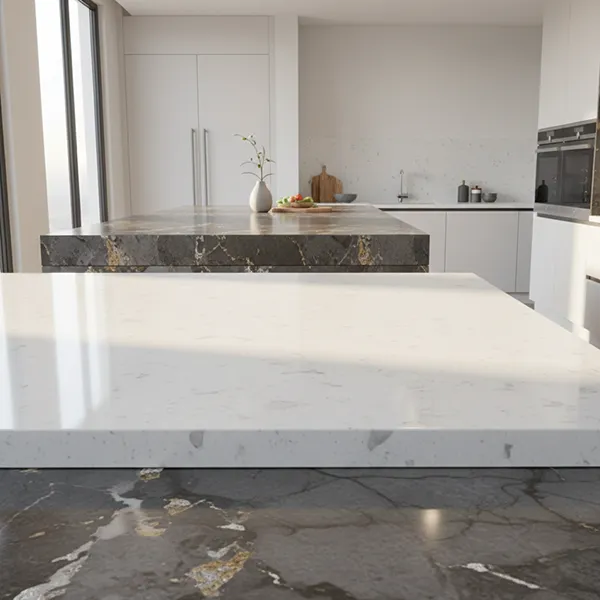
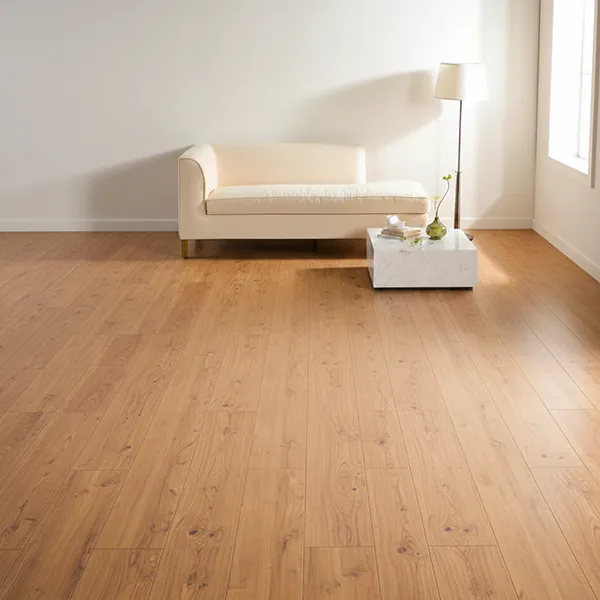
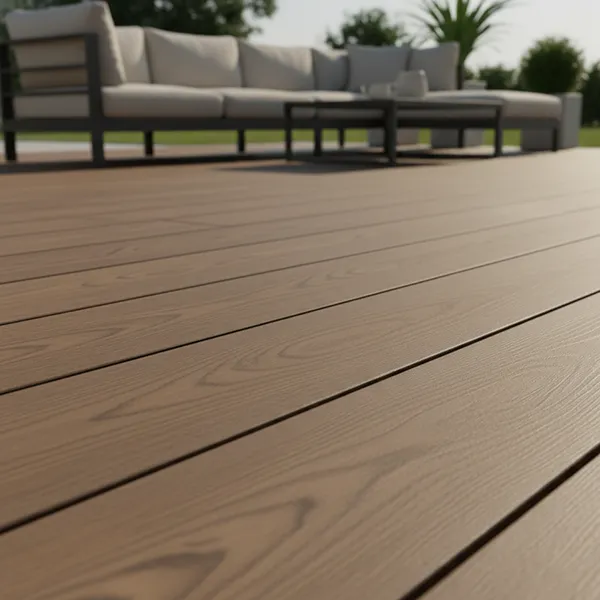
Choose which room templates appear in your customer visualization tool, bathroom, kitchen, bedroom, living room, hallway, outdoor, and commercial options. You can use the platform's pre-built template library or upload your own branded room photography. Configure which surfaces are tile-mappable (floor, wall, or both) for each room type.
Once the catalog and room settings are configured, the platform generates an embed code, a short snippet of HTML and JavaScript. TilesDisplay generates product-specific embed codes so you can place a tile visualizer on individual product pages, pre-loaded with that specific tile. The customer lands on a product page, clicks 'visualize', and the correct tile is already selected, removing all navigation friction.
Paste the embed code into your product page template. The recommended placement is near or alongside your main product images – visible above the fold. Label it clearly with an action-oriented button: 'See this tile in your room' or 'Visualize before you buy'. The more prominently the tile website feature is displayed, the higher the usage rate – and the greater the impact on conversion.
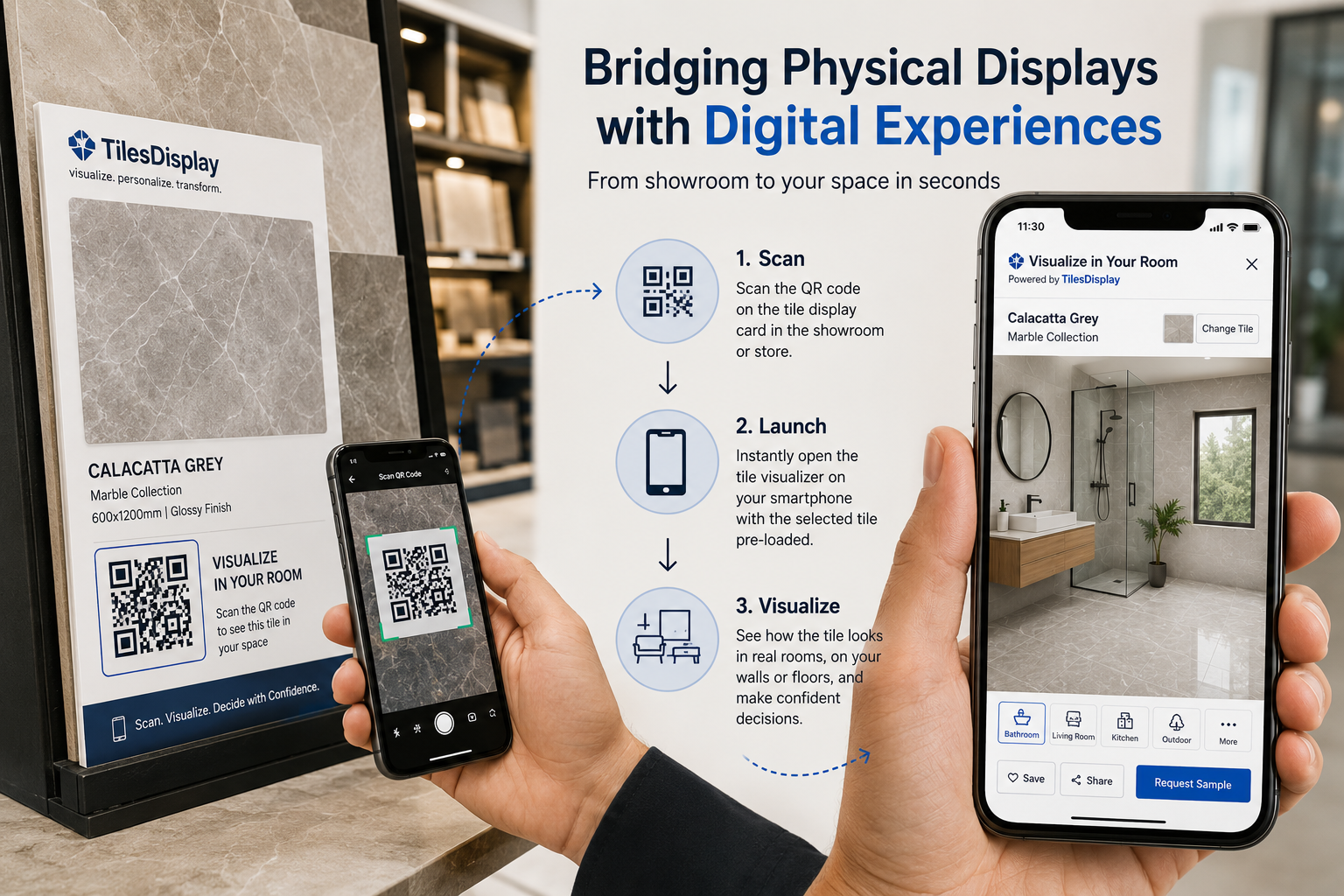
If you operate a showroom or retail space, generate product-specific QR codes from the platform dashboard and print them onto your physical tile display cards. A customer scans the code and opens the live tile visualizer on their phone, pre-loaded with that exact tile. This bridges the physical and digital customer journey visualization, one of the most powerful applications of the technology.
Before publishing, test the tile visualizer integration across desktop, mobile, and tablet. Verify that product images load correctly, room templates render well, and the share and save functions work. Mobile performance is especially important a large share of tile product browsing happens on smartphones, and a visualizer that loads slowly on mobile will be abandoned.
Tile website features that are buried below product specifications or reviews are used far less than those positioned alongside the product gallery. Treat the visualizer button as a primary call-to-action, not a secondary feature.
Good tile visualization software allows customers to save and share their room visualization as a link or image. Add a prompt after the customer generates a preview: 'Share this with your designer or partner.' Shared visualizations are organic word-of-mouth with real room context, far more persuasive than product photography.
TilesDisplay includes a PDF catalog generation feature. Enable the workflow so customers can: visualize → select favourites → generate a branded PDF catalog with those products. This catalog becomes a reference document shared with contractors, designers, and household decision-makers, keeping your brand present throughout a buying process that can span weeks.
If you manage a large product catalog, the tile visualizer API allows automatic product syncing so every new SKU you publish on your website immediately appears in the visualizer without manual updates. This is especially valuable for manufacturers with seasonal collections or frequent product launches.
tilesDisplay tile ecommerce software features → tilesdisplay.in/services
Interactive catalog and QR code tool → tilesdisplay.in/generate-qr-code
TilesDisplay is designed for tile industry professionals, not software developers. The platform provides a lightweight embed widget that works on any website platform, a product-specific QR code system, full white-label customization, bulk catalog upload, and tile visualizer API integration for automated product syncing.
For e-commerce brands, TilesDisplay supports add-to-cart triggers from within the visualization session, so a customer can move from 'I love how this looks in my bathroom' directly to checkout without leaving the tile preview on website experience.
Sign up for a tile visualization software platform like TilesDisplay, upload your product catalog, configure room templates, and paste the generated embed code into your product page template. The full process typically takes 1–3 days without requiring a developer.
Well-built tile visualization software loads asynchronously, the visualizer widget does not delay the rest of your product page. TilesDisplay uses lightweight embed technology with no measurable impact on overall page load speed.
Yes. TilesDisplay and most business-grade tile visualizer for website platforms work with Shopify, WooCommerce, Magento, and custom HTML sites via a standard embed code. The widget is placed in your product page template and can be configured to pre-load the specific product for each page.
A tile visualizer API is a programming interface that allows your website's product database to automatically sync with the tile visualization software. New products added to your website catalog automatically appear in the visualizer, eliminating manual updates and keeping the tool current without maintenance.
Yes, with a white-label tile visualization platform like TilesDisplay. Full branding customization, your logo, color scheme, and domain, makes the visualizer appear as a native feature of your website rather than a third-party tool.
By removing the uncertainty that causes buyers to delay or abandon. When a customer can preview a tile in their own room and see exactly how it looks with their existing fixtures, all the questions holding them back are answered. The result is a faster, more confident decision, and a significantly higher completion rate on the product page.
Adding a tile visualizer for website use is one of the most commercially impactful decisions a tile manufacturer or retailer can make in 2026. It transforms passive product pages into active sales tools, reduces the uncertainty that causes abandonment, and gives customers a reason to buy from you specifically because you showed them the answer while your competitors asked them to guess.
The integration process is simpler than most businesses assume. With the right tile visualization software, you are looking at 1–3 days from account setup to a live, embedded tile visualizer serving your product pages.
What does your current product page experience look like – and how many buyers do you think are leaving because they cannot visualize the tile in their own room?
Start free trial → tilesdisplay.in/signup
Excerpt: Adding a tile visualizer to your website transforms static product pages into active sales tools. This step-by-step guide covers everything from choosing tile visualization software to embedding the code, going live, and maximizing tile website conversion including QR code integration, catalog management, and the tile visualizer API for automated product syncing.
