




















Elevate Your Interiors
with Trendy Tiles Display
Tiles That Speak the Language of Design.
13th Aug, 2026
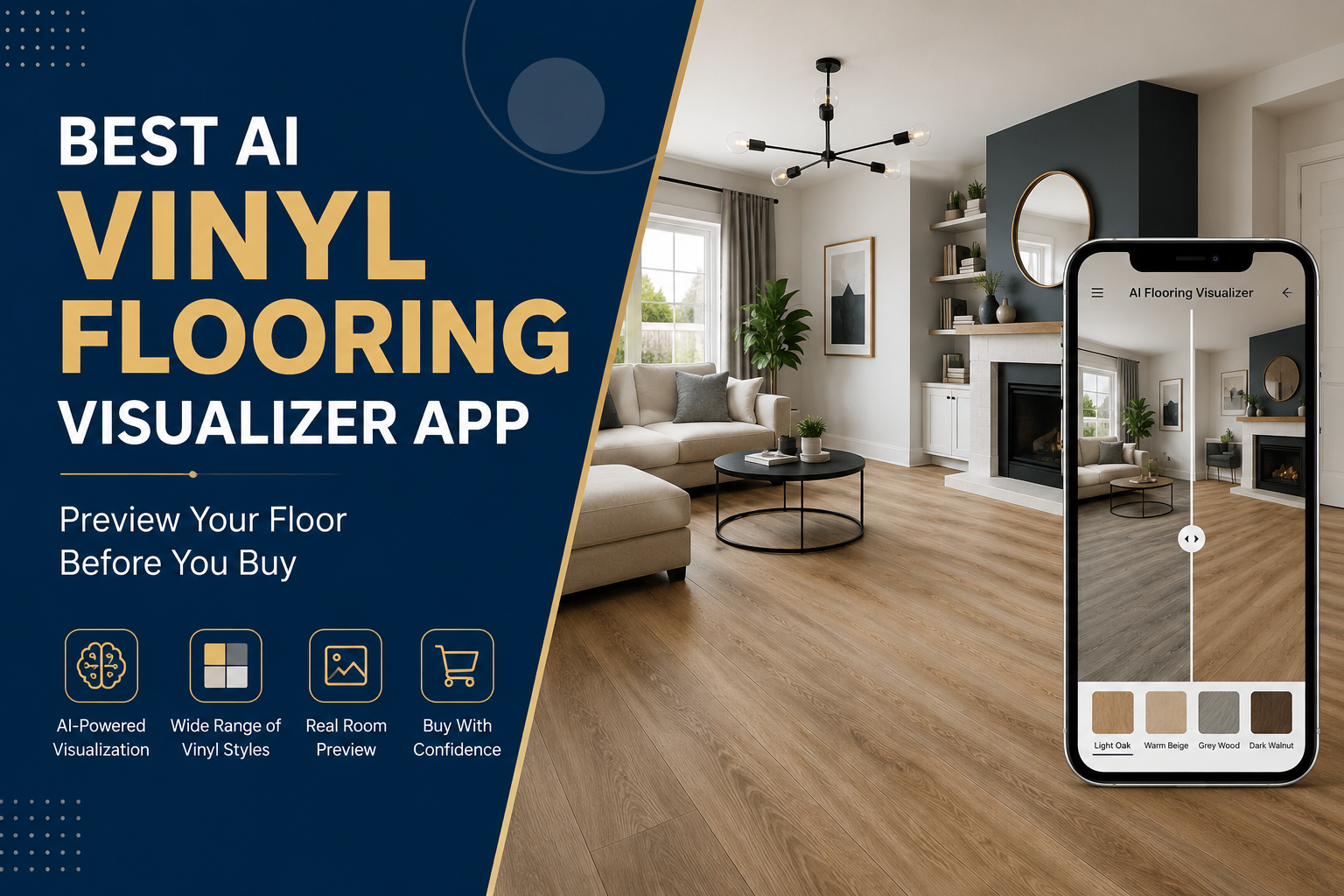
Choosing new flooring can be harder than it looks. A vinyl plank may look perfect in a product catalog, yet appear completely different once it is placed alongside your walls, furniture, cabinets, and natural lighting. This is where an AI flooring visualizer can make the decision easier.
Instead of trying to imagine the finished result from a small sample, you can upload a room photo and preview different flooring options directly in the space. A vinyl flooring visualizer can help you compare colors, wood-look patterns, plank styles, and finishes before committing to a purchase.
Whether you are renovating a living room, updating a bedroom, redesigning a kitchen, or selling flooring products online, visualization provides a more practical way to evaluate flooring choices.
In this guide, we will look at how AI flooring visualization works, what features to look for, how to choose vinyl flooring using a digital preview, and how businesses can use visualization to improve the product-selection experience.
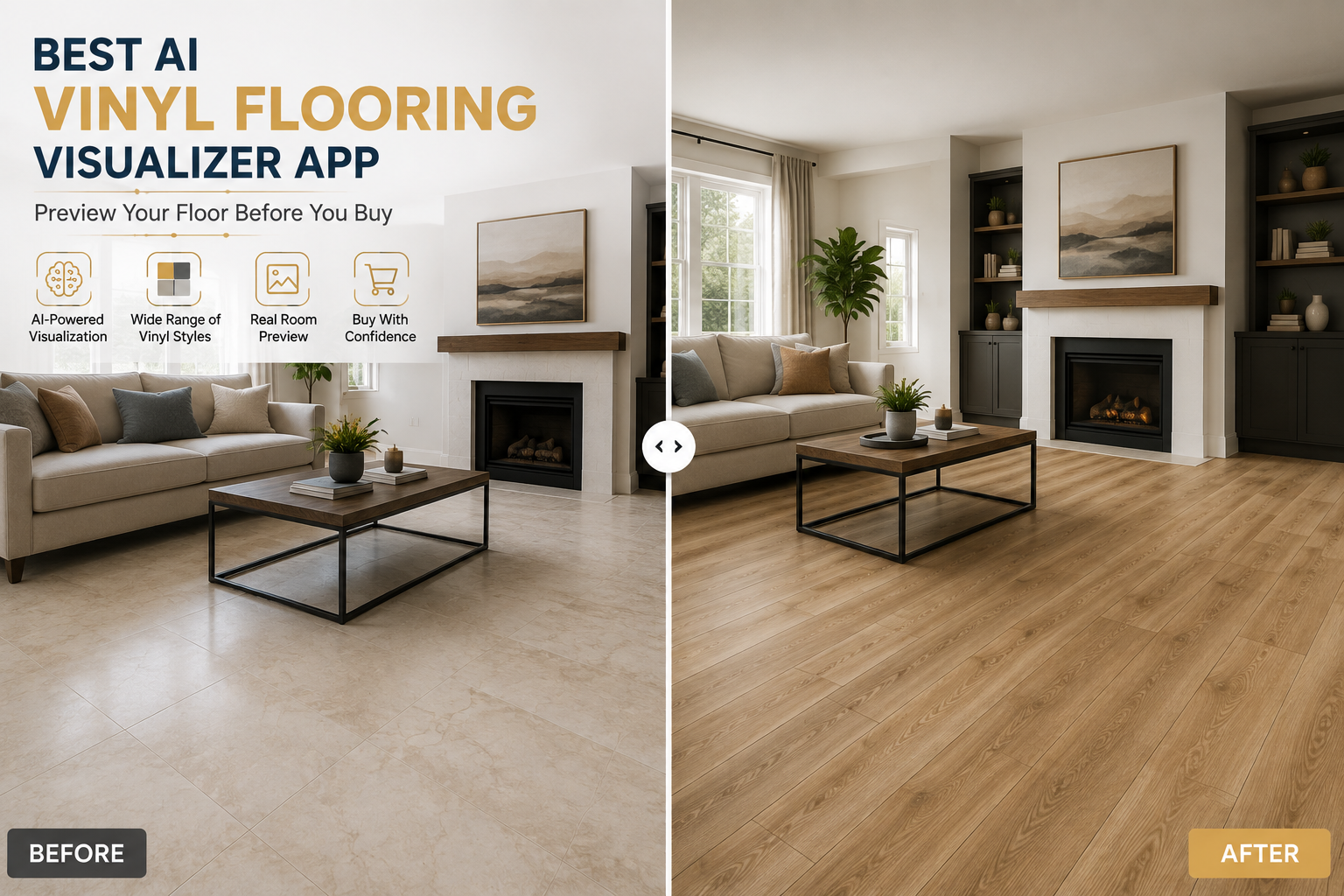
An AI flooring visualizer is a digital tool that allows users to see how different flooring products could look in a real room. Instead of viewing flooring only as a standalone product image, users can upload a photograph of their room and apply different flooring options to the floor area.
The technology analyzes the room image, identifies the floor surface, and generates a visualization with the selected flooring applied to that space.
For example, imagine that you are considering three vinyl plank options:
Looking at three product images may not tell you which one will work best with your existing interior. A room-based visualization lets you compare those options in context.
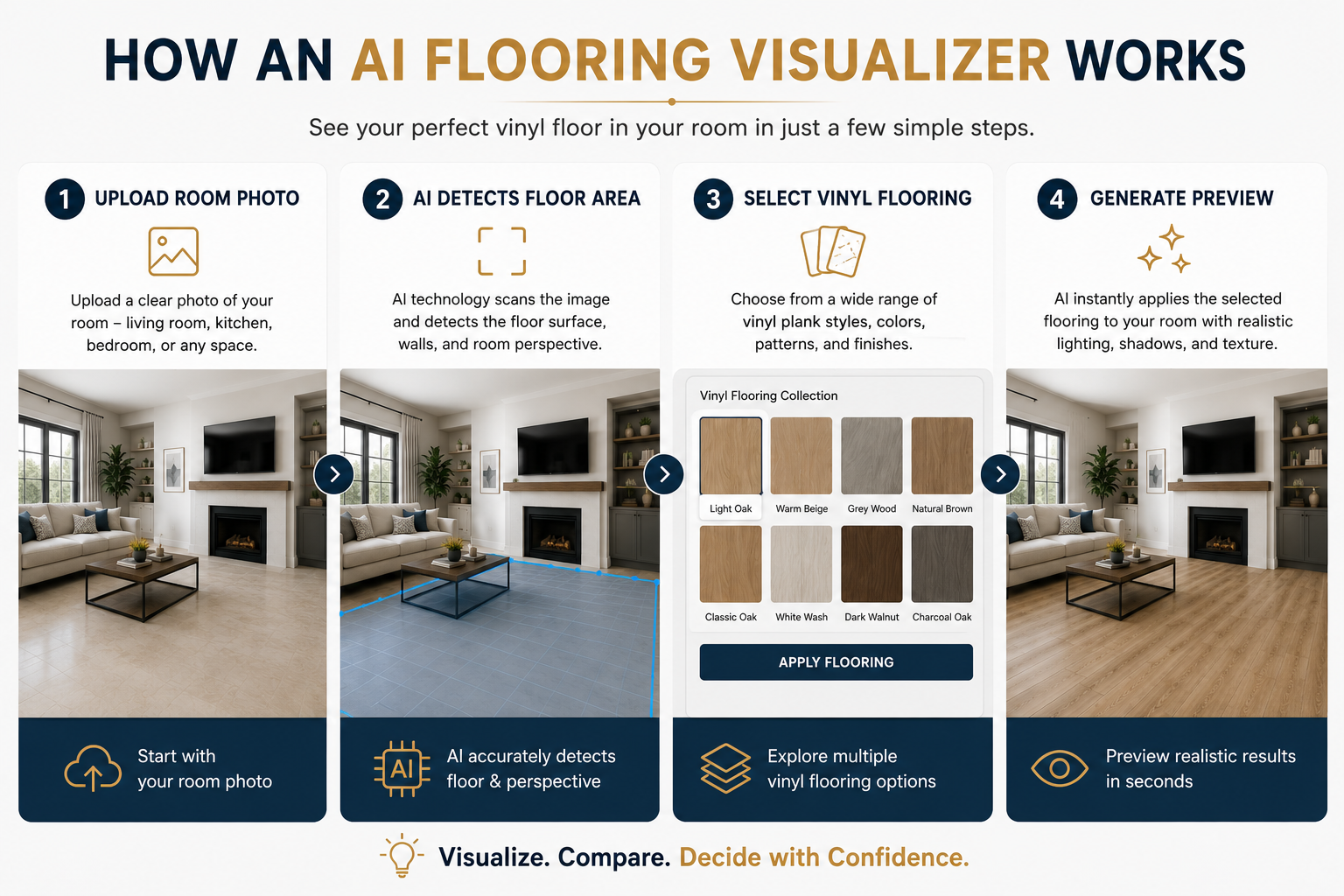
A typical AI floor visualizer follows a relatively simple process:
Start with a clear image of your kitchen, bedroom, living room, office, or another space.
The visualization technology analyzes the image and determines where the flooring should be applied.
Choose a v.inyl plank, wood-look design, pattern, color, or other flooring option.
The selected flooring is digitally placed into the room.
Try multiple products to see how colors and patterns change the appearance of the space.
The main advantage is context. Instead of asking, "What will this flooring look like?", you can ask a much more useful question: "What will this flooring look like in my room?"
You don't need to be a developer to use one, but understanding the mechanics helps you evaluate quality. Here's a simplified breakdown of what happens when you use a modern AI flooring visualizer:
The tool scans your uploaded room photo and identifies the floor area using computer vision — essentially teaching the AI to "see" where the floor starts and ends, even around furniture, doorways, and stairs.
The AI calculates the angle, depth, and vanishing points of your room so that the new flooring design isn't just pasted flat — it wraps naturally around the room's true perspective.
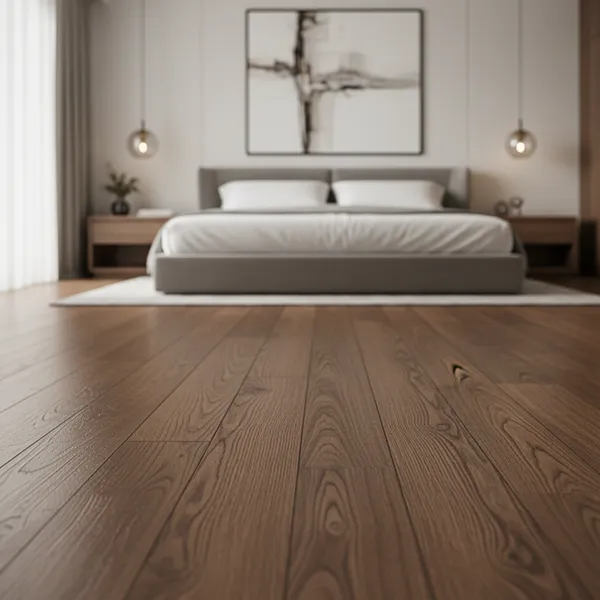
This is where the vinyl flooring visualizer applies your chosen design — wood-look planks, stone-look tiles, herringbone patterns, and so on — while preserving realistic light reflection and shadow direction.
Within seconds (sometimes instantly), you get a photorealistic preview you can compare, download, or share with your designer, contractor, or spouse (because let's be honest, flooring decisions are rarely made alone).
The best AI floor visualizer tools repeat this process seamlessly, letting you swap between 5, 10, or even 20 different vinyl designs in the same room photo without ever leaving your screen.
A modern flooring visualization experience should offer more than simply changing the floor from one color to another.
Color has a major influence on the perceived size and atmosphere of a room.
Common options include:
Light flooring can help a room feel brighter and more open, while darker flooring can create a richer and more dramatic appearance.
An AI flooring visualizer makes it easier to test these differences before making a final selection.
The direction and arrangement of flooring can also influence the visual character of a room.
Depending on the visualization platform and product collection, users may explore options such as:
For example, a conventional straight plank layout can create a clean and understated appearance, while herringbone can introduce a stronger decorative element.
Vinyl isn't limited to one visual style.
Depending on the product collection, users may encounter:
The ability to preview these options within the same room can make product comparison significantly easier.
Using a flooring visualizer is generally much easier than creating a full 3D room model manually.
Choose a clear photograph showing as much of the existing floor as possible.
A well-lit image with minimal obstruction usually produces a more useful visualization.
Browse the available flooring collection and choose a vinyl product you want to preview.
If you are using a manufacturer's or retailer's visualization system, the product may be connected directly to its catalog.
The visualization system identifies the relevant floor area and applies the selected design.
This gives you a room-level preview rather than a standalone product image.
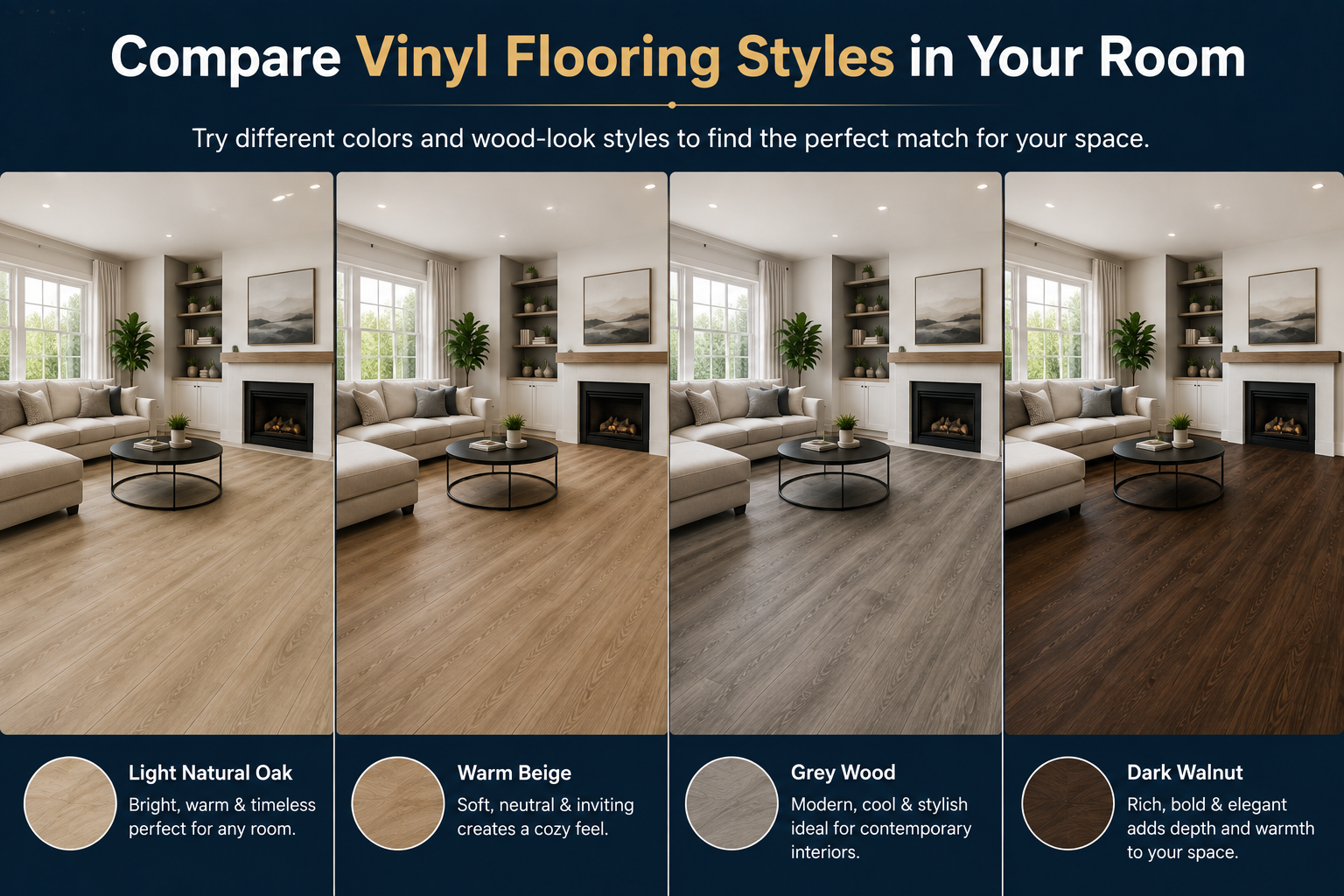
Try several colors and patterns.
For example:
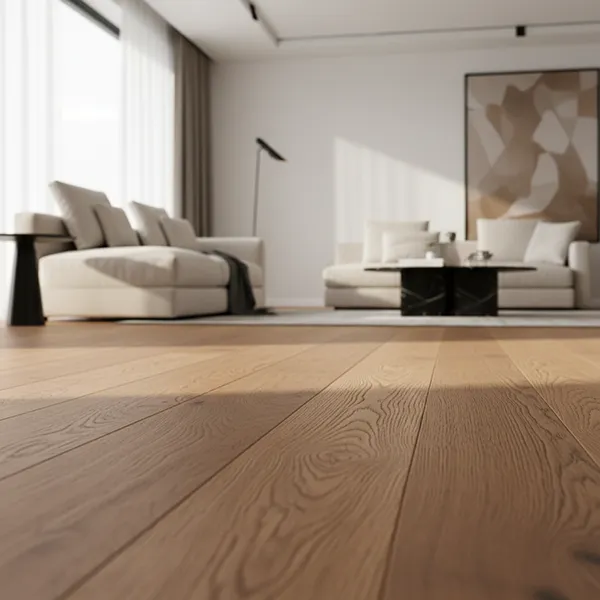
Option A: Light oak
Option B: Natural beige
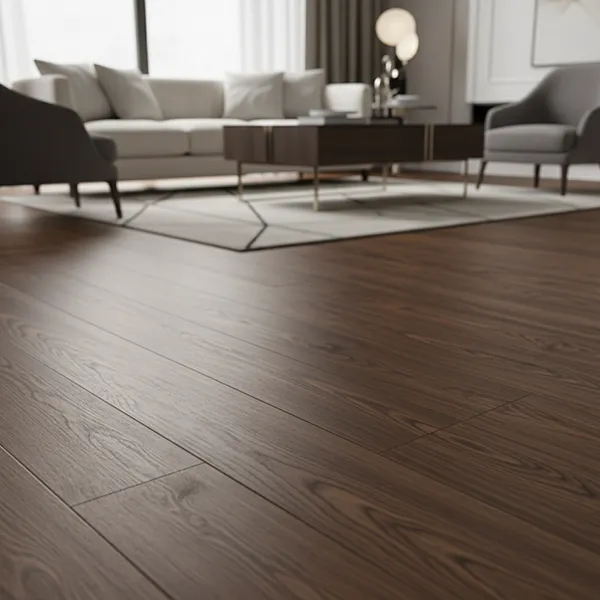
Option C: Medium brown
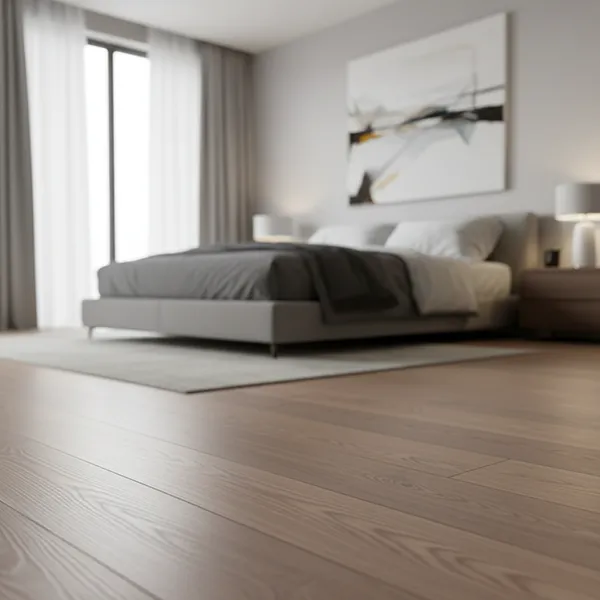
Option D: Grey wood
Looking at them side by side can make your decision much easier.
If the platform supports saving or sharing, keep your preferred options for later comparison.
Homeowners can discuss them with family members, while designers and sales professionals can share options with clients.
A visualization tool is most useful when you use it to answer specific design questions.
Floor color can influence how spacious a room appears.
For smaller rooms, lighter flooring may create a brighter and more open impression. Darker flooring can provide greater visual depth but may feel heavier in a room with limited natural light.
Instead of relying on a general rule, test both options using a vinyl floor visualizer.
Flooring and walls occupy large visual areas, so their relationship matters.
For example:
The best combination depends on the rest of the room, which is why visualization is more useful than choosing colors in isolation.
Don't look only at the walls.
If you are redesigning a kitchen, compare the flooring with cabinet finishes and countertops. In a living room, consider sofas, tables, rugs, and other large furnishings.
A floor that looks excellent against a white background may not work as well with dark furniture.
Lighting can change how flooring appears throughout the day.
A warm-toned floor may look different under cool LED lighting than it does under natural sunlight.
When possible, visualize your flooring using a photograph that represents the lighting conditions of the actual room.
One of the biggest advantages of digital visualization is speed.
Instead of spending hours trying to imagine different possibilities, you can quickly compare several flooring options and eliminate those that don't fit your space.
Not every floor visualizer app offers the same experience. If you are choosing a tool for personal or business use, look beyond the ability to simply change a floor color.
This is one of the most important features.
A generic showroom image may demonstrate what the tool can do, but your own room provides much more relevant information.
Look for a platform that allows users to upload photographs and visualize products in their actual spaces.
The quality of the preview matters.
A useful visualization should make the flooring appear reasonably consistent with the room's perspective, proportions, and surrounding surfaces.
The goal is not to create a perfect digital replica. The goal is to provide a realistic enough representation to support product comparison.
A strong visualization system should allow users to explore multiple products rather than locking them into one design.
This becomes particularly valuable for flooring businesses with large collections.
Instead of showing hundreds of separate product photographs, businesses can allow customers to experience products in a room context.
Color selection is one of the biggest challenges in flooring purchases.
A good flooring visualization app should make it simple to switch between products and compare different:
The easier the comparison process, the more useful the tool becomes.
Visualization becomes even more useful when designs can be shared.
A homeowner might send a preferred design to a partner. An interior designer might send options to a client. A flooring salesperson might use the visualization during a customer consultation.
This turns visualization from a personal design experiment into a collaborative decision-making tool.
For businesses, this feature is particularly important.
There is a major difference between showing a generic "oak floor" and showing an actual product from a company's collection.
Product-level visualization can connect the digital room experience to the products a customer can actually purchase.
AI visualization shouldn't necessarily be viewed as a replacement for physical samples. The two approaches solve different parts of the decision-making process.
|
Factor |
Physical Flooring Sample |
AI Flooring Visualizer |
|---|---|---|
|
View flooring in your room |
Limited |
Yes |
|
Compare multiple designs |
Time-consuming |
Fast |
|
Test different colors |
Requires multiple samples |
Easy |
|
See flooring with existing furniture |
Limited |
Yes |
|
Share designs digitally |
Limited |
Easy |
|
Evaluate actual material texture |
Excellent |
Limited |
|
Confirm physical appearance |
Excellent |
Preview only |
Physical samples remain valuable because they allow you to examine the actual material, texture, finish, and color.
The AI floor visualizer complements this process by helping you decide which products are worth examining more closely.
A practical approach is simple: visualize several options first, narrow your shortlist, and then inspect the physical samples of the finalists.
A vinyl flooring visualizer isn't useful only for homeowners.
Homeowners can compare flooring options before renovation and see how different products interact with their existing interiors.
This can be especially useful when deciding between similar colors or styles.
Designers can use visualization to develop concepts and present alternatives to clients without manually creating a new render for every flooring change.
It can also make client discussions more visual and easier to understand.
Retailers can use room visualization during customer consultations.
Instead of showing customers rows of product samples and asking them to imagine the result, sales staff can demonstrate different options within a room environment.
Manufacturers can use visualization as part of their digital product experience.
A large flooring collection can become easier to explore when customers can see products in realistic room settings rather than viewing isolated product photographs.
This can support websites, digital catalogs, showrooms, dealer networks, and e-commerce experiences.
For businesses, a flooring visualization app can become more than a design feature. It can become part of the product discovery and sales process.
TilesDisplay provides visualization solutions designed for businesses involved in products such as tiles and flooring. Instead of relying exclusively on static product images, businesses can give customers a more interactive way to explore products in room environments.
This type of experience can be particularly useful for:
The broader objective is straightforward: help customers understand how a product could work in their space before they make a purchasing decision.
For businesses with extensive flooring collections, that can make product discovery more engaging and easier to navigate.
Even with visualization, there are several mistakes worth avoiding.
A small sample can make a flooring design difficult to judge. Use visualization to understand the overall room effect, then inspect the physical product before purchasing.
A flooring color can look different under morning sunlight, evening light, and artificial lighting.
Always consider the lighting conditions of the actual room.
Your flooring needs to work with the entire interior—not just the paint color.
Consider furniture, cabinetry, countertops, doors, rugs, and other finishes.
A popular flooring style isn't automatically the right choice for every room.
Visualization lets you test trends against your existing design rather than choosing them based solely on photographs.
Choosing the first flooring option that looks good can mean overlooking a better combination.
Try several products and compare them before making the final decision.
An AI flooring visualizer is a digital tool that allows users to preview different flooring products within a room image. It can help users compare flooring colors, patterns, and styles before making a purchasing decision.
Yes. Flooring visualization tools can allow users to upload a room image and preview different flooring options. The exact features depend on the platform.
Many modern visualization platforms support room-photo uploads. Using your own photograph makes the preview more relevant than viewing flooring only in a generic room.
Yes. One of the main advantages of a vinyl flooring visualizer is the ability to test different flooring colors and styles within the same room.
Yes, where the flooring catalog includes those products. Wood-look vinyl is particularly suitable for visualization because users can compare different wood tones and plank designs in their own spaces.
They serve different purposes. A visualizer helps you understand how flooring may look in your room, while a physical sample lets you inspect the actual material, texture, and finish. Using both can provide a more complete evaluation.
Yes. Manufacturers, retailers, distributors, designers, and e-commerce businesses can use visualization to present flooring products in realistic room contexts and make product discovery more interactive.
Choosing flooring doesn't have to be a process of guessing how a product will look after installation.
An AI flooring visualizer gives homeowners and businesses a practical way to explore different flooring options in a room context. You can compare colors, plank styles, patterns, and finishes before narrowing down your final choices.
For homeowners, that can make renovation planning easier. For designers and retailers, it can improve presentations and customer conversations. For manufacturers and flooring brands, it can transform static product catalogs into more interactive digital experiences.
A vinyl flooring visualizer shouldn't replace physical product evaluation. Instead, it can help you reach that final stage with greater confidence by showing which options are worth considering in the first place.
Before you commit to a flooring design, visualize it in the room where it will actually be used.