























Elevate Your Interiors
with Trendy Tiles Display
Tiles That Speak the Language of Design.
12th Jul, 2026
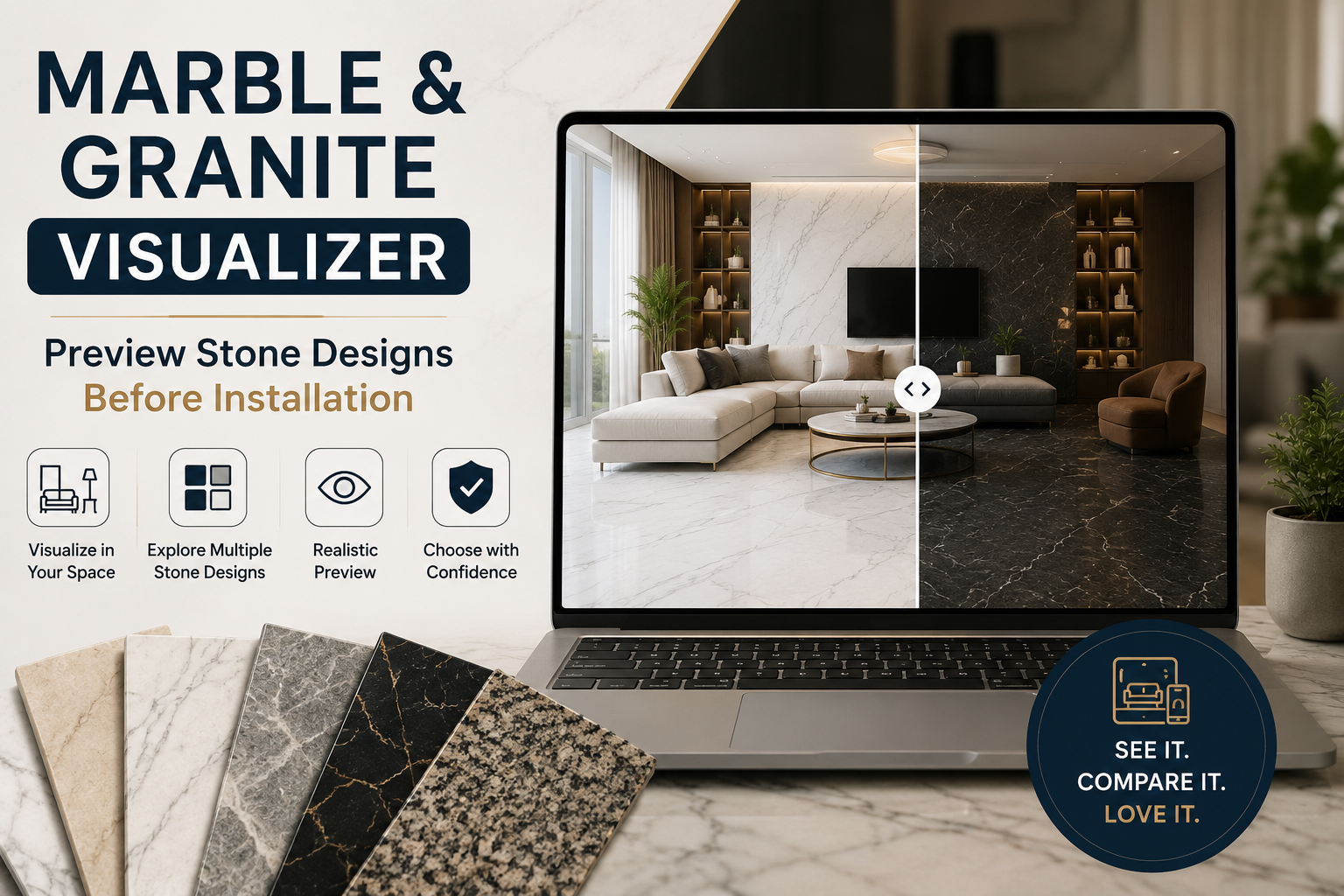
Choosing marble or granite for your home sounds exciting—until you realise you're making a decision based on a small stone sample sitting under showroom lights. That polished slab may look stunning in the store but completely different once it's installed in your living room or kitchen. Lighting, room size, furniture, and wall colours all influence how natural stone appears, making it difficult to know if you've picked the right design.
This is why a marble visualizer has become one of the most valuable tools for homeowners, architects, interior designers, and builders. Instead of imagining the final result, you can preview different marble and granite surfaces in a realistic room before installation. Whether you're planning a modern apartment, a luxury villa, or a commercial project, digital visualization helps you make smarter design decisions with confidence.
If you're exploring renovation planning, our AI Tile Visualizer also lets you experiment with different tiles and flooring materials alongside natural stone, helping you create a complete interior concept before making a purchase.
According to a 2024 report by the National Association of Realtors, more than 80% of buyers say visual presentation significantly influences home improvement decisions, highlighting why digital visualization tools are becoming an essential part of renovation planning. Instead of relying on imagination, today's homeowners prefer seeing realistic previews that reduce uncertainty and improve decision-making.
In this guide, you'll learn what a marble visualizer is, how a granite visualizer compares, practical marble design ideas for different spaces, and how Tilesdisplay helps you preview premium stone designs before installation.
A marble visualizer is a digital design tool that allows you to preview different marble surfaces inside a virtual room or your own uploaded space before installation. Rather than relying on physical samples or printed catalogues, the software places realistic marble textures onto floors, walls, countertops, and feature areas so you can understand how the finished space will actually look.
Think of it like trying on clothes before buying them. Instead of hoping your chosen marble complements the room, you can see it in context. This simple shift transforms the selection process from guesswork into informed decision-making.
Modern visualization platforms have evolved far beyond static room templates. Many now use artificial intelligence to recognise floors, walls, and furniture automatically. An AI marble visualizer can detect the correct surfaces within your uploaded room image and apply different stone finishes with impressive accuracy. In just a few clicks, you can compare subtle white veining, bold grey patterns, or darker premium stones without physically moving a single slab.
Another advantage is flexibility. A virtual marble visualizer lets you experiment with finishes, slab orientations, and colours while comparing multiple options side by side. Instead of making repeated showroom visits, you can explore ideas from your laptop, tablet, or smartphone whenever inspiration strikes.
The same technology also benefits professionals. Architects can present realistic concepts to clients, retailers can demonstrate products more effectively, and contractors receive clearer design approvals before installation begins. Everyone works from the same visual reference, reducing misunderstandings and unnecessary revisions.
Most importantly, visualization helps you invest with confidence. Marble and granite are premium materials designed to last for decades, so choosing the right design the first time saves both money and frustration.
Natural stone is one of the most expensive finishes in any renovation project, which makes mistakes equally costly. Once marble or granite has been installed, changing it often means replacing materials, increasing labour costs, and delaying the project. Previewing your design beforehand significantly reduces those risks.
A stone visualizer allows you to evaluate colours, patterns, and finishes under realistic conditions instead of relying on imagination. You can instantly compare marble against granite, explore different slab layouts, or see how a polished surface interacts with natural light throughout the room.
Visualization is equally valuable for personal homes and commercial projects. A homeowner may want to ensure marble flooring complements existing furniture, while a hotel designer might compare several lobby concepts before presenting them to stakeholders. In both situations, realistic previews create better conversations and faster approvals.
Benefits of using a marble visualizer before installation
These advantages explain why digital visualization has become an important part of modern interior planning. Rather than wondering whether a stone will suit your home, you already know what the finished result will look like before placing an order.
As more homeowners embrace digital renovation tools, visualization is quickly becoming the new standard for selecting premium surfaces. It saves time, minimises uncertainty, and turns complex design decisions into a much simpler experience.
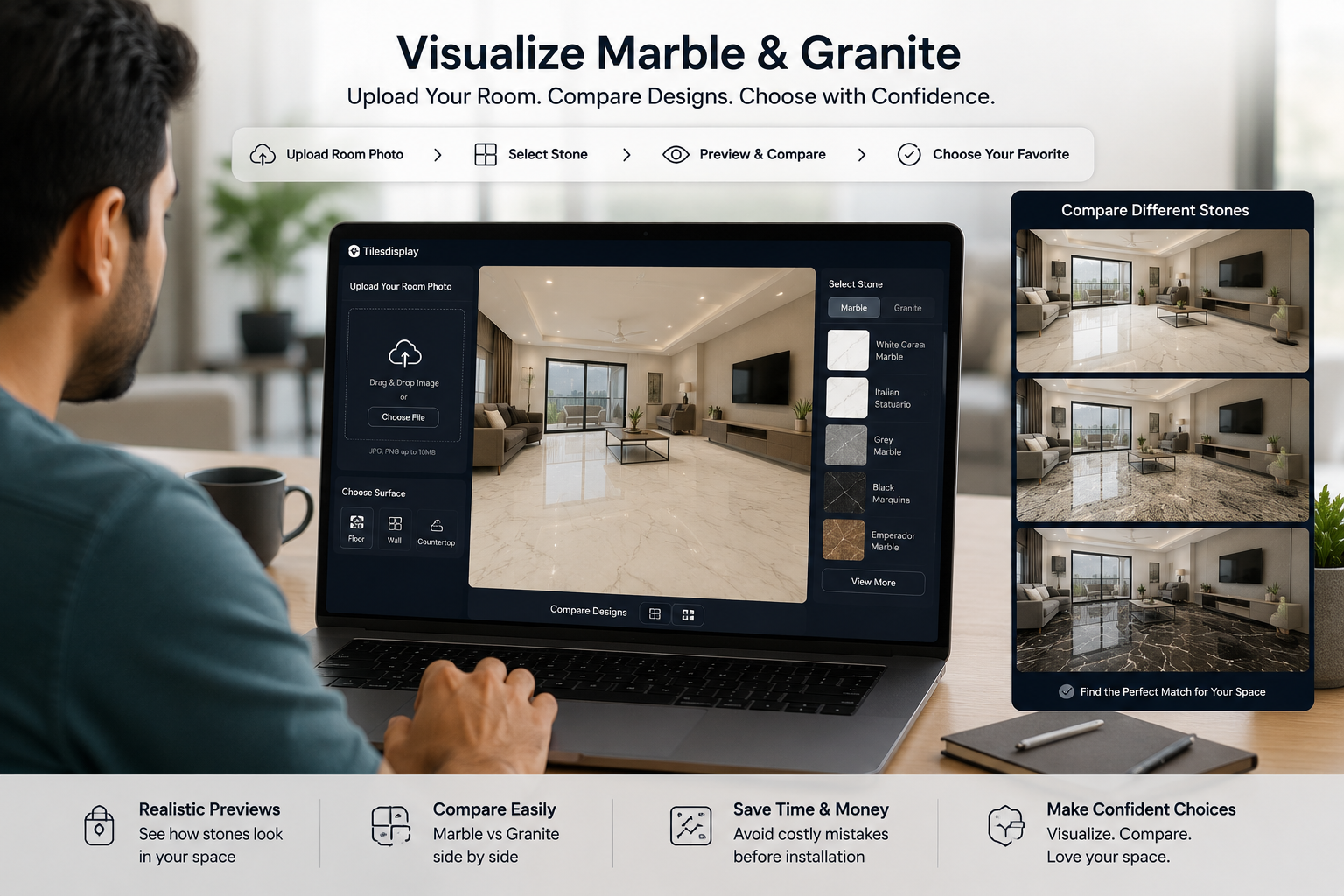
Marble vs granite are often compared because both are premium natural stones, but they serve different purposes. Marble is admired for its flowing veins and luxurious appearance, while granite is valued for its durability and distinctive grain patterns. Choosing between them depends on where the material will be installed, your lifestyle, and the overall look you want to create.
A marble visualizer helps you understand how elegant veining and polished finishes will look in living rooms, bathrooms, feature walls, or hotel lobbies. In contrast, a granite visualizer is particularly useful for kitchens, countertops, outdoor spaces, and high-traffic areas where durability is just as important as appearance.
Instead of comparing stone samples on a showroom shelf, visualization tools let you place both materials inside the same room. You can instantly see whether a soft white marble creates the bright, luxurious atmosphere you're after or whether a darker granite better complements your cabinets, furniture, and lighting.
|
Feature |
Marble Visualizer |
Granite Visualizer |
|
Best For |
Luxury interiors and elegant spaces |
Busy homes and commercial areas |
|
Common Applications |
Floors, feature walls, bathrooms |
Kitchen countertops, flooring, outdoor areas |
|
Visual Style |
Smooth veining and refined elegance |
Natural texture with bold mineral patterns |
|
Durability |
Ideal for low to moderate traffic |
Excellent for high-traffic spaces |
|
Design Focus |
Sophisticated and timeless |
Practical and contemporary |
Neither option is universally better. Marble creates a premium, classic look, while granite offers exceptional strength with a wide range of natural colours. Using both visualization tools before purchasing helps you compare materials objectively instead of relying on imagination.
For larger projects, many designers preview marble flooring alongside granite kitchen countertops to ensure every room follows a consistent design language. Seeing the complete interior before installation often leads to more balanced and confident decisions.
Natural stone has been used in architecture for centuries, yet today's interiors prove that marble is far more versatile than ever before. From minimalist apartments to luxury hotels, the right design can completely transform the character of a space. Exploring different marble design ideas with a visualizer allows you to experiment freely before making a long-term investment.
Rather than asking, "Which marble is popular?", a better question is, "Which marble complements my space?" That's exactly what digital visualization helps you discover.
The living room is often the centrepiece of a home, making it the perfect place to showcase premium natural stone. Large-format marble flooring combined with neutral furniture creates an open, sophisticated atmosphere, while a feature wall behind the television adds depth without overwhelming the space.
A marble visualizer lets you compare different slab patterns and marble color combinations using your own room. You may find that a subtle grey-veined marble blends beautifully with modern furniture, while a dramatic black-and-white pattern becomes the perfect statement piece in a larger room.
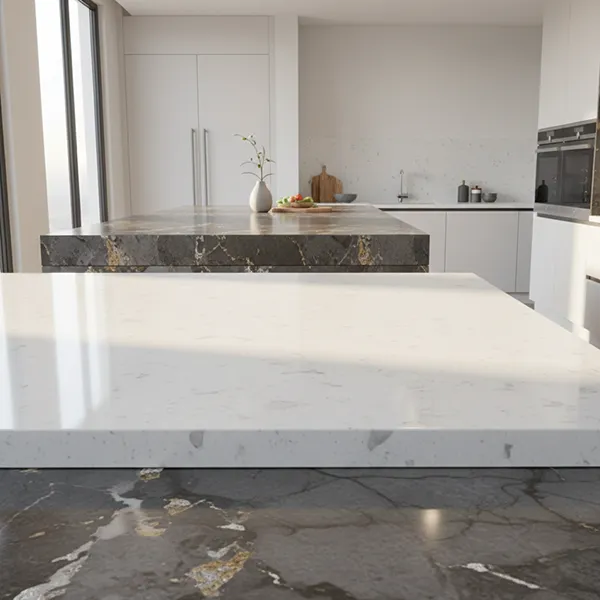
Modern kitchens combine style with practicality, which is why both marble and granite remain popular choices. Marble brings elegance to islands and backsplashes, while granite offers outstanding durability for everyday cooking.
Using a granite visualizer helps you compare countertop colours with cabinets, flooring, and lighting before installation. You can also preview a complete marble kitchen design where flooring, splashbacks, and countertops work together as one cohesive concept instead of being selected separately.
The ability to switch instantly between materials makes it much easier to achieve the balance between beauty and functionality.
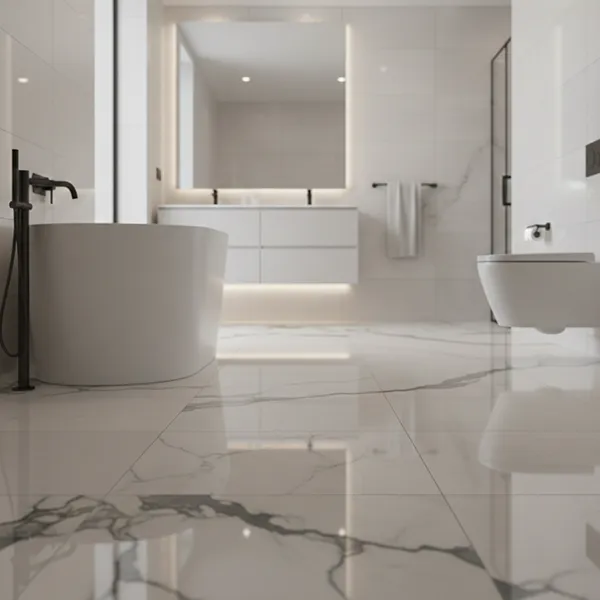
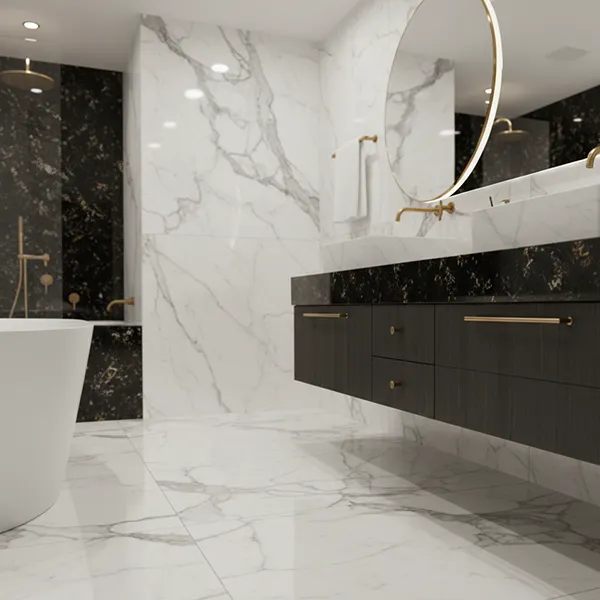
Bathrooms have evolved into personal wellness spaces, and natural stone plays a major role in creating that spa-inspired atmosphere. Soft white marble, subtle beige tones, and large-format slabs remain among the most popular choices because they make smaller rooms feel brighter and more spacious.
A marble room visualizer helps you experiment with wall cladding, flooring, vanity surrounds, and shower areas before installation. It also allows you to compare polished and matte finishes to see which best matches your lighting and preferred interior style.
Hotels, restaurants, retail showrooms, and office receptions all rely on strong first impressions. Premium stone immediately communicates quality, making it a favourite material for commercial interiors around the world.
Businesses increasingly use digital visualization to showcase design marble and granite concepts before construction begins. Instead of presenting clients with separate material samples, architects can demonstrate complete reception areas, meeting rooms, or hotel lobbies using realistic digital previews.
This approach speeds up approvals, improves collaboration, and reduces the likelihood of costly design revisions later in the project.
No matter the room, the best design is the one that complements your lifestyle, architecture, and personal taste. A visualizer gives you the freedom to test bold ideas, refine subtle details, and compare multiple options until you're completely confident in your choice.
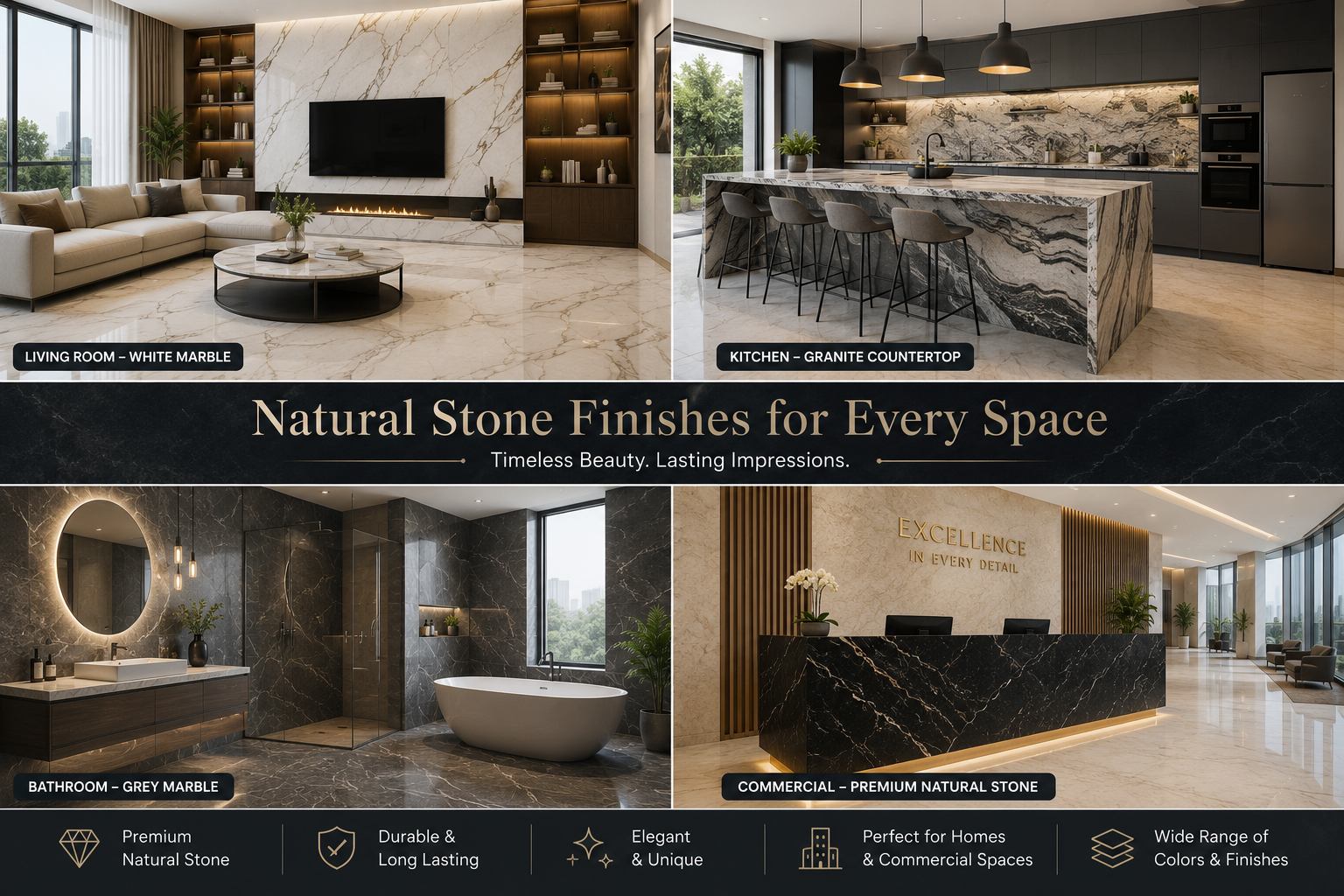
Choosing natural stone should be exciting, not stressful. Yet many homeowners hesitate because they can't picture how a particular slab will look once it's covers an entire floor or wall. An AI marble visualizer removes that uncertainty by turning your room into a realistic digital preview within seconds.
Unlike traditional design software that requires manual editing, AI-powered tools automatically recognize floors, walls, countertops, and other surfaces in your uploaded image. Once the room is detected, you can instantly apply different marble or granite designs and compare them from multiple angles. This saves time while making the entire selection process much more intuitive.
One of the most popular features is the marble visualizer upload photo option. Instead of choosing from generic room templates, you upload an actual photo of your living room, kitchen, bathroom, or office. The visualizer then applies your selected marble patterns directly to that space, giving you a far more realistic representation of the final result.
Another advantage is flexibility. If you aren't sure whether white marble, grey marble, or dark granite works best, you can switch between multiple options in just a few clicks. A modern AI stone visualizer also allows you to compare finishes, slab orientations, and colour tones without repeating the design process from scratch.
For professionals, this technology improves communication with clients. Rather than explaining design ideas verbally, architects and interior designers can present realistic previews that help clients understand exactly what they're approving. This often leads to faster decisions and fewer changes during installation.
Whether you're renovating a single room or designing an entire property, AI-powered visualization transforms a difficult design decision into a confident one.
Selecting premium natural stone shouldn't require endless showroom visits or hours of guessing. Tilesdisplay combines intelligent visualization technology with an easy-to-use interface, allowing homeowners and professionals to preview marble and granite designs before making a final decision.
Instead of viewing isolated stone samples, you can experience realistic room previews that show how different colours, textures, and slab patterns work together. Whether you're planning a residential renovation or a commercial project, Tilesdisplay helps you showcase design marble and granite in a practical and visually engaging way.
Beyond beautiful previews, the platform is designed to simplify the entire planning process.
These features make Tilesdisplay much more than an online marble visualizer. It becomes a complete planning tool that helps you compare materials, explore layouts, and confidently choose the perfect natural stone before installation.
Whether you're designing a modern apartment, luxury villa, hotel lobby, or retail showroom, the platform provides a seamless marble and granite visualizer online experience that saves time and reduces costly mistakes.
Even with powerful visualization tools, selecting natural stone involves more than choosing a beautiful pattern. The right material should suit your lifestyle, maintenance preferences, and the overall design of your space.
Start by considering natural lighting. A marble that looks bright in a showroom may appear warmer or darker once installed at home. Viewing your design through a marble visualizer helps you understand how colours interact with your actual environment before making a purchase.
Room size also matters. Large-format marble with flowing veining can make compact rooms feel more spacious, while bold patterns often work best in larger open areas. Similarly, granite's natural texture may become a striking focal point in kitchens or commercial spaces without overwhelming the design.
Maintenance is another important factor. Marble offers timeless elegance but requires regular sealing and careful cleaning to preserve its appearance. Granite generally needs less maintenance and provides excellent resistance to scratches, making it a popular choice for busy households.
Finally, think about how the stone complements surrounding materials. Flooring, wall colours, furniture, cabinetry, and lighting should work together to create a balanced interior rather than competing for attention.
If you'd like to learn more about energy-efficient and sustainable renovation practices, the U.S. Department of Energy's guidance on home improvements provides valuable information for planning smarter building projects alongside your design choices.
Before finalizing your selection, it's also worth exploring our House Paint Visualizer to see how wall colours pair with your chosen marble or granite. Coordinating both elements before installation helps create a more harmonious and visually appealing interior.
Even with a marble visualizer, a few common mistakes can affect the final result. Avoiding them helps you choose the right stone with greater confidence.
Taking a few extra minutes to review these details with a marble visualizer or granite visualizer can help you avoid costly mistakes and create a balanced, long-lasting interior.
Renovation budgets rarely leave room for expensive mistakes. Once marble or granite is cut, delivered, and installed, changing your decision can lead to additional material costs, labour charges, and project delays. That's why previewing your design before installation is one of the smartest investments you can make.
A marble visualizer helps you compare different stone patterns, colours, and finishes before placing an order. Instead of relying on small showroom samples, you see how the material fits your actual room, making it much easier to select a design that matches your furniture, lighting, and décor.
Visualization also improves communication. Homeowners, architects, interior designers, and contractors can all review the same preview, reducing misunderstandings and ensuring everyone shares the same design vision. This often results in faster approvals, fewer revisions, and a smoother installation process.
For larger residential and commercial projects, digital planning can also reduce material waste. When you're confident in your selection from the beginning, there's less chance of ordering the wrong stone or making costly design changes later.
Before finalizing your renovation, you can also use our Flooring Calculator to estimate the quantity of flooring required for your project. Combining accurate measurements with realistic visualization helps you plan your budget more efficiently and purchase materials with greater confidence.
A marble visualizer is an online design tool that lets you preview different marble colours, textures, and slab patterns in a virtual room or your own uploaded photo before installation. It helps homeowners and professionals make informed decisions by showing a realistic representation of the finished space.
Yes. Most modern platforms, including Tilesdisplay, allow you to upload a room image for a personalized preview. The software automatically applies selected marble designs to floors, walls, or other surfaces, making it easier to compare multiple options before purchasing.
Absolutely. A granite visualizer allows you to compare countertop colours, surface finishes, and textures with your cabinets, flooring, and wall colours. This helps create a balanced kitchen design while reducing the risk of choosing materials that don't complement each other.
Modern AI-powered visualization tools provide highly realistic previews for design planning. Although the final appearance may vary slightly due to lighting conditions and screen settings, they offer an excellent representation of how marble or granite will look after installation, making the decision-making process much more reliable.
Previewing marble before installation helps you compare different designs, avoid expensive mistakes, coordinate colours with existing interiors, and communicate ideas more effectively with designers or contractors. It gives you greater confidence before investing in premium natural stone.
Choosing natural stone is about more than selecting a beautiful slab—it's about creating a space that reflects your style and performs well for years to come. A marble visualizer removes much of the uncertainty from that process by allowing you to preview marble and granite designs in realistic settings before installation. Whether you're exploring fresh marble design ideas, comparing options with a granite visualizer, or planning a complete renovation, digital visualization helps you make informed decisions with confidence while saving both time and money.
Ready to see your ideas come to life? Tilesdisplay makes it simple to upload your room, compare premium marble and granite designs, and visualize every detail before making a purchase. Start using our Room Visualizer today to explore natural stone with confidence, reduce costly surprises, and transform your next project into a beautifully planned space.