

























Elevate Your Interiors
with Trendy Tiles Display
Tiles That Speak the Language of Design.
7th Apr, 2025
_(8).jpg)
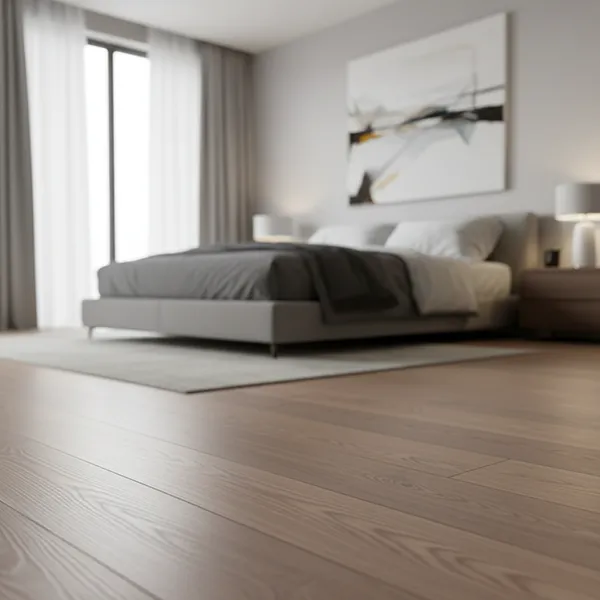
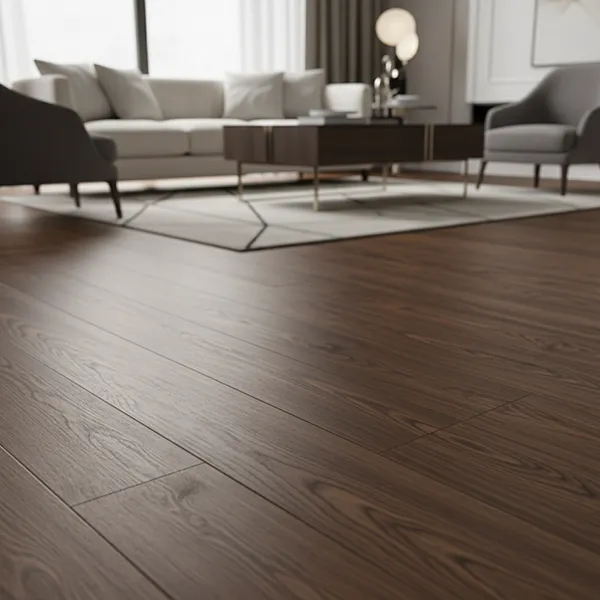
Choosing the right flooring is a crucial aspect of interior design, as it significantly impacts the aesthetics, comfort, and functionality of a space. However, envisioning how different flooring options will look in a specific room can be challenging. This is where virtual flooring visualization tools come in handy. These tools allow users to upload room images and experiment with various flooring materials, colors, and styles before making a purchase decision.
In this article, we will explore some of the top free virtual flooring visualization tools that can help homeowners, designers, and flooring businesses make informed choices effortlessly.
A virtual flooring visualization tool is an online software or mobile application that enables users to preview different flooring options within a digital version of their space. By simply uploading a room photo or selecting from pre-designed templates, users can see how various flooring materials such as hardwood, laminate, tile, or carpet will appear in their rooms.
Provides a realistic preview before purchase
Helps in comparing multiple flooring options
Reduces the chances of choosing the wrong floor
Saves time and money by eliminating guesswork
While professional flooring design software exists, they often come with a high price tag. Free virtual flooring visualization tools offer an excellent alternative for homeowners and small businesses who want to explore different flooring styles without incurring additional costs. Some key advantages include:
No Financial Commitment: Free tools eliminate the need for expensive software or professional consultations.
Ease of Use: Most of these tools have user-friendly interfaces, making them accessible to anyone.
Convenience: Users can try multiple flooring options in just a few clicks without physically visiting stores.
Before choosing a virtual flooring visualization tool, it's essential to consider the features that enhance the user experience. Here are some must-have functionalities:
High-Quality Room Previews: Clear and realistic visualizations ensure better decision-making.
Customization Options: The ability to adjust lighting, room size, and wall colors for more accurate previews.
Wide Flooring Selection: Tools that offer various materials such as wood, tile, vinyl, and carpet.
Mobile and Desktop Compatibility: Ensures flexibility in using the tool across different devices.
TilesDisplay is one of the most popular flooring visualization tools that provides high-definition room previews. It allows users to experiment with different tile patterns and layouts. TilesDisplay is known for its seamless user experience and high-quality visuals. This tool is particularly useful for homeowners and businesses looking to visualize different flooring styles in real-time. TilesDisplay Tilesvisualizer is a fantastic tool with advanced features, including 3D visualization and augmented reality (AR) capabilities.
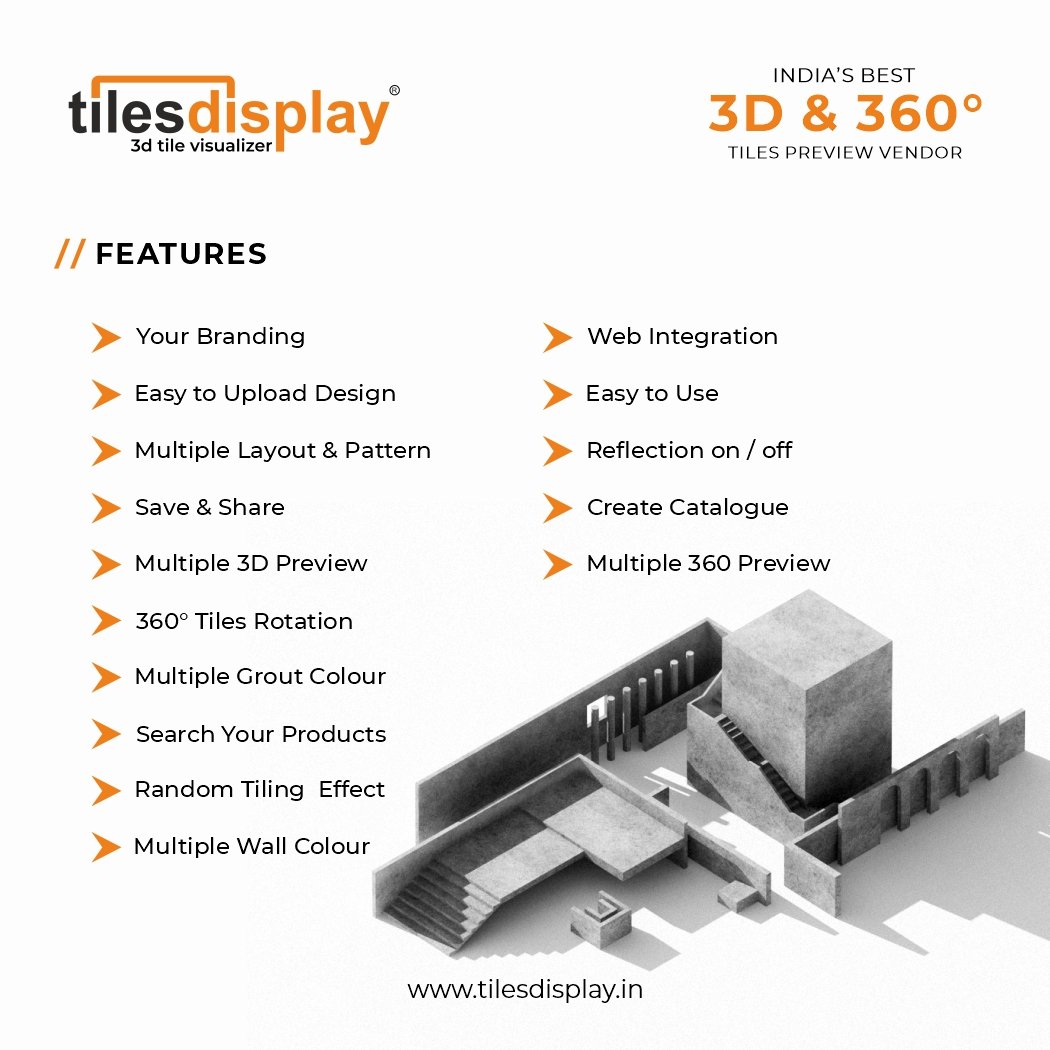
Extensive tile options and materials
Easy-to-use interface
Customization of room lighting and angles
Drag-and-drop functionality
Works well for both residential and commercial projects
Supports multiple flooring types, including hardwood, laminate, and carpet
AI-powered flooring suggestions
High-resolution previews
Supports a variety of flooring materials
Virtual showroom experience
AR integration for real-time floor visualization
Cloud-based access for saving and sharing designs
Multiple room layouts
Detailed product specifications
Professional-grade visualization accuracy
.jpg )
Using these tools is simple and typically follows these steps:
Upload a Room Image: Take a clear photo of the room you want to remodel.
Choose a Flooring Material: Select from various options such as tile, wood, or carpet.
Adjust Room Settings: Modify lighting, angles, and wall colors to get a realistic preview.
Compare and Save: Try different combinations before finalizing your choice.
Allow quick comparison of different flooring styles
Help homeowners and designers avoid costly mistakes
Improve collaboration between customers and retailers
Hardwood & Laminate: Ideal for a classic and warm look.
Ceramic & Porcelain Tiles: Best for durability and water resistance.
Vinyl & LVP: Affordable and easy to maintain.
Carpet: Perfect for a cozy and soft feel.
Artificial Intelligence (AI) is revolutionizing the flooring visualization industry by offering smart recommendations based on user preferences. Some advancements include:
AI-based flooring matching for color coordination
Machine learning improvements for better rendering accuracy
Future trends in AR/VR integration
Enhances customer engagement by offering interactive experiences
Reduces the return rate of wrongly selected flooring products
Increases sales conversions through realistic previews
Mobile Apps: Ideal for quick previews and real-time visualization
Desktop Applications: Best for high-resolution rendering and professional designs
Cross-Device Compatibility: Ensures seamless experience across platforms
Uploading low-quality images
Ignoring lighting conditions, which can affect the accuracy of previews
Not considering furniture and decor elements
Positive feedback on ease of use and accessibility
Case studies on successful interior transformations
Customer reviews highlighting the most accurate tools
Integration of Augmented Reality (AR) for real-time placement
Enhanced AI-powered recommendation engines
More sophisticated VR experiences for a fully immersive shopping experience
Virtual flooring visualization tools have made it easier than ever to choose the perfect flooring for any space. Whether you are a homeowner, an interior designer, or a retailer, these free tools provide a cost-effective and efficient way to experiment with different styles before making a purchase. By leveraging advanced features like AI, AR, and high-resolution previews, users can make more informed decisions and achieve their desired aesthetic effortlessly.
