

Elevate Your Interiors
with Trendy Tiles Display
Tiles That Speak the Language of Design.
14th Nov, 2026
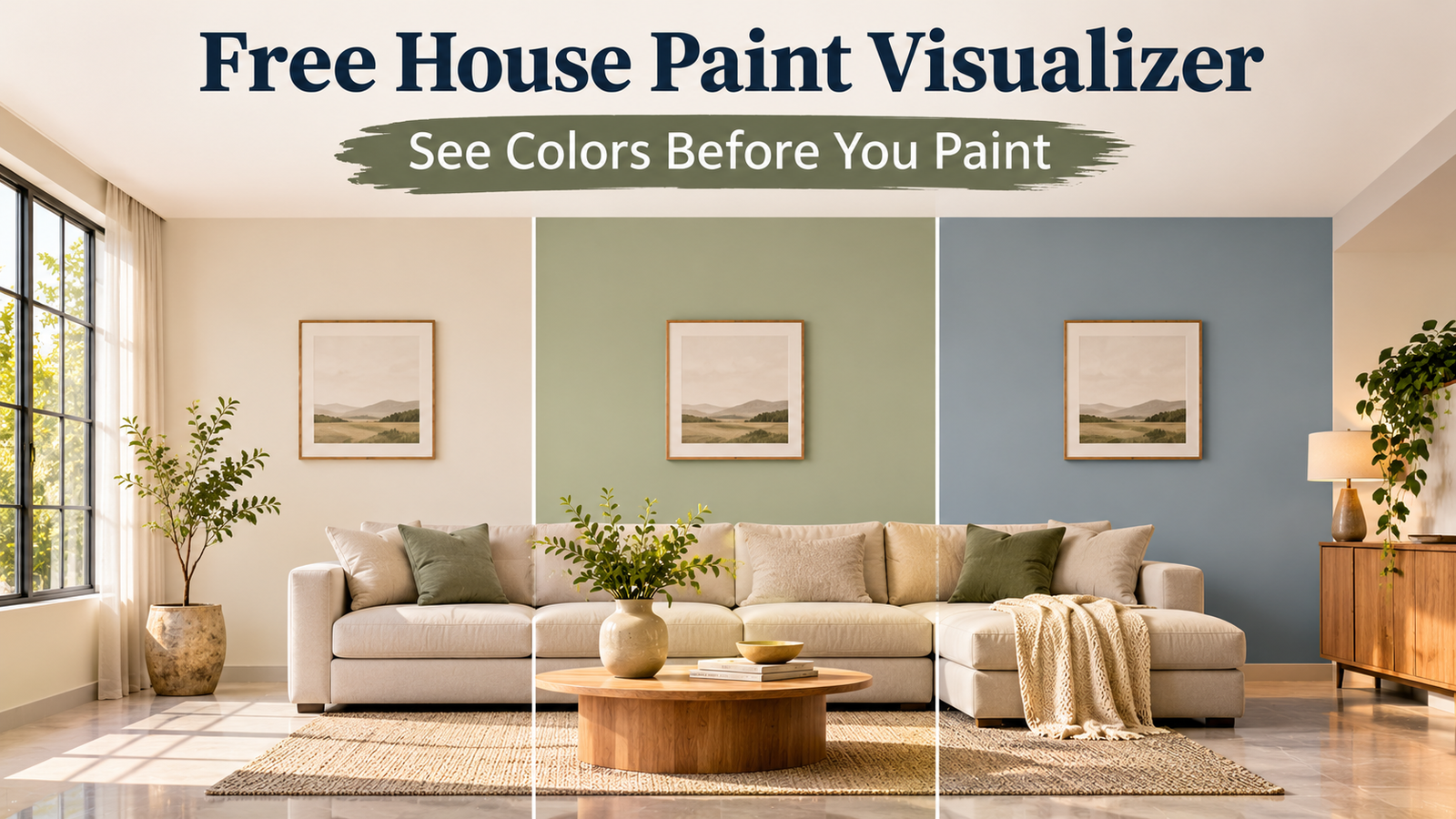
Nobody has ever said, "I love repainting my living room." Yet millions of us do it twice, because the first colour looked brilliant on a tiny card and awful on four big walls. The fix costs nothing: a free house paint visualizer lets you try a colour on your own home before a single brush gets wet.
In this guide I will explain how a house paint visualizer works, which free options are worth your time, and how to get a reliable preview of both inside and outside colours. If you are changing floors as well as walls, you can preview floor tiles with the Tilesdisplay visualizer so the whole room works together.
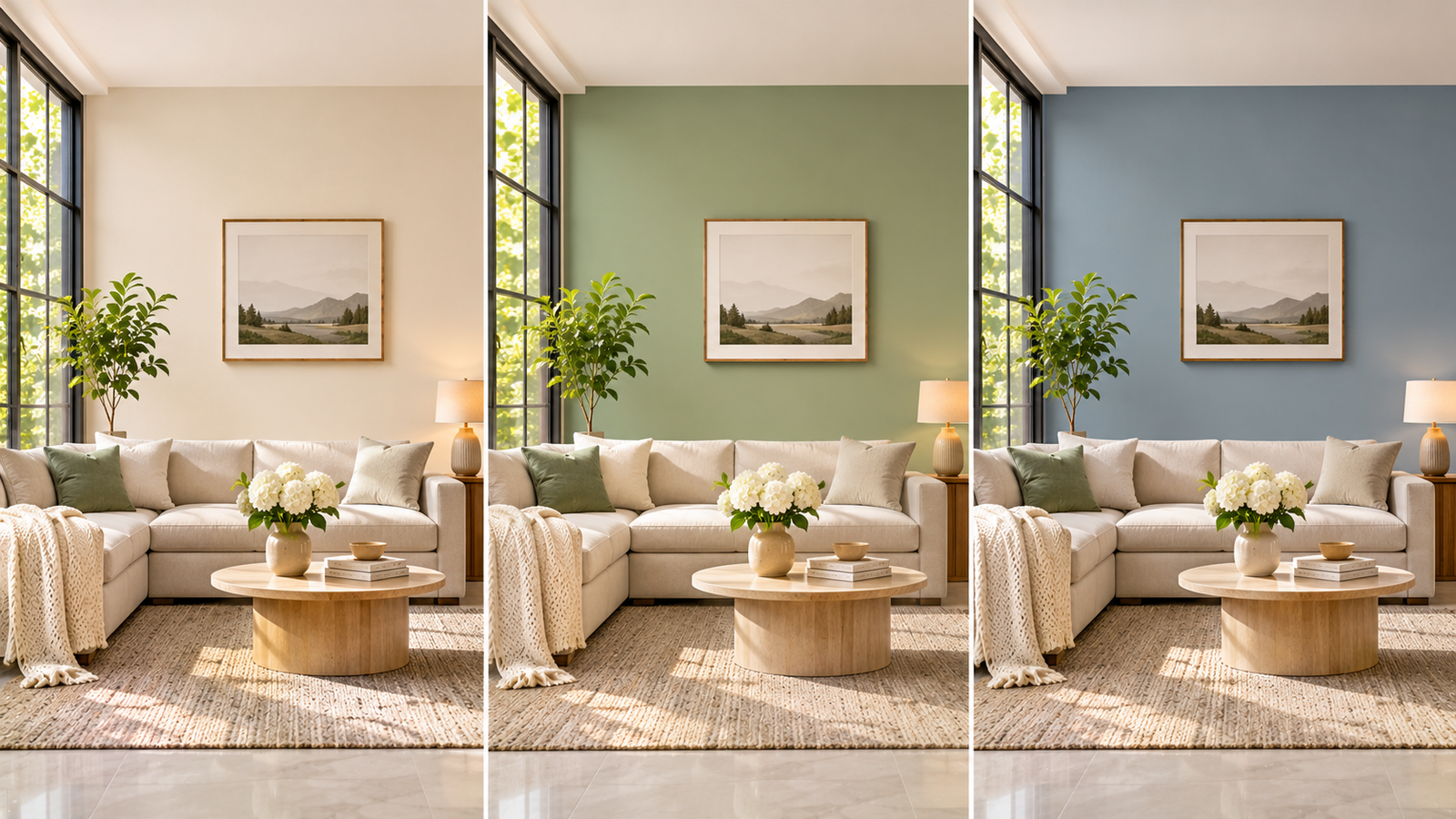
A house paint visualizer is a digital tool that recolours the walls in a photo of your home, so you can judge a shade before you buy paint. A free house paint visualizer does the same job at no cost, usually through a paint brand's website or app. You choose a surface, pick a colour, and the tool paints it on screen while keeping the shadows, windows and furniture in place.
Think of it as a changing room for your house. You can try five colours in ten minutes, show them to your family, and settle the debate before it becomes a family argument. The result is a paint color preview that is far more useful than a small swatch, because it shows the colour on your own walls, next to your own sofa and floor.
The main reason is cost, and a house paint visualizer removes most of it. Paint, labour and the lost weekend add up, and a wrong colour means paying for all of it again. A free paint color visualizer cuts that risk to almost nothing, because you are testing ideas on a screen. It also helps with a trick that fools almost everyone: a colour looks lighter and brighter on a large wall than on a small chip.
Swatches still matter, but they answer a different question. A visualizer tells you whether the colour suits the room, while a sample patch tells you how the real paint behaves under your light. Used together, they remove most of the guesswork.
Most free tools fall into three groups. Brand apps and web tools come from paint companies, generic online simulators come from independent sites, and some tools use your phone camera for a live view. Here is how they compare.
|
Tool type |
Needs a photo? |
Strength |
Watch out for |
|
Brand app |
Photo or live camera |
Real shade names and codes |
Limited to that brand's colours |
|
Brand web tool |
Upload or sample photo |
Bigger screen, easy comparison |
May need a clear, well-lit photo |
|
Independent simulator |
Usually upload |
Works across brands |
Shades may not match real paint codes |
Several major brands offer free tools you can try today. In India, Colour with Asian Paints, Berger My Colour and Nerolac Colour My Space all let you preview colours on your own walls. Sherwin-Williams offers a ColorSnap Visualizer for the web, where you can upload your own photo or use a sample image, and says its mobile app is a free download. Features change, so check each brand's page before you rely on them.
If you want to paint my house online, the process is simple, and it is the same in most tools. A paint visualizer upload photo feature is the heart of it, so the quality of your photo decides the quality of the preview. Here is the routine I would follow:
Take a clear photo: shoot in daylight, straight on, with the whole wall visible.
Upload it to the tool: use a brand app or web visualizer that accepts your own photo.
Select the surface: tap the wall, trim or door, and let the tool mark the edges.
Try three colours: compare them on the same photo, not across different days.
Save and share: keep screenshots and ask someone else for an honest opinion.
Try paint colors on photo versions taken at different times of day if you can. A morning image and an evening image will show you how the colour changes with the light.
For interior wall colors, start with the room's light. North-facing rooms get cooler, bluer light, so warm whites and soft beiges stop them feeling cold. South-facing rooms get warmer light, so cool greys and soft greens stay balanced. Dark colours suit big, bright rooms, while light colours help small rooms feel airy.
Then think about what already lives in the room. In a house paint visualizer, test the colour next to your floor, curtains and sofa in the same photo. A cool grey wall can clash with warm wooden flooring, and a warm cream wall can make a cool grey tile look dull. If you are unsure, test a few house color combinations, such as a main wall colour with a lighter shade for trim and ceiling.
Exterior paint colors need more caution than indoor ones, because the sun changes everything. Colours look lighter and less saturated in strong light, and darker in shade. Check the Light Reflectance Value, or LRV, on the paint's technical sheet: it runs from 0 for black to 100 for white, and a lower number means the colour absorbs more heat and light. A very dark exterior colour can look dramatic, but it also needs good-quality paint and careful preparation.
Good house color combinations for the outside usually use three tones: a main wall colour, a lighter trim colour and an accent for the door or shutters. Look at the roof, the stonework and the neighbouring houses before you choose, because the new colour has to live with all of them. Older homes also need care before painting. If your house is old enough that it may contain lead-based paint, the U.S. Environmental Protection Agency explains lead-safe practices, and you should have the paint tested before sanding or scraping.
A free online paint simulator is brilliant for ideas, but it is not a perfect colour match. Screens differ in brightness and colour, photos can shift tones, and the software has to guess where one wall ends and the next begins. That is why a colour can look slightly different once the real paint dries, so treat every paint color preview as a shortlist.
The fix is simple. Use the simulator to narrow your choices to two or three shades, then buy small sample pots and paint a patch of about one square metre on the wall. Watch it in the morning, afternoon and evening for a day or two. Also check the coverage on the tin before you order, since most paints list how many square metres a litre covers per coat, and most walls need two coats.
A virtual house painter, meaning the software, helps you choose the colour. A real painter, meaning a professional, applies it well. The two do different jobs, and the best results use both. Start by choosing to paint my house online, then show your painter the final house paint visualizer preview, because it speeds up the conversation and avoids misunderstandings about shades and finishes.
Finish matters as much as colour. Matt hides wall imperfections, satin is easier to wipe, and gloss suits trim and doors. Your visualizer may not show finish accurately, so ask your painter or dealer for a sample board. If you want a closer look at specific apps, our guide to the best house paint apps in India compares the main free options.
Yes. Many paint brands offer free visualizers through their websites or apps, including Asian Paints, Berger, Nerolac and Sherwin-Williams. Check each tool's page for current features, because availability and details can change.
Many tools offer a paint visualizer upload photo option, and some use your phone camera for a live preview. Use a clear, straight-on, daylight photo, so you can try paint colors on photo versions of your own room, and so the tool can detect the walls correctly and keep the shadows realistic.
It is accurate enough to judge mood, contrast and how a colour sits with your furniture, but screens and lighting shift the exact shade. Confirm your final choice with a sample patch on the wall before you buy full tins.
Yes, if the tool supports exterior photos. Take the picture on an evenly lit day, and remember that sunlight changes how colours look. Check the LRV and compare your shortlist with the roof, trim and neighbouring houses.
It still helps. A visualizer lets you agree the colour with your family before the work starts, and it gives your painter a clear picture of what you want, which reduces costly changes later.
A free house paint visualizer saves you from the classic mistake of picking a colour from a small chip. Use a house paint visualizer, upload a clear photo, test two or three shades, check inside and outside colours in different lights, and treat the preview as a shortlist. Then confirm your favourite with a sample patch, check the paint label for coverage and safety, and brief your painter with the final preview.
If you want help planning walls and floors together, we would be glad to hear from you. Contact the Tilesdisplay team and let us help you see your space before you spend.